You have created your campaign, adjusted the design and switched it on. You visit your website expecting the popup to appear, but nothing happens.
That does not always mean Poptin is broken. A popup can be live and working correctly while its display rules prevent you from seeing it.
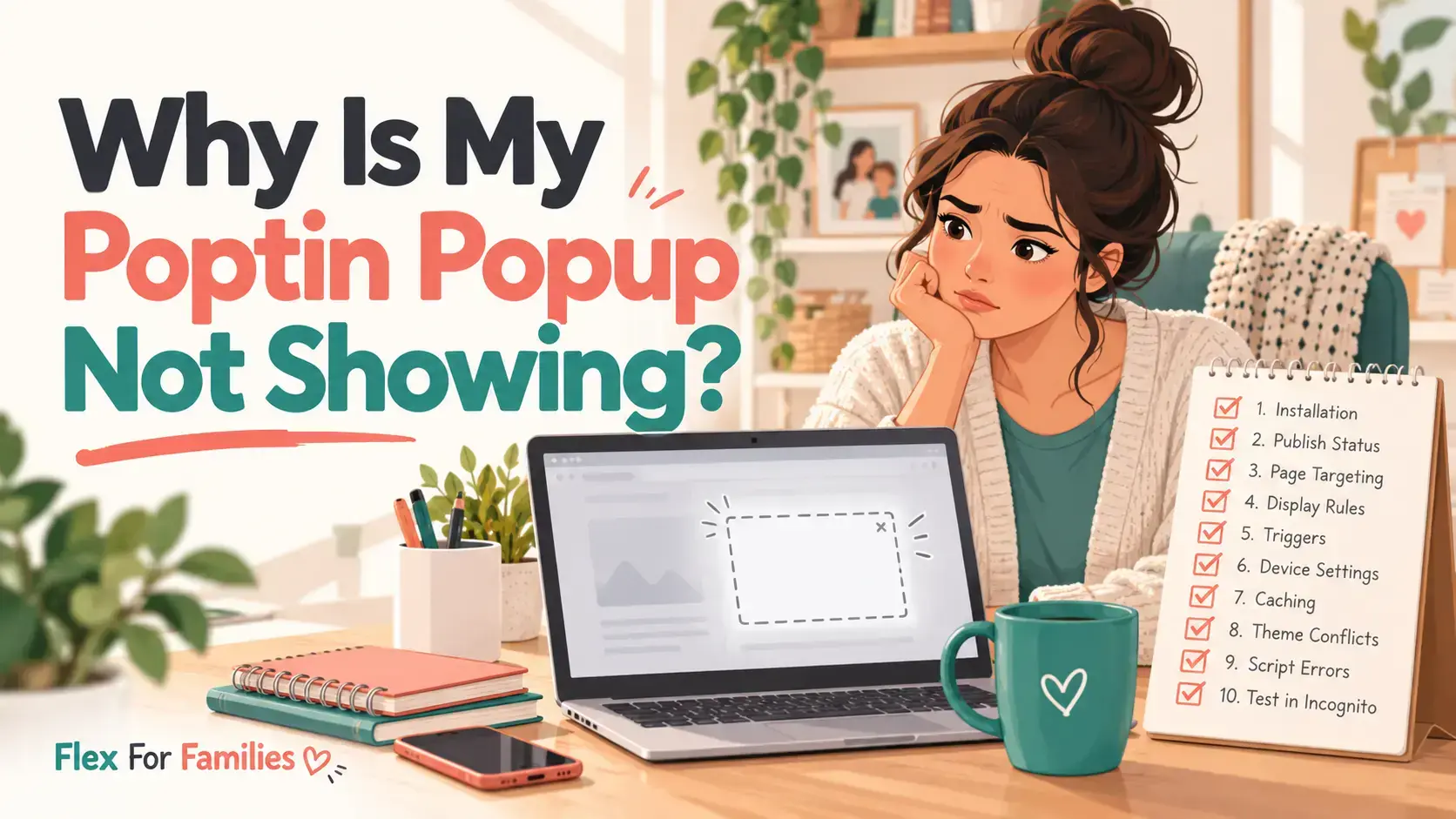
If your Poptin popup is not showing, begin with a completely new private browser window. If it still does not appear, check the campaign status, connected domain, page targeting, trigger, device rules and display frequency. Caching, campaign limits and blocked scripts can also stop a popup from loading.
This guide takes you through the checks in a sensible order. Start at number one and change one setting at a time. That makes it easier to identify the actual cause.
Transparency note: I use Poptin on Flex For Families and I am a Poptin affiliate. If you purchase a paid plan through one of my links, I may earn a commission at no extra cost to you. My advice is based on my own use of Poptin with WordPress and Kit.
Quick Troubleshooting Checklist
If you need a fast answer, work through these checks:
- Open the website in a completely new private browser window.
- Confirm that the campaign is switched on.
- Check that Poptin is installed on the correct domain.
- Review the page-targeting rules.
- Complete the selected trigger properly.
- Check the device and visitor targeting.
- Review the display frequency and previous conversions.
- Check campaign dates, view caps and your plan limit.
- Clear the website, hosting and browser caches.
- Check for plugins, browser settings or security rules blocking the script.
The first seven checks are the most likely causes. Complete those before changing plugins or touching technical settings.
1. Test the Popup in a New Private Window
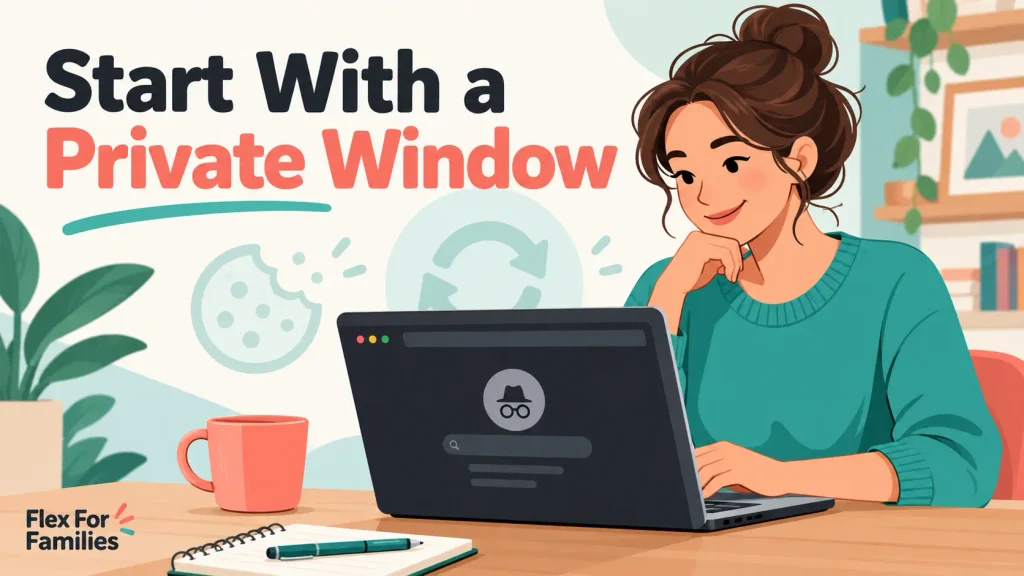
Start by opening a completely new incognito or private browser window. Close any private windows that are already open before starting the test.
Poptin uses cookies and visitor history to control when a campaign appears. If you have already viewed, closed or completed the popup, refreshing the same page may not reset those conditions.
Display frequency matters too. A popup set to appear once per day should not show every time you refresh the page. Refreshing is also not always treated as a new visit.
Use this testing process:
- Close every private browser window.
- Open one new private window.
- Enter the exact page URL directly.
- Wait for the time trigger or complete the required scroll.
- If you are testing exit intent on a desktop, move the cursor towards the browser controls.
If the popup appears, the campaign is working. Your normal browser probably contains a cookie, previous conversion or frequency history that prevents it from showing again.
Also test in a second browser. Browser extensions and privacy settings can block scripts, so one successful test can quickly narrow down the problem.
2. Make Sure the Campaign Is Switched On
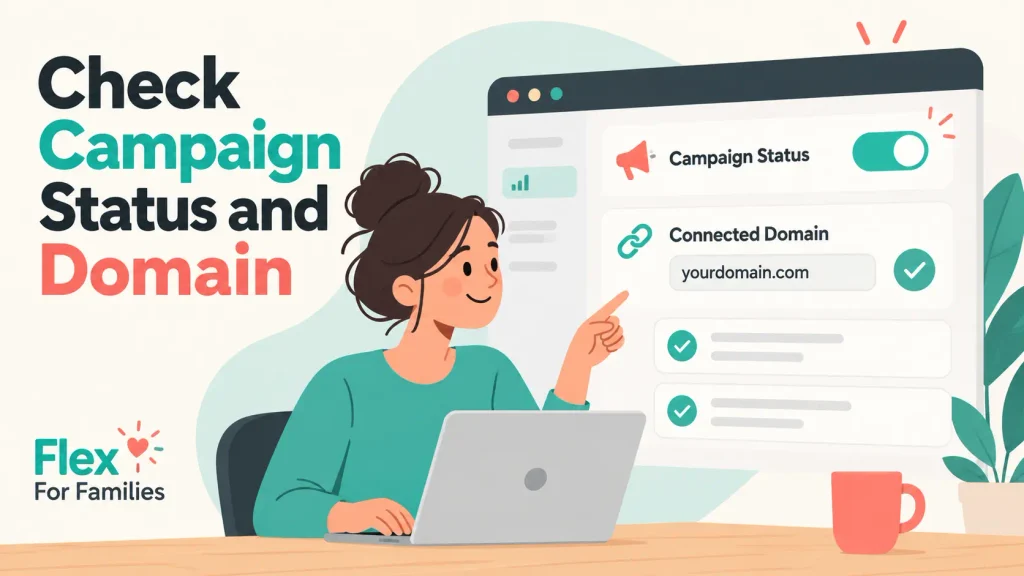
A saved design is not necessarily a live campaign. Open your Poptin dashboard and check the status beside the correct popup.
Make sure that:
- The campaign status is on.
- You are checking the right campaign.
- The latest changes were saved.
- You have not left a duplicate or test version active instead.
- An agency account, where relevant, is also active.
If you have several similar campaigns, rename them clearly. A name such as Starter Kit Main Popup, Live is easier to recognise than Copy of Poptin 3.
Switch the campaign off, save it, switch it on again and retest in a fresh private window. This is a simple way to confirm that you are editing the campaign you expect to see.
3. Confirm Poptin Is Installed on the Correct Domain
Poptin cannot display a campaign if its installation code is missing or connected to the wrong account.
For a normal WordPress installation, check that:
- The Poptin plugin is installed.
- The plugin is activated.
- The correct Poptin User ID is connected.
- The domain in Poptin matches your live website.
- The website is connected to the Poptin account containing the campaign.
Poptin says a properly connected domain should have a turquoise status dot in the Poptins area of the dashboard.
Pay attention to redirects. If one domain automatically redirects visitors to another, Poptin advises using the final destination domain. Also check whether your website consistently uses www or the non-www address.
If you recently changed domains, moved from a staging site or copied a website, the old Poptin connection may still be in place.
Advanced users can view the page source and search for popt.in to see whether the installation script is present. Most WordPress users should begin with the plugin and dashboard connection checks.
4. Check the Page-Targeting Rules
Your popup may work correctly but be excluded from the page you are testing.
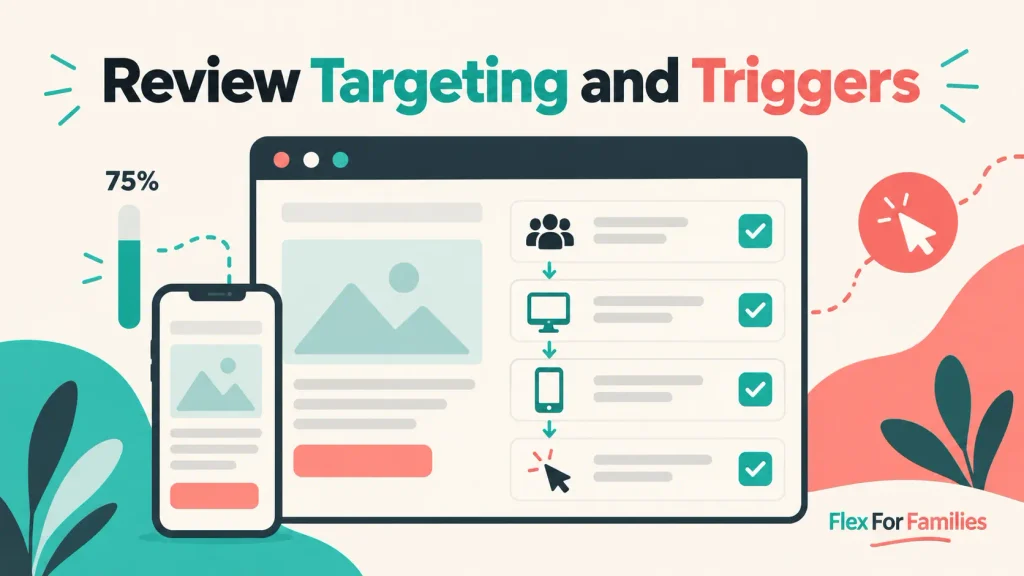
Open the campaign’s Display Rules and review Page Targeting. Check every inclusion and exclusion rule.
Poptin supports conditions such as:
- Contains
- Does not contain
- Starts with
- Ends with
- Equals
- Does not equal
A small URL difference can change the result. Look for:
- An old page address
httpinstead ofhttps- A missing or extra trailing slash
- A rule targeting
/blog/while you test the home page - An exclusion rule that contains part of the test URL
- A copied URL containing an unwanted parameter
Poptin advises using the complete URL, including https://, when you use an exact-match rule.
For a controlled test, choose one ordinary page and target its exact URL. Once the popup works there, restore the broader targeting rules and test again.
Do not test on a thank-you page or another page that you deliberately exclude from campaigns.
5. Make Sure You Have Completed the Trigger
Publishing a popup does not mean it should appear as soon as the page loads. The campaign must receive one of its selected triggers.
Common triggers include:
- Time spent on the page
- Percentage of the page scrolled
- Exit intent
- A set number of pages visited
- Inactivity
- A click or JavaScript event
- Poptin’s Autopilot trigger
I use two Poptin campaigns on Flex For Families. My main Parent Blogging Starter Kit popup can appear when a visitor scrolls 20% down the page or shows exit intent. A smaller bottom-corner popup appears after 50% scroll.
If I load a long article and remain at the top, the scroll triggers have not been completed. The campaign is not failing. It is waiting for the action I selected.
To test a scroll trigger, move steadily beyond the required percentage. To test a time delay, remain on the page for longer than the selected time. To test desktop exit intent, move your cursor towards the address bar or close button.
Mobile exit intent behaves differently because there is no mouse pointer. It may respond when a visitor uses the browser’s back action to leave the site, but mobile browser behaviour can make it less predictable. A time or scroll trigger is normally easier to test on a phone.
6. Review Device and Visitor Targeting
Check whether the campaign is allowed to appear for the device and visitor type you are using.
Review settings for:
- Desktop devices
- Mobile devices
- New visitors
- Returning visitors
- All visitors
- Countries or locations
- Traffic sources
- Operating systems and browsers, where used
A desktop-only popup will not appear on your phone. A campaign for returning visitors may not appear in a fresh private window because you look like a new visitor.
The reverse can also happen. If you created a new-visitor campaign and keep testing in the same browser, Poptin may correctly treat you as a returning visitor.
Temporarily selecting both desktop and mobile, plus all visitors, can help you isolate the issue. Once the test succeeds, restore the rules you actually want.
Change one category at a time. If you remove every rule together, you will know that something fixed the problem but not which setting caused it.
7. Check Display Frequency, Cookies and Previous Conversions
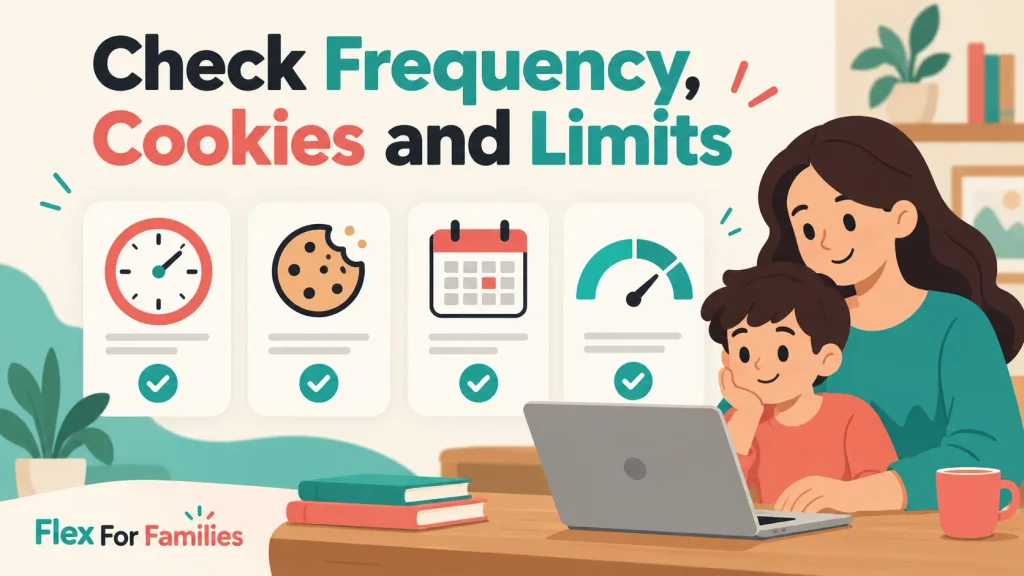
Display frequency controls how often one person can see a campaign. Poptin offers options such as:
- Once per day
- Every visit
- Every session
- Once every chosen number of days
- Once every chosen number of visits
- All pages all the time
Poptin defines a session as a 30-minute period for this setting. Opening a new tab can count differently from refreshing the current page.
By default, someone who has already subscribed through a popup may not see the same campaign again. That is useful for real visitors because it prevents repeated offers. It can confuse you during testing.
Check whether you have:
- Submitted the form previously
- Closed the popup earlier in the session
- Reached the selected daily or visit frequency
- Limited the campaign to new or returning visitors
- Disabled repeat displays for converted visitors
A private browser test usually removes the existing history. Poptin also provides an option to show a campaign to converted visitors, but do not enable it simply to make testing easier and then forget about it. Repeatedly showing an offer to existing subscribers can create a poor experience.
8. Check Dates, View Caps and Your Plan’s Visitor Limit
Several less obvious limits can stop a campaign even when the design and targeting look correct.
Check for:
- A campaign start date in the future
- A campaign end date that has passed
- Days and hours scheduling
- A maximum number of campaign views
- A timer popup with an expired deadline
- A campaign capacity limit
- Your account’s monthly visitor allowance
Poptin shows plan usage on the Overview page. If you have reached the visitor limit for your plan, campaigns may stop appearing until the allowance resets or the account is upgraded.
Do not upgrade automatically. First confirm that the limit is genuinely the cause and that a paid plan makes sense for your traffic and email-list goals.
For Flex For Families, I currently use Poptin as part of a working funnel into Kit. My recent 30-day snapshot showed 744 visitors, 237 popup views and 2 conversions, a displayed conversion rate of 0.84%. That is useful operating data, but it is still too small a sample to justify paying for extra capacity solely to run complex tests.
9. Clear Your Website, Hosting and Browser Caches
Caching can leave visitors viewing an older version of the page or delay the updated script.
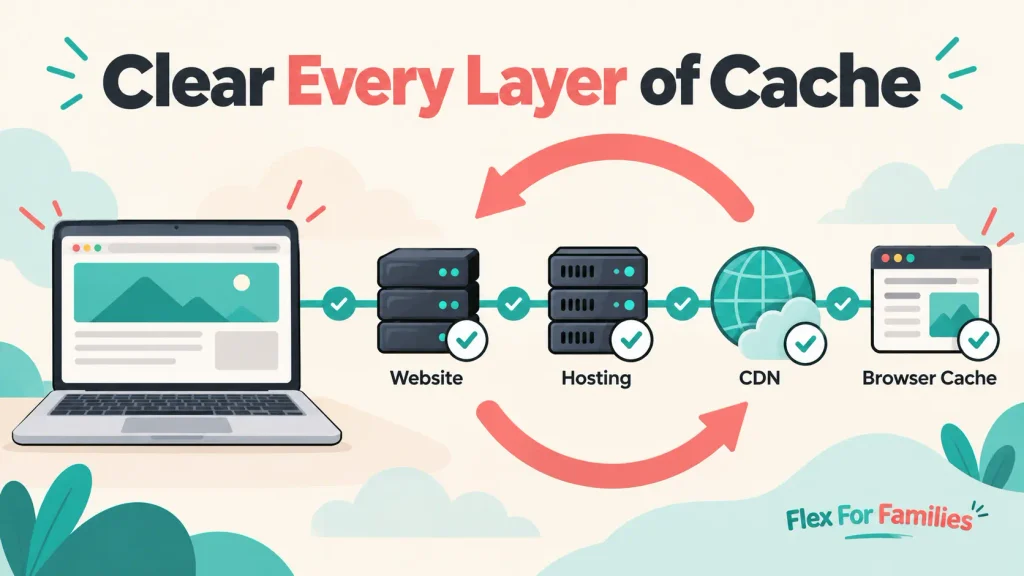
Your site may have several cache layers:
- A WordPress caching plugin
- Hosting-level caching
- A content delivery network
- Browser caching
- JavaScript minification or delay settings
Clear them in this order:
- Save the current campaign and display rules in Poptin.
- Clear the WordPress caching plugin.
- Purge the hosting cache.
- Purge the CDN cache, if you use one.
- Close all private browser windows.
- Open a new private window and test the exact page again.
Poptin specifically advises WordPress users to clear the cache after installing the plugin. If the popup still does not appear, temporarily test without JavaScript minification or delay.
Do not leave performance features disabled without investigating further. Turn off one suspected setting, test it and turn it back on if it makes no difference.
10. Check for Plugin Conflicts, Script Blocking or Security Rules
If the first nine checks fail, something may be blocking the Poptin script.
Possible causes include:
- An ad-blocking extension
- A privacy-focused browser
- A security plugin
- A cookie-consent tool
- A strict Content Security Policy
- JavaScript optimisation
- Another popup plugin
- A theme or plugin conflict
Begin with the least disruptive tests:
- Try another browser.
- Disable browser extensions in a private window.
- Accept the website’s cookie choices and test again.
- Check the browser console for blocked-script messages.
- Temporarily disable one suspected WordPress plugin on a staging site.
Poptin says security tools should allow the services its script needs, including relevant popt.in, CloudFront and Cloudflare resources.
Do not switch off every plugin on a live website at once. You could affect forms, analytics, security or the visible layout. Use a staging site where possible, or disable one non-essential plugin at a time during a quiet period.
Why Is My Poptin Popup Loading Slowly?
A slow popup and a missing popup are different problems.
Your popup may be waiting for:
- A time-delay trigger
- A scroll threshold
- Exit intent
- Consent for marketing scripts
- Other page scripts to finish
- A slow image or external resource
First, time how long it takes and check the selected trigger. A popup set to appear after 30 seconds is working normally if it appears after 30 seconds.
If it loads much later than expected, test a copy of the campaign with a short time delay on one private page. Use a simple design and a compressed image. If the simpler version loads correctly, investigate the original campaign assets or trigger settings.
Also test on mobile data and Wi-Fi. A large image may look fine on your home connection but feel slow for a visitor on a weaker mobile connection.
A Simple Poptin Testing Process
If several settings may be responsible, create a controlled test:
- Confirm the campaign is on.
- Target one exact page.
- Allow desktop and mobile.
- Allow new and returning visitors.
- Use a five-second time trigger.
- Remove restrictive frequency rules temporarily.
- Clear every relevant cache.
- Open a new private browser window.
- Visit the exact test URL and wait.
- Restore the intended settings after the test.
This process strips the campaign back to a basic question: can Poptin load on the website?
If it can, add your real rules back one at a time. Test after every change. The setting added immediately before the popup disappears is probably the one that needs attention.
Poptin also supports preview links, UTM-based testing, staging sites and targeted test pages. Those options can help you test without showing an unfinished campaign to every visitor.
What to Collect Before Contacting Poptin Support
If the popup remains missing, collect the details support will need:
- Your website URL
- The campaign name and type
- The Poptin plugin version
- Your WordPress version
- Your active theme
- The trigger settings
- The page-targeting rules
- The selected devices and visitor types
- Your caching and security plugins
- The browser and device tested
- Screenshots of the campaign status and rules
- Any browser-console errors
- The troubleshooting steps already completed
This saves time and reduces the chance of receiving a generic first response.
Do not share passwords, private account credentials or customer data. A public test URL, campaign details and screenshots should normally be enough to begin the investigation.
Is Poptin Right for You?
Poptin is a practical option if you want to create popups visually, control their triggers and connect them to an email platform without building everything from code.
It is less suitable if you expect every campaign to work without configuration or testing. You still need to check the offer, targeting, timing, mobile experience and email follow-up.
My Poptin and Kit funnel works on Flex For Families. Poptin captures the subscriber, then Kit delivers the Parent Blogging Starter Kit in the first email and starts the welcome sequence. The technical connection works, but my current traffic is still too low for strong conversion claims.
Read my full Poptin Review 2026 for the pricing, features, limitations and complete verdict.
You may also find these guides useful:
- What Is Poptin and How Does It Work?
- How to Add Poptin to WordPress Without Coding
- Poptin Targeting and Triggers Explained
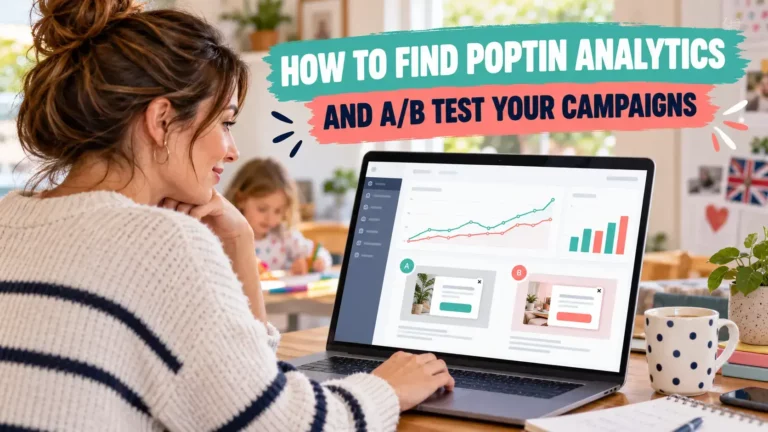
- How to Find Poptin Analytics and A/B Test Your Campaigns
Final Thoughts
When a Poptin popup does not appear, start with the visitor experience before changing technical settings.
Open a fresh private window. Check the campaign status, domain, page rules, trigger, device targeting and display frequency. Those checks solve many cases without touching code.
If the basics are correct, move on to account limits, cache layers and script conflicts. Test one change at a time so you can identify the cause and avoid creating a second problem.
Once the campaign appears, complete the whole journey. Submit the form with a fresh email address and confirm that the subscriber reaches the right email platform, receives the promised resource and enters the correct sequence.
Frequently Asked Questions
Why Is My Poptin Popup Not Showing?
The most common causes are an inactive campaign, an incorrect domain connection, page-targeting rules, an incomplete trigger, device restrictions or display-frequency settings. Test the campaign in a completely new private browser window first. If it remains missing, work through each rule one at a time before checking caching and script conflicts.
How Do I Test a Poptin Popup?
Close every private browser window, open a fresh one and visit the exact targeted page. Complete the selected trigger, such as waiting five seconds, scrolling beyond the chosen percentage or using desktop exit intent. You can also use Poptin’s preview, UTM, staging-site or test-page options.
Why Does My Poptin Popup Show in Preview but Not on My Website?
The design can work in preview while the live website has a connection, targeting or caching problem. Confirm that the Poptin plugin or installation code is active on the correct domain. Then check the live campaign status, page rules, trigger, frequency settings and website caches.
Why Is My Poptin Popup Not Showing on Mobile?
Check that mobile devices are selected in the campaign targeting. Then test the trigger itself. Desktop exit intent uses mouse movement, while mobile exit behaviour depends on browser actions and can be less predictable. A short time delay or scroll trigger is normally easier to test on a phone.
Can Caching Stop a Poptin Popup From Appearing?
Yes. A WordPress cache, hosting cache, CDN, browser cache or JavaScript optimisation setting can prevent the latest Poptin script or campaign changes from loading. Clear each cache, open a new private window and test again. Temporarily disable one suspected optimisation setting only if the basic cache clear does not work.
Does Poptin Stop Showing a Popup After Someone Subscribes?
By default, a visitor who converts through a Poptin campaign may stop seeing that popup. This helps prevent repeated offers to existing subscribers. During testing, use a fresh private browser window and a new email address. Only enable repeat displays for converted visitors when there is a genuine reason.
What Should I Send to Poptin Support?
Send the website URL, campaign name and type, Poptin plugin version, WordPress version, browser and device tested, trigger settings, page and device rules, relevant caching or security plugins, screenshots and any console errors. Explain the steps you have already tried, but never share passwords or private customer data.
Let’s Chat
Have you had a Poptin popup disappear or refuse to load? What fixed it for you? Share your experience in the comments. Your answer may help another blogger work through the same problem.