

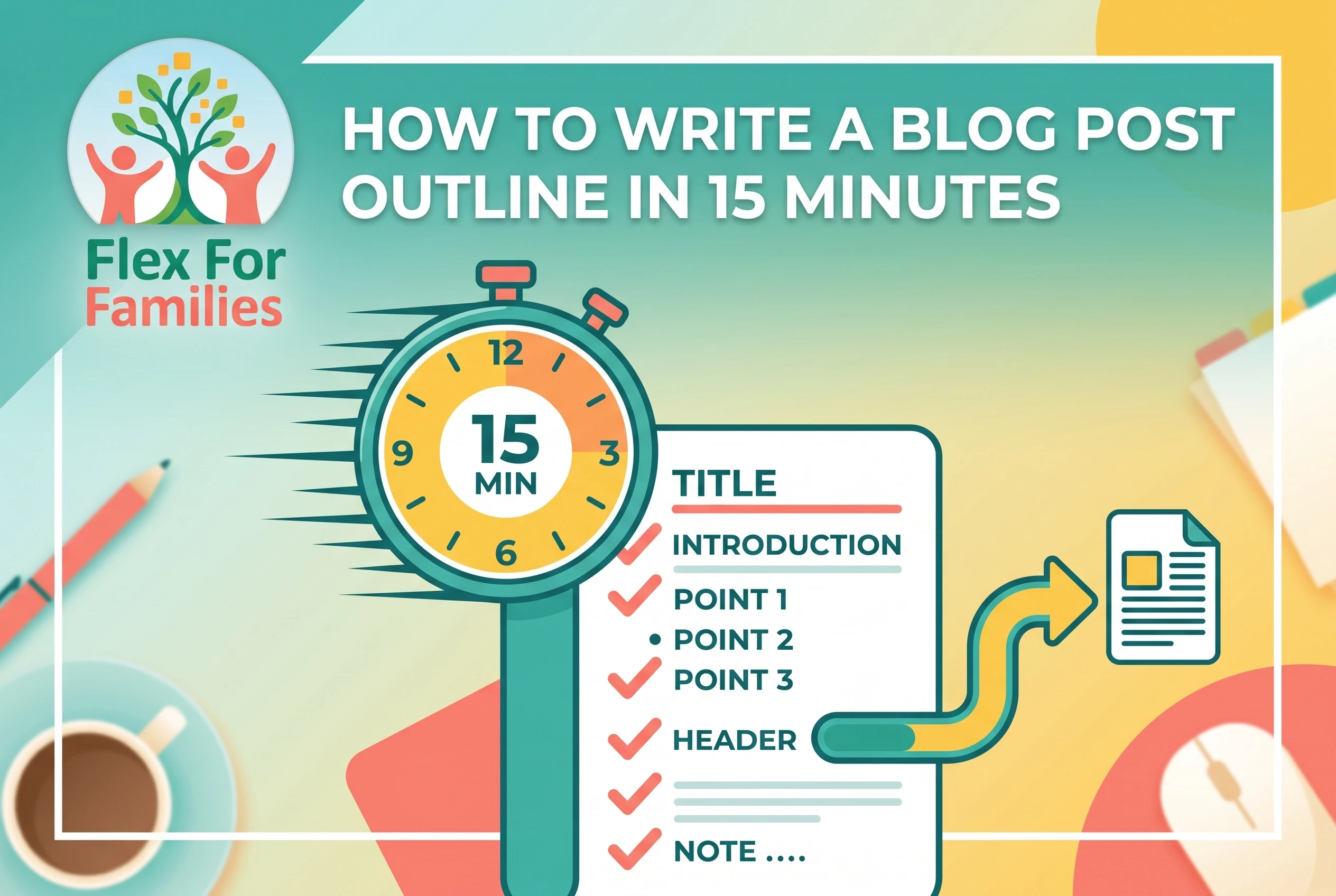
Writing a blog post outline should not feel like a long planning session. You are a parent with a busy home and a crowded schedule. You need a fast way to organise your ideas so you can write with confidence. A simple outline gives you a clear path, saves time, and removes the pressure to be perfect.
Outlines help you stay consistent and avoid staring at a blank page. They also make each post quicker to write because you already know where everything goes. When I switched to using quick outlines, I cut my writing time by almost half.
If you want even more support with planning, you can check out the Naptime Blogging Checklist or take a look at my post on Parent Friendly SEO for ideas that help you rank without stress.
Let me show you a fast, parent-friendly way to outline any blog post in fifteen minutes.
Step 1: Pick a Clear Topic That Fits Your Blog’s Purpose
Start with a topic that makes sense for your niche. Think about questions you answer often. Think about problems your readers face. Clear topics help you stay focused and make outlining easier.
A good topic is:
- Specific
- Helpful
- Based on a real need
If you want quick keyword ideas that only take a minute, use Jaaxy inside Wealthy Affiliate. It gives clear data and saves you from scrolling through random keyword tools.
Step 2: Use SiteContent to Build a Quick Structure
SiteContent inside Wealthy Affiliate gives you a fast way to create a basic structure. You can generate a layout with clear H2 and H3 ideas that match your topic. This removes the heavy planning work and gets you straight into writing.
Or with the latest innovations, you can even create a full blog post within SiteContent. Then you can just tweak it to your liking.
You can read my full review of the platform here:
Use the structure SiteContent generates as a starting point. Adjust the sections to match your voice and your readers.
Step 3: Add Your Own Talking Points
Now spend two or three minutes adding talking points under each header. Keep your notes short and simple. You can write clearer sentences when you start the draft later.
Think about moments from your own parenting life. These small stories make your content real and relatable. They also build trust with readers.
Do not try to make it perfect. These are rough notes. Your goal is speed and clarity.
Step 4: Run a Fast SEO Check
SEO does not need to take long. Spend two minutes on the basics.
- Add your main keyword to the title
- Add it to one or two headers
- Make sure your outline matches the reader’s intent
- Add internal links to helpful posts
- Add one or two authority links if needed
Here are some helpful guides that might help:
- How Wealthy Affiliate Helps Parents Start a Blog Without Tech Stress
- How To Grow Blog Traffic As A Busy Parent (Without Burning Out)
- How To Start Affiliate Marketing As a Busy Parent
Step 5: Turn Your Outline Into a Draft
The outline is your plan. The draft is where you add life.
Use this simple workflow for busy parents:
- Create your outline during nap time
- Write the draft in a quiet evening window
- Edit in short bursts the next day
Add a quick hook, fill each section with one small story or tip, and save formatting for last. You will write faster and feel less pressure.
Copy This 15 Minute Outline Template
You can paste this into SiteContent or a Google Doc.
- Working title
- Purpose of the post
- 3 to 5 main sections
- Short notes under each header
- One story to include
- Two internal links
- One authority link
- SEO check at the end
You can grab my free 12 Week Blog Planner if you want, ready-made templates for planning your next posts with less stress.
How Wealthy Affiliate Helps You Outline Faster
When you are short on time, you cannot afford to waste energy wondering what to write next. Wealthy Affiliate helps you move from idea to outline to draft in a simple, repeatable way.

Here is how it speeds things up for parents.
1. SiteContent keeps you organised
SiteContent gives you a clean writing space with built-in structure tools. You can create headings, save templates, and keep all your posts in one place. No more digging through random documents. The AI tools will also help you draft full blog posts that you can then adapt to your blog voice with ease.
2. Jaaxy gives you quick keyword ideas
Jaaxy, the keyword tool inside Wealthy Affiliate, helps you find topics people are already searching for. You can pick a keyword, build your outline around it, and feel confident your post has a clear purpose.
3. templates saves planning time
You can create or reuse simple templates for reviews, how-to guides, and list posts. That means you are not starting from scratch every time. You just plug your ideas into a layout that already works.
4. Training turns ideas into a clear plan
The step-by-step lessons show you how to move from niche ideas to full posts. You learn how to outline, write, and publish without getting lost in tech.
5. Community support keeps you moving
If you get stuck, you can ask questions and get help from people who have been where you are. That support saves time and stops you from spinning your wheels.
All of this makes it much easier to sit down, open SiteContent, and build a usable outline in minutes instead of staring at a blank page. Then turn it into a full blog post, ready for your blog.
How detailed should my outline be?
Keep it simple. One sentence per section is enough. You can expand when you draft.
What if I change the outline while writing?
That is normal. Outlines guide you but do not lock you in.
Do all posts need the same structure?
No. Use the format that supports your topic. The goal is clarity, not perfect uniformity.
What if I only have ten minutes?
Cut down to three sections. Add one point each. Start typing. Even a short outline will save you time.
How To Write A Blog Post Outline In 15 Minutes: Conclusion
Outlining saves time and helps you stay consistent when life gets busy. You can build a clear plan in fifteen minutes and turn it into a helpful post without stress. Tools like SiteContent make the entire process easier, especially when your schedule changes from day to day.
If you want the simplest way to outline and write posts as a busy parent, take a look at Wealthy Affiliate. It gives you tools, structure, and support when you need it most.
Let’s Chat
What do you struggle with most when planning your posts?
Is it choosing topics, organising ideas, or staying consistent?
Send me a message or drop a comment. I am always happy to help you get clear and move forward.