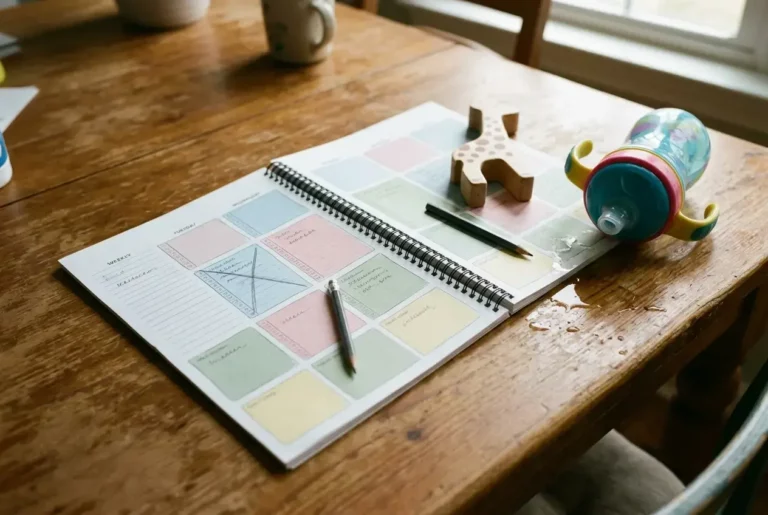


Technical overwhelm when starting a blog shrinks when each nap gets one technical task, prepared the night before, with a stuck list for anything confusing. You finish small pieces of setup, and the settings you don’t understand wait until you can ask someone, instead of eating the only quiet hour you have.
Why Does Blog Tech Feel So Overwhelming When Nap Time Is All You Have?
Blog tech feels overwhelming because a nap gives you a short, unpredictable window, and setup work has a lot of unfamiliar vocabulary. Themes, plugins, permalinks, categories, and settings pages all show up at once, and none of them tell you which ones matter today.
Add the clock. A nap can end early, and you know it. So you sit down already tense, open the dashboard, see forty menu items, and spend ten minutes reading without changing anything. That is a very ordinary way to lose a nap.

Two things make it worse for parents. First, you have no slack for a wrong turn. Someone with a free Saturday can wander through a settings page and learn by poking around, but a nap rewards only the work you finish. Second, you come to each session cold. After a day of snacks, laundry, and interrupted sentences, the memory of where you stopped last time is thin.
The method below addresses both problems. It makes each session small enough to finish and prepared enough that you start working in the first minute.
What Is the One-Task-Per-Nap Rule?
The one-task-per-nap rule means you pick a single technical job before the nap starts, and that job is the only thing you do. If you finish early, you stop or move to a non-technical job like drafting a post. You do not open a second task.
A good task has three features:

- It has a visible finish line. “Set up the About page” ends when the page is published. “Work on the site design” never ends.
- It fits your shortest nap. If your naps tend to run short, the task should too. A task that needs ninety uninterrupted minutes is really three tasks.
- It can be checked. You should be able to look at the result and say yes, that is done.
Here are examples of the right size:
- Change the site title and tagline.
- Choose and activate a theme.
- Create the About page and write a first draft of it.
- Set up the main menu with three links.
- Create two or three categories.
- Write one post and publish it.
Notice what is missing: “figure out the whole dashboard.” That is a project, and it is the source of the freeze. A project becomes a list of tasks, and each nap takes one.
Why only one? Switching between tasks costs time you don’t have, and a half-finished task is harder to resume than an untouched one. A finished small task also gives you a clear result to look at, which makes the next nap easier to start.
How Do You Choose What to Tackle First?
Choose the task that unblocks the most other work, and keep it as small as possible. For a new blog, that usually means the things that must exist before anything else can happen: a working site, a readable theme, and the ability to publish a post.
A simple order that works for most beginners:
- Get logged in reliably and know where your dashboard is.
- Set the site title and tagline.
- Pick a theme and leave its default settings alone.
- Publish a plain first post, even a short one, so you have seen the whole publishing process once.
- Add the About page and a basic menu.
- Set up categories once you know roughly what you will write about.
Publishing a plain first post early is worth the effort. It shows you how the editor behaves, where the Publish button lives, and what a live post looks like, and those are the things most of the later fear is about. A first post does not have to be good. It can be a short note you later delete.
If you already have a clear sense of what to do first and in what order, you can follow your own list. If you don’t, that is a sign you would benefit from a guided path rather than assembling your own order from search results. I come back to this in Final Thoughts.
Pick your next task by asking one question: what is the smallest thing that would make the site more complete by the end of the next nap? Write that down as the task.
What Should You Do the Night Before a Nap?
The night before, decide the task, gather what you need, and open what you will use, so the nap starts with work instead of with decisions. Ten minutes in the evening saves most of the first fifteen minutes of the nap.
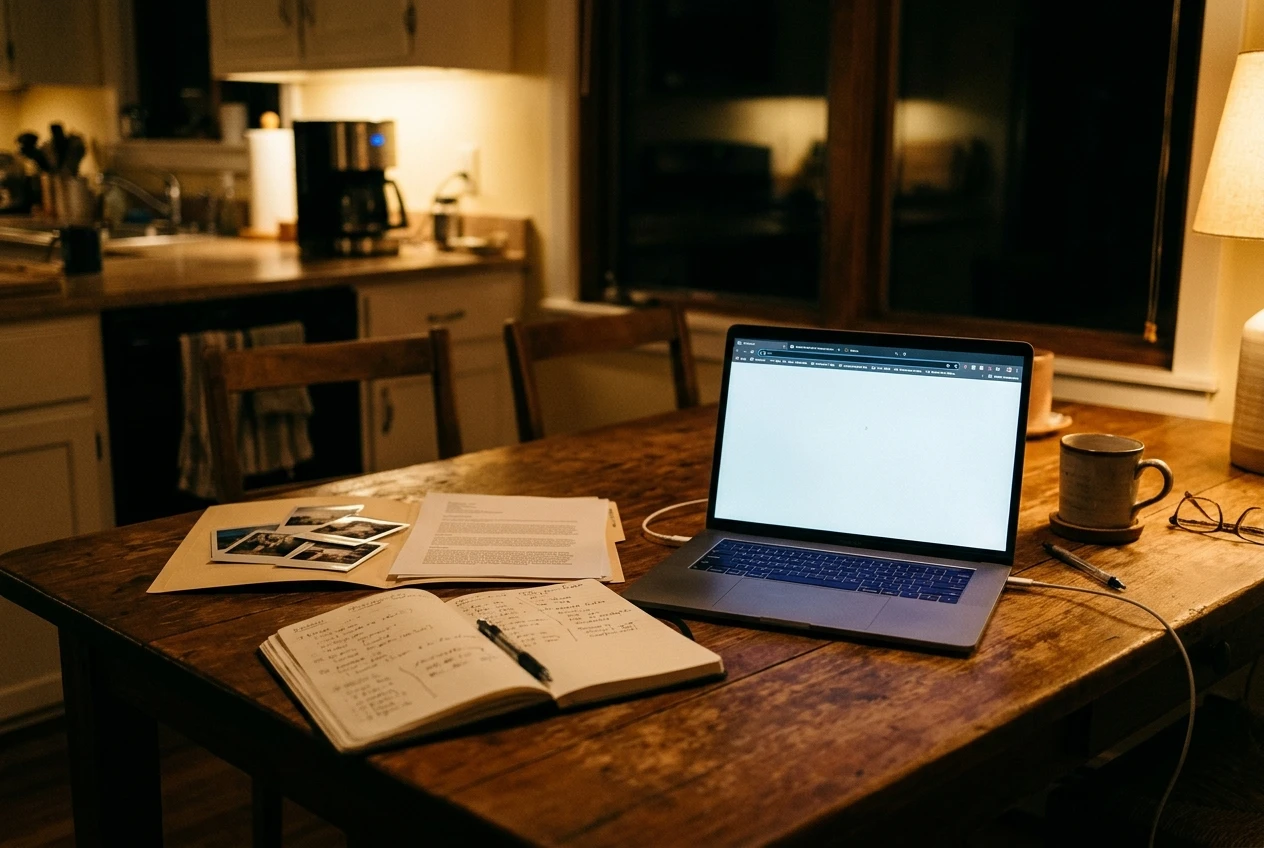
Here is a short evening routine:
- Write the task on one line. For example: “Publish the About page.” Put it on a sticky note or at the top of a notes file.
- Write the steps in order. If you are following a tutorial, read it or watch it in the evening and jot down the steps in your own words. Watching the tutorial at night and doing the task at nap time splits the learning from the doing.
- Check your login. Make sure you know your username and password, and that the login page works. Lost passwords are a classic nap-killer.
- Gather the content. If the task needs text, a photo, or a list of links, have it in a folder ready to paste. Drafting the About page text on paper in the evening turns the nap into typing.
- Open the tabs. Leave the dashboard, the tutorial, and your notes open in the browser, and plug in the laptop.
- Write a backup task. Choose one non-technical job, like drafting a post outline, in case the technical one stalls.
The evening is also the right time to read about a setting you are unsure of, because nobody is waiting on you to finish a nap on the clock. Reading for ten minutes while nothing is at stake is a calmer way to meet new vocabulary.
What Do You Do When You Get Stuck Mid-Nap?
When you get stuck, set a short limit, write the problem on a stuck list, and switch to your backup task. A confusing setting should cost you ten minutes at most, not the whole nap.
The stuck list is a plain note, either on paper or in a notes app. Each entry has four lines:
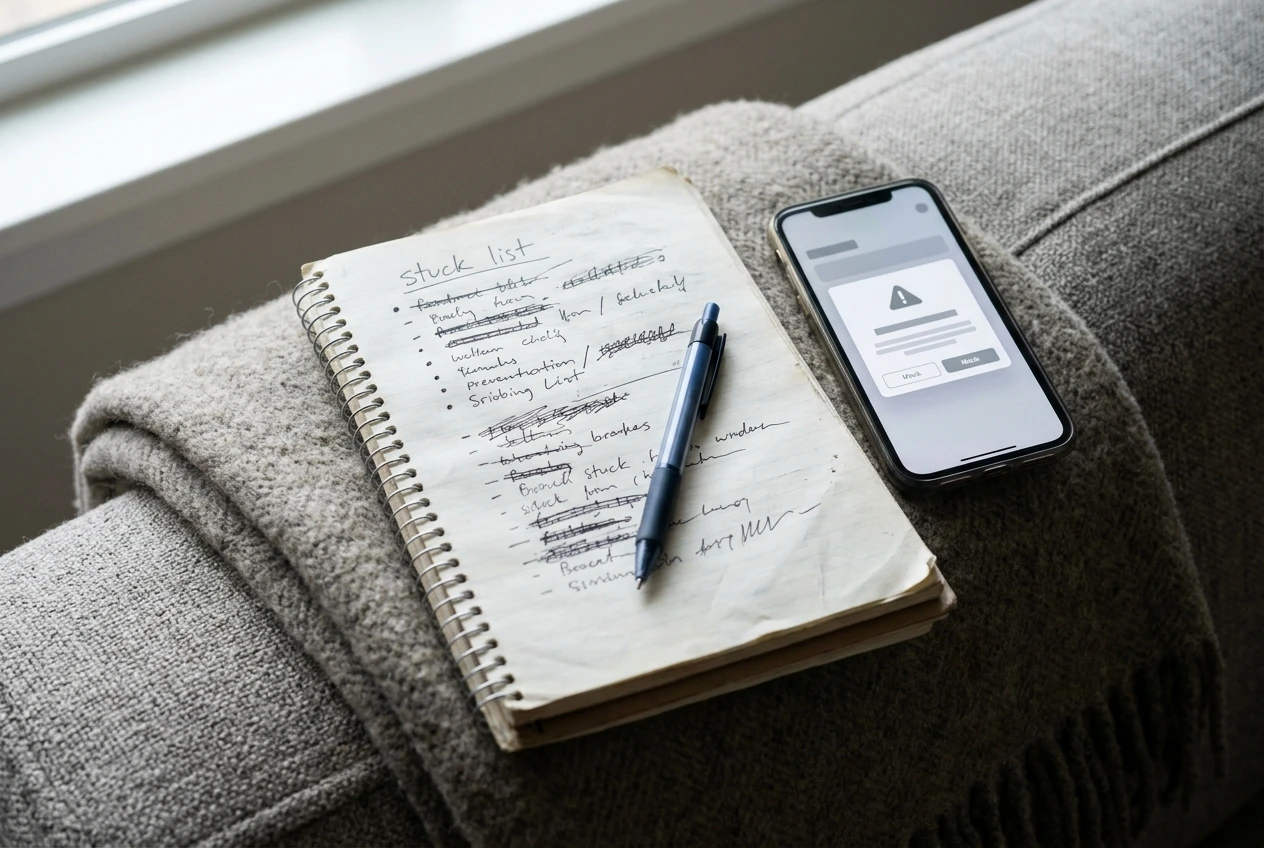
- What I was trying to do: “Change the menu order.”
- What I expected: “The links would move when I dragged them.”
- What happened: “They snap back, and I get an error message.”
- Exact wording of any message: copy it exactly, or take a screenshot.
Writing the entry takes about two minutes and does two useful things. It gets the problem out of your head, so you stop circling it while you work on something else. It also gives you a specific question to ask later. “My menu is broken” is hard for anyone to answer, but “I drag the links, they snap back, and this is the message” can be answered by someone who knows the platform.
Once the entry is written, move on. Switch to the backup task from the night before, such as drafting a post, writing the next day’s task, or reading a tutorial for the next job. The nap still produces something.
Then take the stuck list somewhere it can be answered. That could be a community of other bloggers, a support forum for your theme or tool, or a search using the exact error wording. Do it in a calm moment, not in the middle of a nap. When an answer comes, write it next to the entry so you build a small personal manual. Over a few weeks the same problems tend to repeat, and your notes will answer them faster than a search.
Is It Okay to Skip the Parts You Don’t Understand Yet?
Yes, you can skip many parts, as long as you skip the optional ones and know what you skipped. Most of what a dashboard offers is not needed to publish your first posts.
Things that can usually wait:
- Advanced design changes beyond the theme’s defaults.
- Extra tools you added because someone recommended them, once you have what you need to publish.
- Detailed settings you cannot explain yet, when the default works.
- Reports and numbers that you don’t have the traffic to use yet.
Leaving a default setting alone is a legitimate choice. Defaults are there so a site works before you understand every option, and you can change them later once you know what you want.
Things that should not be skipped for long:
- Being able to log in and recover your access.
- Publishing and reviewing your posts on a real device, such as your phone, to see what readers see.
- A disclosure of your affiliate relationships once you add affiliate links. Readers deserve to know when you may earn from a link.
Put each skipped item on a “later” list with one line saying why you skipped it. That turns a vague worry (“I’m sure I’m missing things”) into a short list you can look at and, over time, work through one nap at a time.
Final Thoughts
Technical overwhelm when starting a blog is mostly a problem of size. The whole platform is too large to understand in one go, but one task is small enough to finish in a nap. Choose one job, prepare it the night before, keep a stuck list, and let the optional parts wait. Small steps matter, and a few finished naps add up to a working site faster than it feels like they will.
If you would rather not build your own order of tasks and hunt for answers alone, Wealthy Affiliate is the place that worked for me. It has step-by-step training that breaks the technical side into small pieces, and a community you can ask when you get stuck, so your stuck list has somewhere to go. It is an option to take at your own pace, and the method in this article works whichever way you set up your blog.
Take your time, and build around your life.
Let’s Chat
What is the one technical task that makes you freeze the most right now: the theme, the menu, the first post, or something else? Tell me in the comments, and if you have a setting that confused you and then made sense, share what helped. Another parent is probably stuck on the same thing.