
The decision to pick a web host sounds small until you’re the one making it with a toddler napping down the hall and a browser full of comparison tabs you don’t have time to read. Most hosting guides rank every spec: uptime percentages, server locations, caching layers. None of that matters if you only have ten minutes before the baby wakes up and you still haven’t installed WordPress. This comparison looks at three things only: how fast each host gets you live, what support is actually like when something breaks, and whether paying more buys back enough time to matter.
Why the Hosting Decision Matters More When Your Work Time Is Fragmented
If you had three uninterrupted hours a day, a clunky setup process or a slow support chat would be an annoyance you’d push through. You don’t have that. You have pockets of time between feedings, during quiet play, or after bedtime when you’re too tired to debug a server error.
A host that takes forty minutes to configure, or support that puts you on hold for twenty, doesn’t cost you forty minutes or twenty minutes. It costs you the whole session, because by the time the problem is solved, the window has closed and you’re back to laundry or dinner. The right host isn’t the one with the most features. It’s the one that gets out of your way fastest.
Signing Up and Installing WordPress: Which One Gets You Live Faster
Bluehost is built around a single goal: get you from signup to a live WordPress site in one pass. The checkout flow includes WordPress installation as part of the process, domain selection happens on the same screen, and you’re usually looking at a working site within fifteen to twenty minutes, start to finish. There’s no separate step where you have to go find an installer or wait for a confirmation email before you can continue.
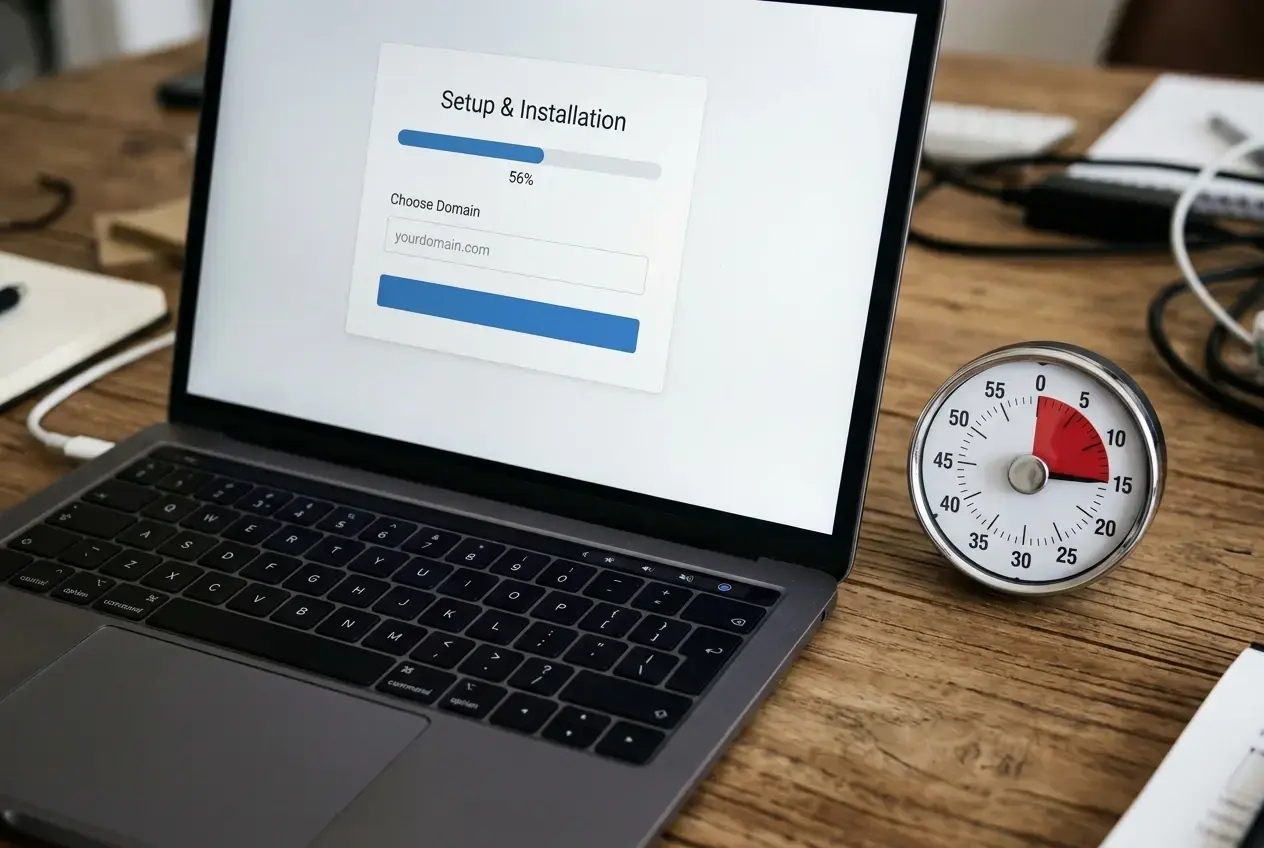
SiteGround also installs WordPress during signup, and its setup wizard is clean, but it asks a few more questions along the way: which plugins you want pre-installed, whether you want a staging environment, how you want caching configured. None of these questions are hard, but each one is a decision point, and decision points are where a ten-minute session turns into a stalled one if you’re interrupted mid-choice.
For a parent working in short bursts, fewer decision points during setup beats more options. Bluehost’s path is shorter. SiteGround’s path gives you more control, but control isn’t what you need in the first sitting. You need a live site so you can come back later and actually write.
Site Speed in Plain Terms: What It Means for a Blog With Little Traffic Yet
Speed comparisons usually get reported in milliseconds and load-time percentiles, numbers that mean nothing if your blog has a few hundred visitors a month and no ads yet. At this stage, speed matters for two practical reasons: how fast your own dashboard loads while you’re writing, and whether Google penalizes a slow site in search rankings before you’ve built an audience that would forgive it.
Both hosts perform adequately for a new blog with light traffic. SiteGround has historically had an edge in raw server response time thanks to its own caching setup, something that can matter once you’re publishing regularly and want pages to load quickly for the handful of readers finding you through search. Bluehost’s performance is solid but a notch behind on paper.
In practice, for a blog in its first year, this difference is unlikely to be the thing that makes or breaks your traffic. The speed that affects you most right now is how fast the WordPress editor loads when you sit down to write, and both hosts are comparable there. Worry about server speed once you have enough traffic for it to show up in your analytics. For now, don’t let this one factor stall the decision.
Customer Support: What Happens When Something Breaks During Nap Time

This is the part that matters most for a parent blogger, and it’s the part generic comparisons skip past. When a plugin update breaks your homepage at 1pm and your window closes at 1:45, what you need is a fast, plain-English answer, not a ticket number and a promise of a reply in 24 hours.
Bluehost offers live chat and phone support around the clock. The quality varies: some sessions move quickly with a clear fix, others involve a longer back-and-forth before the representative understands the problem. Response time to start a chat is usually fast, which matters when your available window is short even if the full resolution takes longer.
SiteGround’s support has a reputation for being more technically sharp, with representatives more likely to diagnose the actual cause rather than offer a generic script. Live chat is also available continuously, and wait times tend to be short. The tradeoff some users report is that phone support is less emphasized than chat, so if you prefer talking through a problem out loud while you pace with a fussy baby, chat-first support might not suit the way you want to communicate.
Neither host is bad here. But if you anticipate needing to describe a problem in your own words and get walked through a fix in real time, test the chat on each host’s site before you commit; both let you message a sales or pre-sales chat without signing up, and the tone of that conversation will tell you a lot about what support will feel like once you’re a paying customer with a real problem.
Pricing Now vs Pricing at Renewal: What You’re Actually Committing To
Both hosts advertise an attractive introductory price for the first term, usually twelve to thirty-six months, and both renew at a noticeably higher rate once that term ends. This is standard practice across the hosting industry, not a trick unique to either company, but it catches new bloggers off guard because the sign-up price is the number that gets remembered.

Before you check out, look specifically at the renewal price listed on the plan page, not just the introductory price in the banner. Decide based on what you’re willing to pay in year two, not what you pay this month. If the renewal gap is large, that’s not a reason to avoid the host, but it is a reason to calendar a reminder for a few weeks before renewal so you can review your plan with full information rather than being auto-renewed into a rate you didn’t expect.
If your budget for this whole project is tight, it’s worth seeing the full picture of what a basic blogging setup costs beyond hosting too, covered in more detail in a budget-friendly tech setup for parent bloggers, which walks through what you actually need to spend on versus what can wait.
Which Host Fits a Parent Who Can’t Troubleshoot for Hours

If your priority is the shortest path from zero to a published first post, Bluehost’s streamlined signup and installation process is the better fit. Fewer questions during setup means less chance of losing your one window of focus time to a configuration screen.
If you expect to need support more than once in your first few months, and you’d rather get a precise technical answer over chat than a generic script read aloud over the phone, SiteGround’s support reputation and slightly stronger speed performance may be worth the small amount of extra setup time.
Neither choice is wrong, and neither is permanent. You can move a blog from one host to another later if you need to, though it takes more time than picking correctly now. The bigger risk isn’t choosing the “wrong” host. It’s spending another week comparing the two instead of writing your first post.
Pick one host today, get WordPress installed in that single sitting, and save the comparison shopping for something that actually needs it.