
Blogging on a Family Budget Is Normal
Starting a blog as a parent often comes with a mix of excitement and hesitation. You like the idea of building something flexible, but the costs feel unclear. Between family expenses, rising bills, and everyday priorities, it can feel risky to spend money on a new project.
That hesitation is completely normal.
Many parents assume blogging needs expensive tech, paid tools, and monthly subscriptions before you can even get started. The truth is much simpler. You can build a blog with a budget-friendly setup that grows as your confidence grows. You do not need a perfect tech stack. You need a smart one.
This post walks through what you actually need, what you can skip for now, and how to avoid wasting money on tools that do not move the needle.
Section 1: What Most Parents Think They Need (And Why It Feels Overwhelming)
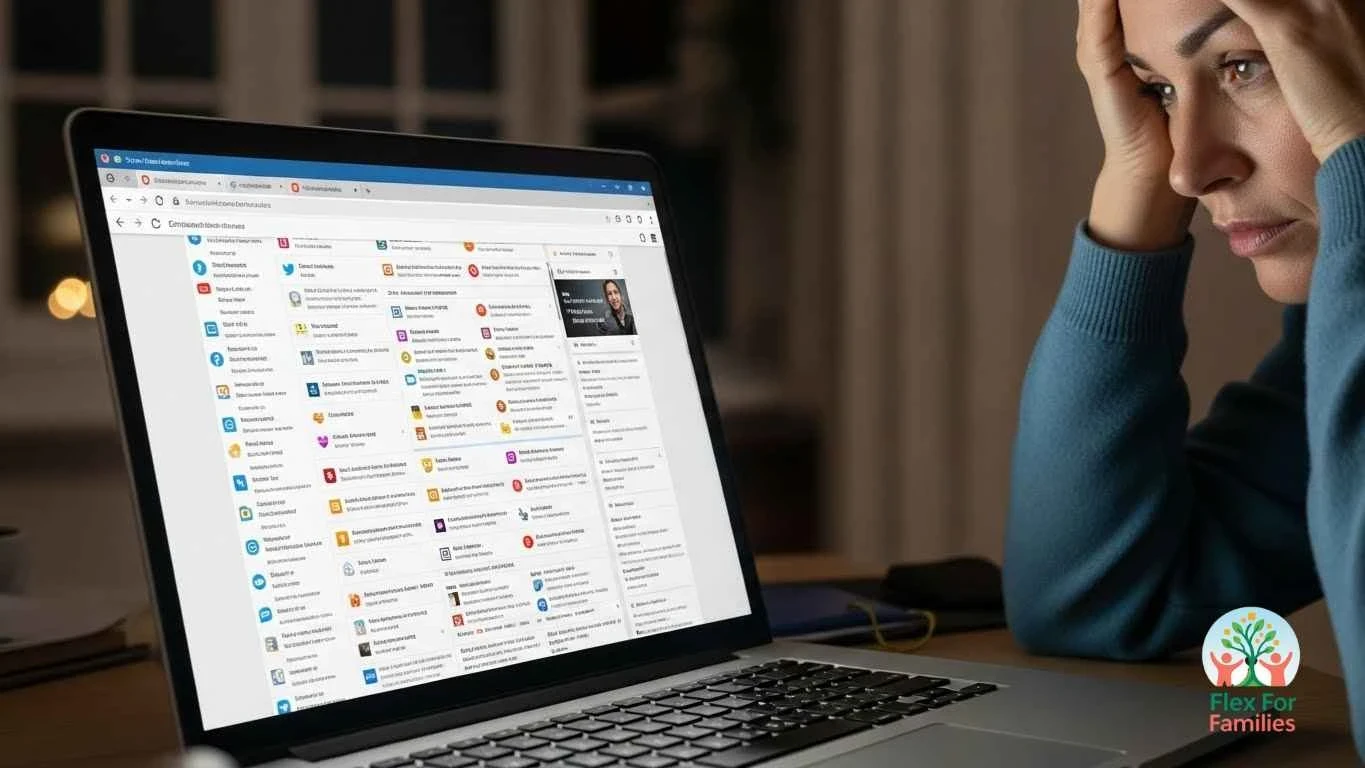
When parents start researching blogging, they often run into the same advice again and again. It usually looks something like this.
- Buy premium hosting.
- Upgrade to a paid theme.
- Install multiple plugins.
- Sign up for keyword tools.
- Join a course or two.
All before writing a single post.
It is no surprise that this feels overwhelming. Each tool comes with a learning curve, a monthly cost, and another decision to make. When you add that to family life, the whole idea of blogging can start to feel unrealistic.
The problem is not that these tools exist. The problem is being told you need all of them at once.
Most parents do not need a complex setup on day one. They need clarity. They need a way to learn the basics without draining their budget or their energy. Starting with too much tech often leads to stalled progress, not faster results.
A budget-friendly setup focuses on essentials first and adds complexity only when it serves a clear purpose.
Section 2: Free Tools You Can Start With Today

You can start blogging with tools that cost nothing and still make real progress. This is where many parents feel relief. You do not need to buy anything to take your first steps.
Here are free tools that are more than enough when you are starting out.
WordPress
WordPress is free and powers a huge percentage of blogs online. It lets you publish posts, add pages, and grow at your own pace. You are not locked into expensive upgrades, and you stay in control of your site.
A Free Theme Like Blocksy
A free theme keeps things simple. Blocksy gives you a clean layout, fast loading speeds, and mobile friendly design without overwhelming settings. You can focus on writing instead of tweaking the design.
Blocksy is the theme I use on this website, and it’s only the free version I use. It’s all you need.
Google Docs
Google Docs is perfect for outlining and drafting posts. You can write in short bursts, save automatically, and pick things back up when family life interrupts. Many parents write their first posts entirely in Docs.
Canva Free
Canva’s free plan is enough to create blog images, Pinterest pins, and simple graphics. You do not need design skills. One clean image per post works better than something complicated.
Free Image Sources
There are plenty of free image libraries that help you avoid stock photo costs. When you combine these with Canva, you can create unique visuals without spending anything.
Wealthy Affiliate’s Image Studio is a game-changer for parent bloggers – Check it out and see how it can simplify your image processes for your parent blog…
Free Affiliate Programs
You do not need to pay to join affiliate programs. Platforms like Amazon Associates, ShareASale, and CJ Affiliate allow you to apply for free once your site is live. You can start learning how affiliate links work without risk.
Your Notes App
Do not overlook the notes app on your phone. Many great blog ideas come while waiting at school pickup or during bedtime routines. Writing ideas down quickly keeps momentum going.
These tools give you everything you need to start learning, writing, and publishing. They keep your costs low while you figure out what type of blogger you want to be.
In the next section, we will look at the part most people do not talk about. The hidden cost of relying only on free tools.
Section 3: The Hidden Cost of Free Tools

Free tools are a great place to start. They help you learn the basics without spending money. But there is a side that often gets overlooked, especially for parents with limited time.
The biggest cost is not financial. It is time and mental energy.
When you rely only on free tools, you usually have to piece things together from different places. One video explains hosting. Another explains SEO. A blog post explains affiliate links. None of it connects into a clear plan.
This leads to common frustrations.
- You are not sure what to work on next.
- You spend time searching for answers instead of writing.
- You second-guess whether you are doing things correctly.
- You feel stuck when something breaks or does not work.
For parents, this can slow progress fast. Free tools do not come with guidance. They do not tell you which steps matter most or when you are ready to move forward.
Another hidden cost is mistakes. Without support, it is easy to set things up the wrong way. Fixing those issues later often takes more time than doing it right from the start.
None of this means free tools are bad. It simply means they work best when paired with structure, training, and support. That combination saves time, reduces frustration, and keeps blogging enjoyable alongside family life.
Next, we will look at why an all-in-one setup can actually be more budget-friendly than juggling lots of free tools on your own.
Section 4: Why an All-in-One Setup Can Be More Budget-Friendly

At first glance, using only free tools sounds like the cheapest option. But when you step back and look at the full picture, an all-in-one setup often saves more money in the long run.
When tools are spread across different platforms, you end up paying in other ways. Time spent searching for answers. Time spent fixing mistakes. Time spent wondering if you are on the right track. For busy parents, time is a valuable resource.
An all-in-one setup brings your website, training, writing tools, and support together in one place. This reduces confusion and removes the need to buy extra tools as problems come up. Instead of guessing what to learn next, you follow a clear path.
Another benefit is predictability. Rather than juggling several small subscriptions, you know exactly what you are paying for. That makes budgeting easier and avoids surprise costs later.
Most importantly, an all-in-one setup reduces overwhelm. You are not constantly switching between platforms or learning new interfaces. That mental clarity helps parents stay consistent, which matters more than having the most advanced tools.
In the next section, we will look at how Wealthy Affiliate fits into this approach and why many parents see it as a budget-friendly option once they are ready to move beyond free tools.
Want a Simpler, Budget Friendly Blog Setup?
Wealthy Affiliate combines hosting, training, writing tools, keyword research, and community support in one place. You can start for free and decide if it fits your family and budget.
Section 5: How Wealthy Affiliate Simplifies a Budget Tech Setup
Once you move past free tools, the goal is not to spend more money. The goal is to stop wasting time and avoid buying lots of separate tools that do the same job.
This is where Wealthy Affiliate makes sense for many parent bloggers.
Instead of piecing together hosting, training, keyword tools, writing software, and support from different places, Wealthy Affiliate brings them together in one platform. That alone removes a lot of friction.
Here is how it helps keep costs under control.
- You get website hosting included, so there is no need for a separate hosting bill.
- You get structured training that shows you what to focus on first and what can wait.
- You can write and publish posts using SiteContent without paying for extra writing tools.
- You can research keywords using built-in tools instead of expensive subscriptions.
- You have access to a community where you can ask questions and get feedback when you are stuck.
For parents, this matters more than it sounds. Every tool you do not need to research, learn, or manage is time saved. Every mistake you avoid is energy preserved.
Wealthy Affiliate also lets you start for free. That means you can explore the platform, see how it works, and decide if it fits your goals before spending anything. When you do choose to upgrade, you are paying for clarity and support, not just software.
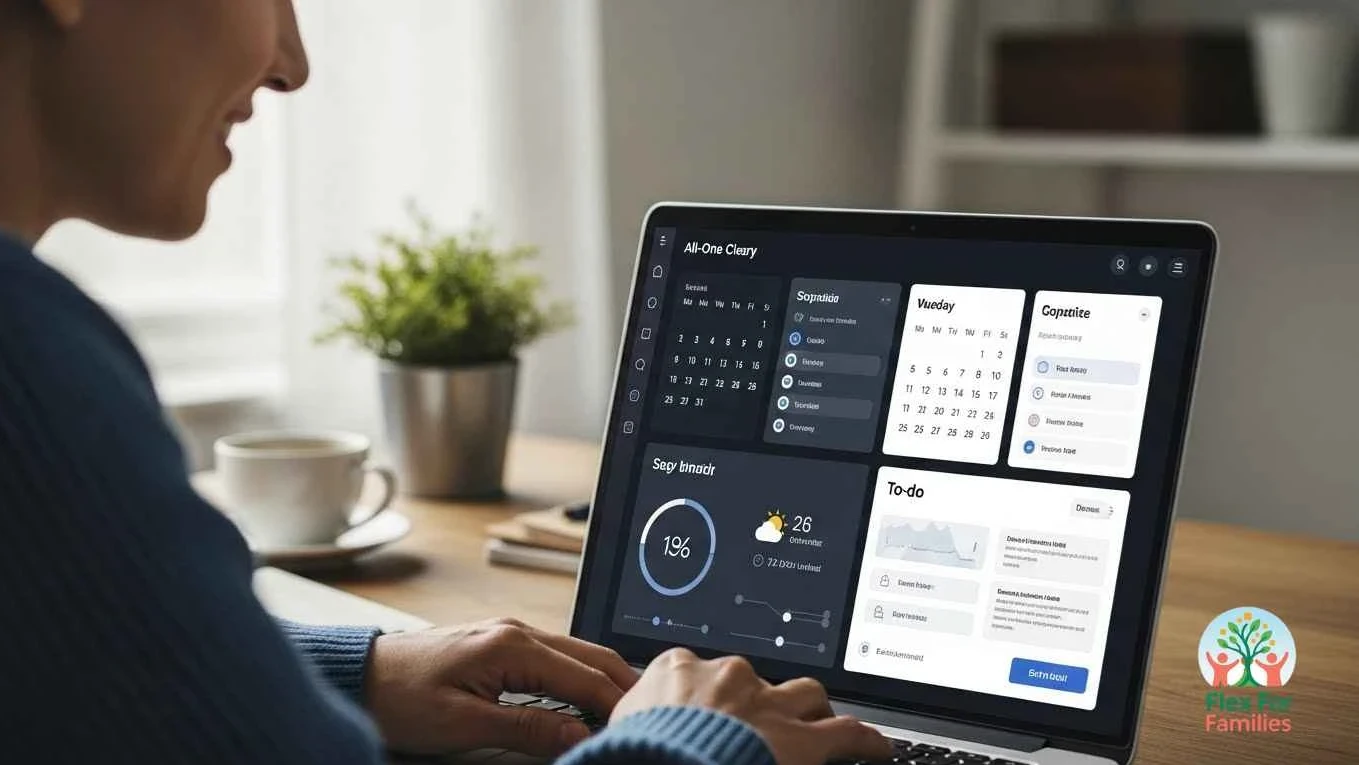
If you want a setup that replaces multiple tools with one simple dashboard, Wealthy Affiliate is worth a look. Many parents use it to avoid piecing together hosting, training, and tech on their own.
In the next section, we will look at the cost comparison in a simple way and why many parents see this as a better value than trying to manage multiple tools on their own.
Section 6: Less Than a Coffee a Day, With a Free Starting Option
When parents hear the words “paid platform,” the first reaction is often hesitation. That makes sense. Family budgets come first, and nobody wants to spend money on something that might not work out.
This is where context matters.
Many bloggers end up paying for hosting, keyword tools, writing software, courses, and private communities separately. Each cost looks small on its own, but together they add up quickly. That is usually when blogging starts to feel expensive.
Wealthy Affiliate works differently. You can start for free and explore the platform before committing. When you do choose to upgrade, everything stays under one predictable cost. No stacking subscriptions. No surprise add-ons.
When you break it down, the full setup often costs less than a daily coffee. For many parents, that trade-off makes sense when it replaces multiple tools and saves hours of trial and error.
The key point is choice. You are not locked in. You are not rushed. You can learn at your own pace and upgrade only when you feel confident that it supports your goals.
For parents who want structure without overspending, that balance can make all the difference.
If you want help turning these small weekly actions into a clear plan, Wealthy Affiliate gives parent bloggers one place to learn, write, and get support. You can start free, explore the tools, and decide later if it fits your family and budget.
Section 7: Why Support Saves More Money Than Any Tool
When parents struggle with blogging, it is rarely because they picked the wrong theme or missed a plugin. It usually comes down to feeling stuck, unsure, or alone. That is where support makes the biggest difference.
Without support, small problems turn into big blockers. A site issue takes hours to fix. A confusing SEO tip leads to overthinking. A lack of feedback makes you question whether you are doing anything right. All of that costs time, energy, and motivation.
Support shortens the learning curve.
When you can ask a question and get a clear answer, you avoid mistakes that slow progress. When you see other parents building blogs in real time, you gain confidence that this is possible for you, too. When you follow a structured path, you stop jumping between tools and advice.
This is where platforms like Wealthy Affiliate stand out. The community is built into the learning process. You are not left to figure things out on your own or rely on scattered tutorials. You can ask questions, get feedback, and learn from others who understand the realities of family life.
For parents, that kind of support is not just helpful. It is budget-friendly. It saves you from buying extra tools, paying for fixes, or giving up after feeling overwhelmed.
In the next section, we will look at what a smart budget tech setup actually looks like in day-to-day family life.
Section 8: What a Smart Budget Setup Looks Like in Real Life

A smart budget tech setup does not look complicated. It looks calm. It fits around school runs, nap times, and busy evenings. It does not demand hours of setup or constant decision-making.
For most parent bloggers, a realistic setup looks like this.
- One website that you slowly improve over time.
- One place to learn what to focus on next.
- One writing space where drafts and ideas live together.
- One community you can turn to when you feel stuck.
Instead of juggling tools, logins, and advice from everywhere, you build familiarity with a single system. That familiarity saves time. It also reduces the mental load that often causes parents to pause or quit.
Work happens in short sessions. Maybe you outline a post during nap time. Maybe you can write a paragraph after bedtime. Maybe you can check in with the community when something feels unclear. Each small action moves you forward without needing a full free afternoon.
A smart setup supports consistency, not perfection. It grows with you as your confidence grows. It keeps blogging manageable during busy family seasons, which is when most parents need flexibility the most.
In the next section, we will answer some of the most common questions parents have about starting with a budget-friendly tech setup.
Section 9: Frequently Asked Questions
Do I need to spend money to start a parent blog?
No. You can start with free tools like WordPress, a free theme, and free design tools. Many parents begin this way to learn the basics before investing anything.
When does it make sense to upgrade to a paid setup?
An upgrade makes sense when free tools start costing you time or causing confusion. If you feel stuck, overwhelmed, or unsure what to focus on next, a structured platform with training and support can actually save money in the long run.
Is Wealthy Affiliate worth it if I am on a tight budget?
For many parents, yes. Because hosting, training, writing tools, keyword research, and community support are all included, it often replaces several separate costs. You can also start for free and decide later if it fits your goals.
Can I build a blog in short pockets of time?
Yes. A budget-friendly setup works best when tasks are simple and organised. Outlining, writing, and learning can all be done in short sessions that fit around family life.
What if I choose the wrong tools at the start?
That happens to most bloggers. The key is not perfection, but flexibility. Starting simple makes it easier to change direction without wasting money or energy.
Budget-Friendly Tech Setup For Parent Bloggers: Conclusion

Building a blog as a parent does not require expensive tech or a complicated setup. It requires clarity, patience, and tools that work with your life instead of against it. Starting with free tools is a smart move. Pairing them with structure and support when you are ready is even smarter.
A budget-friendly tech setup is not about spending the least amount possible. It is about avoiding waste. Waste of money. Waste of time. Waste of energy. When your setup feels calm and manageable, you are far more likely to stay consistent and see progress.
If you want to see how an all-in-one platform can simplify things while keeping costs predictable, you can explore my full Wealthy Affiliate review. It breaks down exactly how parents use it to build blogs without tech stress.
Want a Simpler, Budget Friendly Blog Setup?
Wealthy Affiliate combines hosting, training, writing tools, keyword research, and community support in one place. You can start for free and decide if it fits your family and budget.
Let’s Chat
What does your current blogging setup look like right now? Are you using free tools, or are you feeling overwhelmed by too many options? Share where you are in the comments. Your experience helps other parents see what is possible and reminds them they are not alone.



This is a very reassuring resource for any parent thinking about starting a blog. How you directly tackle the feeling of being overwhelmed by a long list of “must-have” tools and costs, and then show that a functional blog can be built with free resources like WordPress, Google Docs, and Canva is really very smart and removes the overwhelming thought of the setup.
I am glad that you mentioned the issue of the hidden cost of free tools—the time and mental energy spent piecing everything together without guidance—is especially sharp. For a busy parent, that scattered approach can be the biggest hurdle to making consistent progress, which is why the structure of an all-in-one platform makes sense.
I think the most valuable idea here is that a “smart setup” is one that supports calm, consistent work in small bursts around family life, not one that demands perfect tools or large blocks of free time.
Thank you so much for this thoughtful response. You’ve captured the intention behind the post exactly.
That “hidden cost” of free tools is something many parents only realise after they’ve been stuck for a while. On paper, free options look ideal, but when you’re juggling family life, the time and mental energy spent stitching everything together can quietly drain momentum. That’s often what leads to frustration, not a lack of ability or commitment.
I love how you phrased it. A smart setup should support calm, consistent work in small bursts. That mindset shift alone helps parents move forward without feeling like they’re constantly behind or doing it “wrong.”
I really appreciate you sharing your perspective here. It adds a lot of value for anyone reading and wondering if blogging can realistically fit into family life.
John
This really hits home for me. I’ve been with Wealthy Affiliate for 11 years, and what you’re describing here is exactly why I stayed. I started with very little tech knowledge and a tight budget, and trying to juggle too many tools early on only slowed me down.
Having everything in one place; training, hosting, tools, and real support, saved me time, money, and a lot of frustration. For parents especially, that clarity matters more than having the “perfect” setup.
This is a solid, honest breakdown of what actually works without overwhelm. Well said, John.
Hey Jason,
Thank you so much for sharing this, that really means a lot.
Eleven years is a huge testament, and I think you’ve nailed the core reason many parents stick with Wealthy Affiliate long-term. It’s not about having every shiny tool available, it’s about removing friction so progress actually happens. When time, energy, and budget are limited, clarity becomes the most valuable resource.
I really appreciate you pointing out how juggling too many tools early on can slow things down. That’s such a common trap, especially for beginners who think more tools equals faster success. For parents, that usually just leads to overwhelm.
Thanks again for adding your experience to the conversation. Comments like this help others see what’s realistic and sustainable, not just what sounds good on paper.
John