
AI tools are everywhere right now.
Every day there seems to be:
- A new AI writer
- A new AI video tool
- A new “must-have” platform
And honestly?
It gets overwhelming fast.
Especially if you’re a busy parent trying to:
- Start a blog
- Build flexible income
- Save time instead of creating more work for yourself
Because the truth is, you do not need 20 different AI tools.
Most people end up:
- Paying for tools they barely use
- Switching constantly between platforms
- Spending more time learning tools than actually creating content
That’s the problem this post is here to solve.
Quick Answer: What Are the Best AI Tools for Parent Bloggers?
The best AI tools are not necessarily the most advanced.
They’re the ones that:
- Save you time
- Simplify your workflow
- Help you stay consistent
For most parent bloggers, simplicity matters more than having lots of tools.
A small set of well-chosen tools is usually far more effective than trying to use everything.
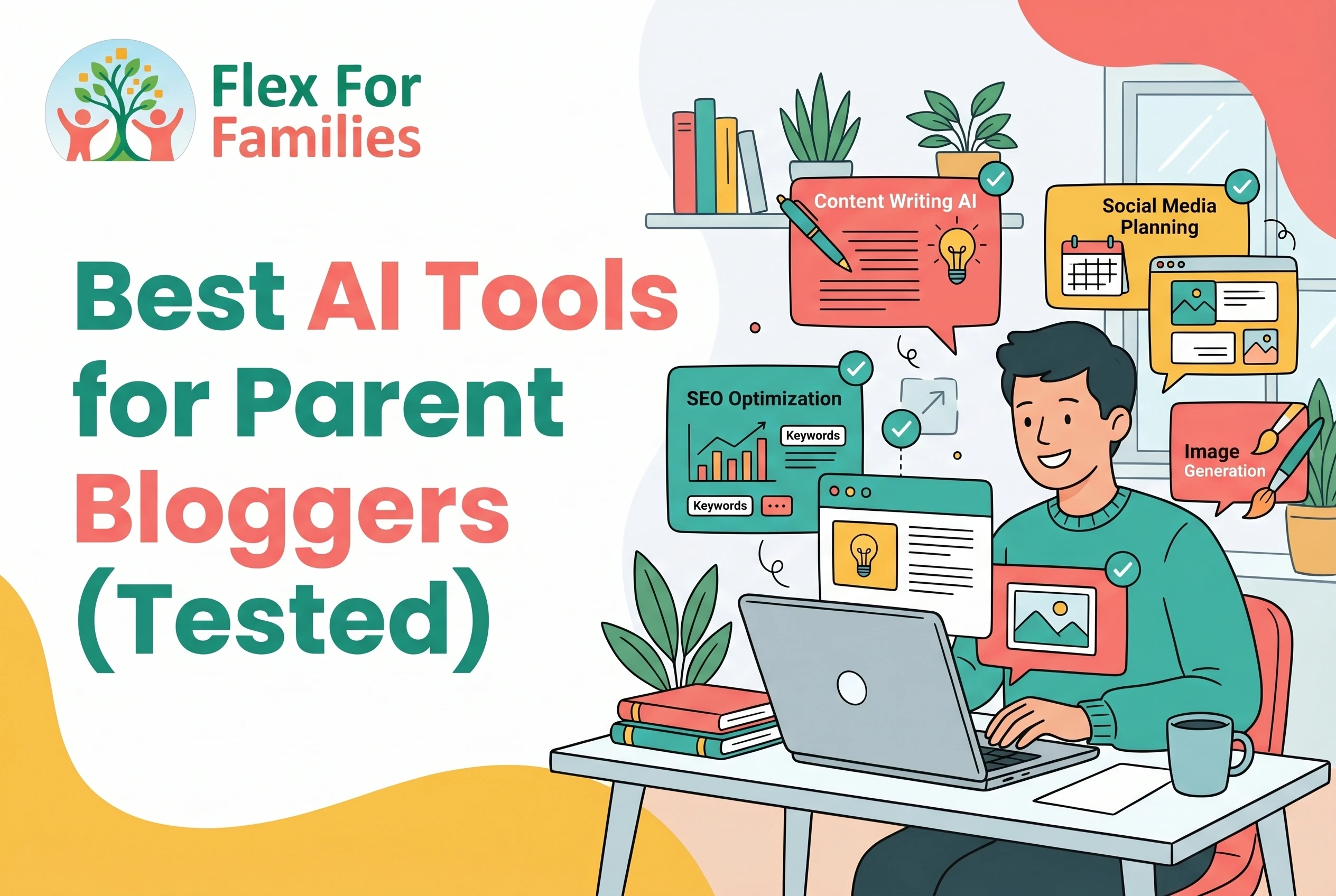
For example, many bloggers only really need:
- One writing tool
- One design tool
- One simple blogging platform or workflow system
That’s enough to:
- Create content faster
- Stay organised
- Build momentum around real life
What You’ll Learn in This Guide
In this post, I’ll break down:
- Which AI tools are genuinely useful for bloggers
- Which ones save the most time
- Which tools are beginner-friendly
- Which tools are probably not worth paying for yet
And most importantly:
How to build a simple AI blogging setup that actually fits around family life.
Question:
What are the best AI tools for bloggers?
Answer:
The best AI tools for bloggers are the ones that save time and simplify workflows. Popular options include ChatGPT for writing, Canva for design, and Wealthy Affiliate for all-in-one blogging support.
What Makes a Good AI Tool for Parents?
Not every AI tool is worth your time.
And if you’re a busy parent, that matters even more.
Because the goal is not to build the most advanced setup possible.
The goal is to make blogging:
- Simpler
- Faster
- Easier to stay consistent with
That means the best AI tools are usually the ones that reduce friction, not add more complexity.
1. It Saves You Time
This is the biggest factor.
A good AI tool should help you:
- Start faster
- Create content quicker
- Reduce repetitive tasks
If a tool takes hours to learn or slows your workflow down, it defeats the point.
The best tools make blogging feel lighter, not heavier.
2. It’s Beginner-Friendly
You should not need:
- Technical experience
- Complex prompts
- Advanced training
The best AI tools for parents are easy to understand and simple to use.
You want tools that help you take action quickly.
Not tools that create more overwhelm.
3. It Reduces Overwhelm
This is a big one.
Many people start using:
- Multiple AI writers
- SEO tools
- Video tools
- Design platforms
Before long, the workflow becomes messy.
A good AI tool should simplify your process.
Not force you to manage even more tabs and subscriptions.
4. It Helps You Stay Consistent
Consistency matters more than perfection.
The right tools help you:
- Keep publishing
- Maintain momentum
- Fit blogging into short time blocks
That’s why simple workflows usually outperform complicated ones over time.
5. It Still Allows Human Input
This is where many people go wrong.
A good AI tool should support your content.
Not completely replace you.
The strongest content still includes:
- Your experiences
- Your opinions
- Your voice
If a tool encourages fully automated content with no editing, that’s usually a red flag. Gone are the days when you could “Set and Forget” it. The search engines have got too clever for that…
6. It’s Actually Worth the Cost
Some AI tools are genuinely useful.
Others are expensive subscriptions that most beginners do not need.
Before paying for anything, ask:
- Will this save me meaningful time?
- Will I actually use it consistently?
- Does it simplify my workflow?
If the answer is no, skip it for now.
The Biggest Mistake People Make
They try to use too many tools too early.
That usually leads to:
- Confusion
- Wasted money
- Half-finished workflows
You do not need everything.
In most cases, a simple setup works best.
The Simple Rule
The best AI tools are not the ones with the most features.
They’re the ones that help you:
- Create consistently
- Stay organised
- Save time around real life
That’s what actually matters for parent bloggers.
AI Is Only Part of the Puzzle
The right tools can save time, but they won’t build a successful blog on their own.
If you’re looking for a realistic blogging path that works around family life, start here and I’ll show you the approach I recommend.
Start Here »Best AI Writing Tools for Parent Bloggers
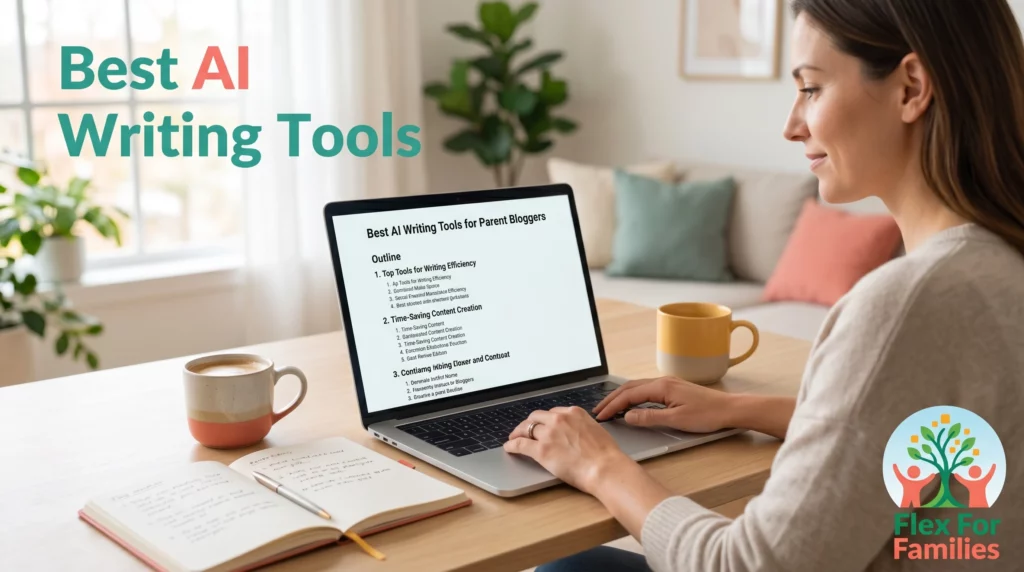
AI writing tools are usually where most bloggers start.
And honestly, this is where AI can save the biggest amount of time.
The right writing tool can help you:
- Generate ideas faster
- Create outlines
- Draft content quickly
- Reduce blank-page frustration
But not every AI writing tool works the same way.
Some are:
- Better for beginners
- Better for SEO
- Better for speed
- Better for long-form blogging
The key is finding tools that simplify your workflow instead of making it more complicated.
ChatGPT
Best for:
- General blogging support
- Idea generation
- Drafting content
- Flexible workflows
This is one of the easiest AI tools to start with because it can help with almost every stage of blogging.
You can use it to:
- Brainstorm blog topics
- Build outlines
- Draft sections
- Rewrite content
- Simplify wording
For many parent bloggers, this is the tool that removes the biggest barrier, getting started.
It’s flexible, beginner-friendly, and works well alongside your existing workflow.
If you want to see how ChatGPT works for blogging, content creation, and saving time as a busy parent, I break everything down in my full review.
Claude

Best for:
- Long-form writing
- Natural sounding content
- Thoughtful blog drafting
Claude has become popular with bloggers because its writing style often feels more natural and conversational.
Many users prefer it for:
- Blog drafting
- Expanding ideas
- Rewriting content
- Structuring long-form articles
Compared to some AI tools, it can feel less “robotic” and more readable straight away.
That makes it appealing for parent bloggers who want content that sounds human without spending hours editing every section.
Like any AI tool, it still works best when combined with your own thoughts and experiences.
If you want to see how Claude performs for blogging, workflows, and long-form content creation, I break it down fully in my detailed review.
Jasper

Best for:
- Marketing-style writing
- Templates
- Faster short-form content
Jasper is more structured than ChatGPT.
It offers:
- Writing templates
- Marketing frameworks
- Pre-built workflows
Some bloggers prefer this because it feels more guided.
However, it can feel more expensive if you’re just starting out and only need basic blogging support.
If you’re considering Jasper for blogging or marketing content, my full review covers the features, pricing, and whether it’s actually worth it for beginners.
Koala AI
Best for:
- Long-form blog content
- Faster article drafting
- SEO-focused blogging
Koala AI has become popular with bloggers because it focuses heavily on blog post generation.
It’s designed to:
- Create structured articles quickly
- Speed up long-form writing
- Support SEO-style content creation
This can save a huge amount of time.
But like every AI tool, the content still benefits from editing and human input.
I’ve covered how Koala AI performs for long-form blogging, SEO content, and AI-assisted workflows in my full review.
Copy.ai
Best for:
- Social captions
- Email drafts
- Short-form content
Copy.ai works well for shorter content tasks.
It’s useful if you want help creating:
- Social media captions
- Headlines
- Product descriptions
- Email copy
For full blogging workflows, most parents will probably need additional tools alongside it.
If you want to see whether Copy.ai is useful for bloggers and content creators, I go deeper into the pros, limitations, and real use cases in my full review.
Which AI Writing Tool Is Best?
Before choosing a tool, it helps to keep things simple.
Most parent bloggers do not need every AI tool available. In many cases, one good writing tool is enough to help you create content consistently and save time around family life.
Here’s a quick breakdown of the main differences:
| Tool | Best For | Beginner Friendly? | Main Strength |
|---|---|---|---|
| ChatGPT | General blogging support | Yes | Flexible all-round workflow support |
| Claude | Long-form writing | Yes | Natural sounding content and readability |
| Jasper | Marketing-style writing | Mostly | Templates and structured workflows |
| Koala AI | Long-form blogging | Yes | Fast article generation |
| Copy.ai | Short-form content | Yes | Social posts and quick copywriting |
After looking at the options, most beginners will probably get the best value from starting simple.
For many parent bloggers, something flexible like ChatGPT is often enough to:
- Generate ideas
- Draft content
- Speed up workflows
- Reduce overwhelm
You can always expand your setup later if you feel you genuinely need more specialised tools.
The goal is not to build the most advanced AI workflow possible.
The goal is to make blogging easier to maintain around real life.
Best AI Tools for SEO & Research

Writing content is only part of blogging.
You also need to:
- Understand what people are searching for
- Structure your posts clearly
- Improve your chances of ranking over time
That’s where AI-powered SEO and research tools can help.
The good news is, you do not need to become an SEO expert overnight.
Many modern tools now guide you through the process and help simplify things for beginners.
Surfer SEO
Best for:
- Content optimisation
- SEO guidance
- Structured workflows
Surfer SEO is designed to help bloggers optimise content while they write.
It looks at:
- Keywords
- Headings
- Content structure
- Topic coverage
And then gives suggestions to improve your article.
For beginners, this can make SEO feel less overwhelming because you get a clearer idea of what your content might be missing.
That said, it works best when combined with useful, human-written content rather than trying to “game” SEO.
If you want a deeper look at how Surfer SEO works for bloggers, I cover the features, pricing, and real-world usability in my full review.
Frase
Best for:
- Research workflows
- Content briefs
- Question-based blogging
Frase focuses heavily on content research and topic planning.
It helps you:
- Discover common questions
- Build structured briefs
- Understand what readers are searching for
This is especially useful if:
- You struggle with content planning
- You want clearer direction before writing
- You prefer organised workflows
Many bloggers like Frase because it helps simplify the research side of blogging.
If you’re curious whether Frase is worth using for blogging and SEO research, I break it down fully in my detailed review.
NeuronWriter
Best for:
- SEO-assisted article optimisation
- Simpler SEO workflows
- Content improvement
NeuronWriter combines AI writing support with SEO recommendations.
It helps bloggers:
- Improve article structure
- Optimise content
- Cover topics more effectively
Compared to some SEO tools, it often feels more beginner-friendly and less intimidating.
That makes it appealing for bloggers who want SEO guidance without feeling buried in technical details.
If you want to see how NeuronWriter compares to other AI SEO tools, I’ve covered the strengths, weaknesses, and best use cases in my full review.
Which SEO & Research Tool Is Best?
The best tool depends on what part of blogging feels hardest for you.
Some people struggle with:
- SEO
- Keyword planning
- Structuring content
Others simply want clearer guidance while writing.
Here’s a quick comparison to make things easier:
| Tool | Best For | Beginner Friendly? | Main Strength |
|---|---|---|---|
| Surfer SEO | Content optimisation | Mostly | SEO guidance while writing |
| Frase | Research and planning | Yes | Content briefs and topic research |
| NeuronWriter | SEO-assisted writing | Yes | Simplified SEO optimisation |
Most beginners do not need advanced SEO setups immediately.
What matters most is:
- Creating useful content
- Understanding your audience
- Staying consistent over time
The right SEO tool should support that process, not make blogging feel more complicated.
Best AI Design & Content Repurposing Tools
Creating blog content is only one part of growing online.
You also need:
- Images
- Pinterest graphics
- Social media posts
- Short-form videos
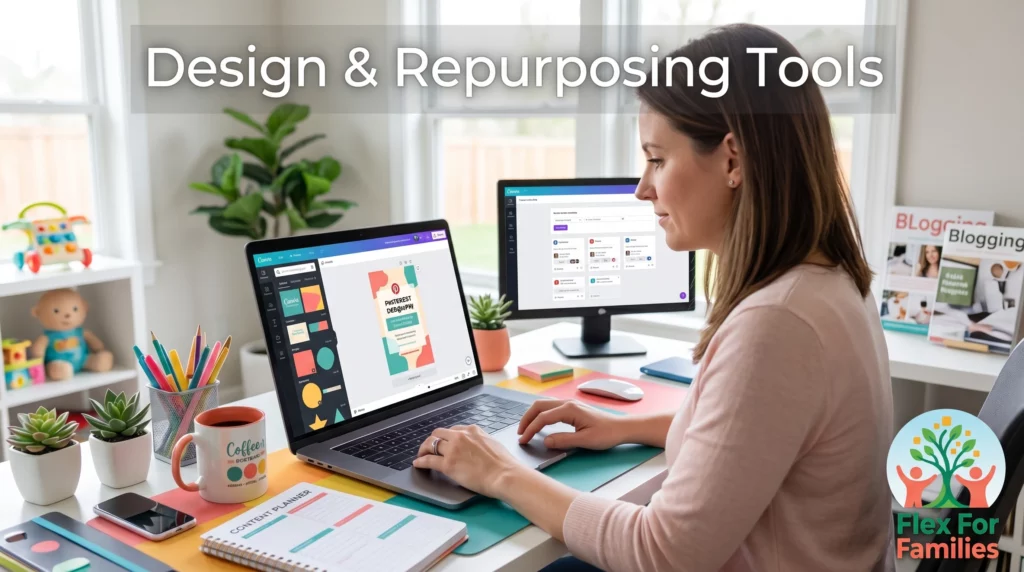
That’s where AI-powered design and repurposing tools can save a huge amount of time.
These tools help you turn:
- One blog post
into - Multiple pieces of content
Which is especially useful for busy parents trying to make the most of limited time.
Canva

Best for:
- Pinterest graphics
- Blog images
- Social media content
- Simple design workflows
Canva is one of the easiest tools for beginners because it removes a lot of the complexity from design.
You can quickly create:
- Pinterest pins
- Blog graphics
- Social posts
- Lead magnets
Its AI features also help with:
- Text generation
- Image suggestions
- Layout support
For many parent bloggers, Canva becomes part of the daily workflow because it saves so much time creating visual content.
If you want to see how Canva fits into a blogging workflow, I cover the features, strengths, and limitations in my full review.
Pictory
Best for:
- Turning blog posts into videos
- Short-form content
- Content repurposing
Pictory helps transform written content into video content automatically.
This is useful if you want to:
- Repurpose blog posts
- Create short videos
- Build content for social platforms
For beginners, this can feel much easier than learning advanced video editing.
It’s especially helpful if you want more content from the blog posts you are already creating.
If you’re considering Pictory for blogging and content repurposing, I break down how practical it really is in my detailed review.
CapCut
Best for:
- Editing short videos
- Reels and TikTok content
- Beginner-friendly video editing
CapCut has become very popular because it makes video editing feel much more approachable.
It offers:
- Templates
- Captions
- AI editing tools
- Mobile-friendly workflows
This makes it useful for bloggers wanting to:
- Create reels
- Repurpose content
- Improve social reach
Without spending hours learning professional editing software.
If you want to know whether CapCut is worth using for content creators and bloggers, I cover the pros, drawbacks, and workflow benefits in my full review.
Opus Clip
Best for:
- Turning long videos into short clips
- Repurposing content
- Social media growth
Opus Clip focuses heavily on content repurposing.
It helps creators turn:
- Longer videos
into - Short social clips automatically
This can save a huge amount of editing time if you:
- Record tutorials
- Create YouTube videos
- Want more short-form content
For bloggers expanding into video content, tools like this can make repurposing much more realistic.
If you want a deeper look at how Opus Clip works for creators and bloggers, I go into much more detail in my full review.
Which Design & Repurposing Tool Is Best?
The best choice depends on what type of content you want to create most often.
Some bloggers mainly need:
- Graphics
- Pinterest images
- Social visuals
Others want:
- Video workflows
- Repurposing tools
- Faster short-form content creation
Here’s a simple breakdown:
| Tool | Best For | Beginner Friendly? | Main Strength |
|---|---|---|---|
| Canva | Graphics and design | Yes | Simple visual content creation |
| Pictory | Blog-to-video workflows | Mostly | Automatic video generation |
| CapCut | Short-form video editing | Yes | Easy video editing and captions |
| Opus Clip | Video repurposing | Mostly | Turning long videos into clips quickly |
For most beginners, tools like Canva are usually the easiest starting point because they support blogging, Pinterest, and social media all in one place.
The important thing is not using every tool available.
It’s building a workflow you can realistically maintain around family life.
Best All-in-One AI Blogging Platforms
One of the biggest mistakes beginners make is trying to build a blogging workflow using too many disconnected tools.
You end up with:
- One tool for writing
- One for hosting
- One for SEO
- One for keywords
- One for design
Before long, the process becomes:
- Expensive
- Confusing
- Hard to maintain
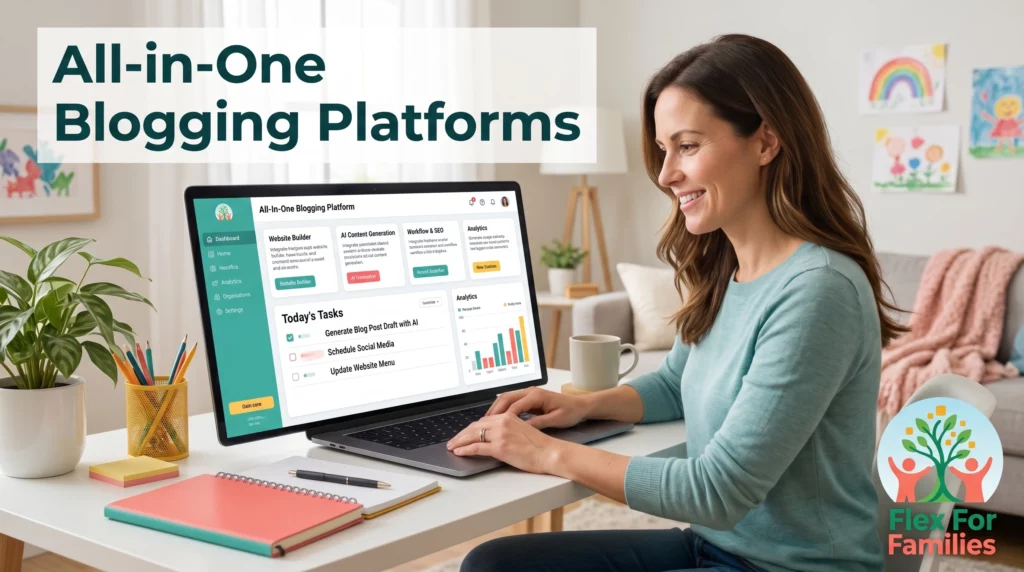
That’s why many bloggers eventually start looking for more complete platforms that combine multiple tools together.
For busy parents, this can make blogging feel much simpler and far more manageable.
Wealthy Affiliate

Best for:
- Beginner bloggers
- AI-supported blogging workflows
- Learning and building in one place
Wealthy Affiliate combines:
- Website hosting
- Keyword research
- AI writing tools
- Blogging training
- Community support
Into one platform.
What makes this especially useful for parents is the simplicity.
Instead of trying to connect lots of different services together, much of the workflow already exists inside the platform.
Its Business Hub and AI tools help with:
- Blog ideas
- Content drafts
- Workflow structure
- Staying organised
That can remove a huge amount of overwhelm for beginners.
It also helps that the training side focuses on building a real long-term blog rather than chasing quick AI shortcuts.
If you want to see how Wealthy Affiliate works as an AI-supported blogging system, I break down the tools, training, strengths, and limitations in my full review.
Durable
Best for:
- Quick website setup
- Simple business websites
- Fast AI-generated site creation
Durable focuses heavily on helping users launch websites quickly using AI.
It can:
- Generate websites
- Create business copy
- Speed up setup
This makes it appealing for beginners who want something simple.
However, it’s generally more focused on business website creation than long-term blogging workflows.
So while it can help people get online quickly, bloggers may eventually want more flexibility as their content grows.
If you’re curious whether Durable is a good fit for blogging or online business building, I cover the pros and limitations in my detailed review.
10Web
Best for:
- AI-powered WordPress setup
- Faster website building
- Website automation
10Web combines AI website generation with WordPress hosting and automation tools.
This can help speed up:
- Website creation
- Design setup
- Technical tasks
Compared to fully manual WordPress setup, it can feel much more beginner-friendly.
However, there can still be a learning curve if you are completely new to blogging and WordPress.
For bloggers who want more control while still using AI support, it can be an interesting middle ground.
If you want to see how 10Web compares to other beginner-friendly blogging platforms, I cover the full breakdown in my review.
Which All-in-One Platform Is Best?
The best platform depends on what you need most.
Some people want:
- Simplicity
- Training
- Guided workflows
Others mainly want:
- Fast website creation
- Automation
- Technical shortcuts
Here’s a simple comparison:
| Platform | Best For | Beginner Friendly? | Main Strength |
|---|---|---|---|
| Wealthy Affiliate | AI-supported blogging and affiliate marketing | Yes | All-in-one blogging workflow with training |
| Durable | Quick website creation | Yes | Fast AI-generated websites |
| 10Web | AI-powered WordPress setup | Mostly | Automation and WordPress support |
For many parent bloggers, simplicity matters more than having the most advanced setup possible.
That’s why platforms that combine:
- Training
- AI support
- Hosting
- Workflow tools
Can often feel easier to stick with long-term.
The simpler the process feels, the easier it becomes to stay consistent around real life.
Free vs Paid AI Tools
One of the biggest questions beginners ask is:
Do you actually need to pay for AI tools?
The honest answer is:
Not immediately.
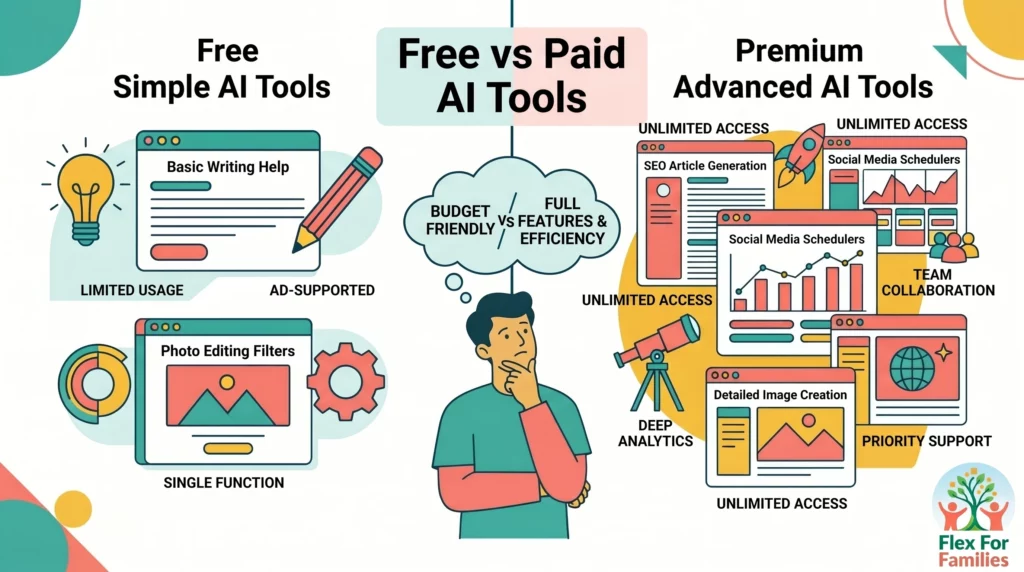
Many parent bloggers can get started using free tools while they learn the basics and build consistency.
That’s important because it stops you spending money before you even know what you genuinely need.
Free AI Tools Are Better Than Most People Think
A lot of free AI tools are now surprisingly capable.
For example, free versions of tools like:
Can already help you:
- Generate ideas
- Create blog drafts
- Design graphics
- Edit short videos
That’s enough for many beginners to start building momentum.
Where Free Tools Usually Become Limiting
As your blog grows, you may eventually notice limitations like:
- Usage caps
- Fewer AI features
- Limited exports
- Slower workflows
- Restricted automation
This is usually the point where paid tools start becoming more useful.
Not because you “need premium tools to succeed.”
But because better workflows can save meaningful time.
Paid AI Tools Are Mostly About Efficiency
This is the important mindset shift.
Paid AI tools rarely create success on their own.
What they really do is:
- Save time
- Reduce friction
- Improve workflow efficiency
That matters much more when:
- You’re blogging consistently
- You’re publishing regularly
- Your time becomes more valuable
The Biggest Mistake Beginners Make
Many people start paying for:
- Multiple writing tools
- SEO platforms
- Design subscriptions
Before they even have a consistent blogging routine.
That usually leads to:
- Wasted money
- Tool overload
- More confusion
A simple workflow almost always works better at the beginning.
A Smarter Way to Approach AI Tools
Instead of asking:
“What’s the best AI tool?”
Ask:
“What’s the next tool that would genuinely save me time?”
That approach keeps your workflow:
- Simpler
- More affordable
- Easier to maintain
AI Is Only Part of the Puzzle
The right tools can save time, but they won’t build a successful blog on their own.
If you’re looking for a realistic blogging path that works around family life, start here and I’ll show you the approach I recommend.
Start Here »Which AI Tools Are Actually Worth Paying For?
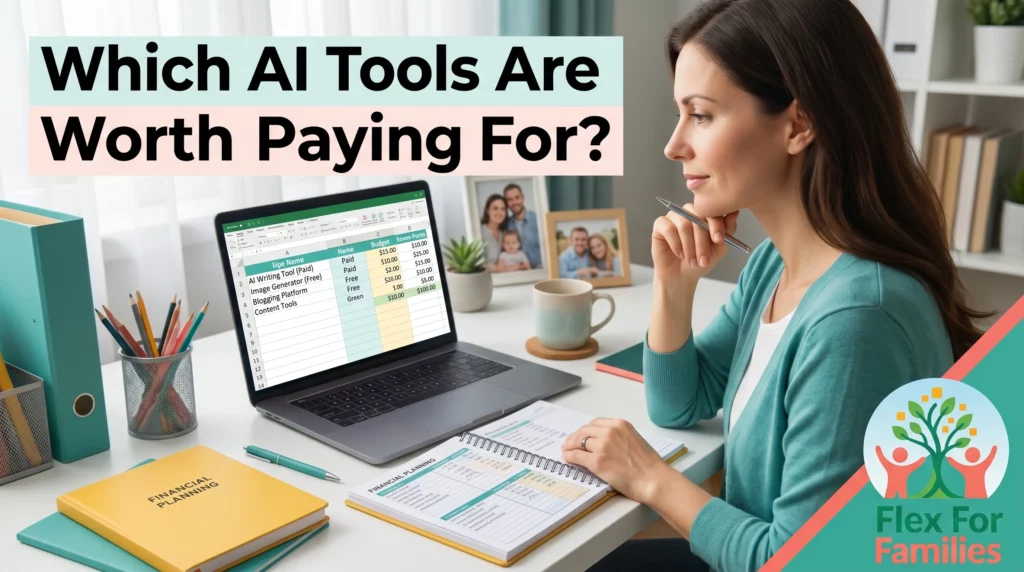
Not every AI tool deserves a monthly subscription.
Some tools genuinely improve your workflow.
Others mostly create extra noise and expense.
The best AI tools to pay for are usually the ones you:
- Use consistently
- Build your workflow around
- Save meaningful time with
Most Bloggers Only Need a Few Core Tools
For many parent bloggers, a simple setup is enough.
Usually:
- One writing tool
- One design tool
- One blogging platform or workflow system
That covers most of what you need.
AI Writing Tools Are Often Worth It First
If blogging feels slow or overwhelming, a paid writing tool can save a huge amount of time.
This is usually where people see the biggest productivity boost.
Tools like:
- ChatGPT
- Koala AI
Can help:
- Generate drafts quickly
- Speed up workflows
- Reduce blank-page frustration
For many bloggers, this is the first worthwhile upgrade.
Design Tools Often Provide Good Long-Term Value
Visual content matters more now than ever.
Platforms like Canva can replace multiple separate tools for:
- Pinterest graphics
- Social media
- Blog visuals
- Lead magnets
That makes them easier to justify long-term.
SEO Tools Are Worth It Later, Not Immediately
Most beginners do not need expensive SEO subscriptions straight away.
Tools like:
- Surfer SEO
- Frase
Become more useful once:
- You understand blogging basics
- You’re publishing consistently
- You want to improve content performance
Early on, creating useful content matters far more than advanced optimisation.
All-in-One Platforms Can Save Money and Overwhelm
This is where platforms like Wealthy Affiliate can make sense.
Instead of paying separately for:
- Hosting
- AI tools
- Keyword tools
- Training
- Workflow systems
You have everything together in one place.
For busy parents, simplifying the process is often more valuable than having lots of separate advanced tools.
The Best Investment Is the Tool You Actually Use
This is the most important point.
The best AI tool is not:
- The newest
- The most expensive
- The one with the most features
It’s the one that genuinely helps you:
- Stay consistent
- Save time
- Keep blogging manageable around real life
That’s what actually creates progress over time.
Recommended Starter Stack for Parents
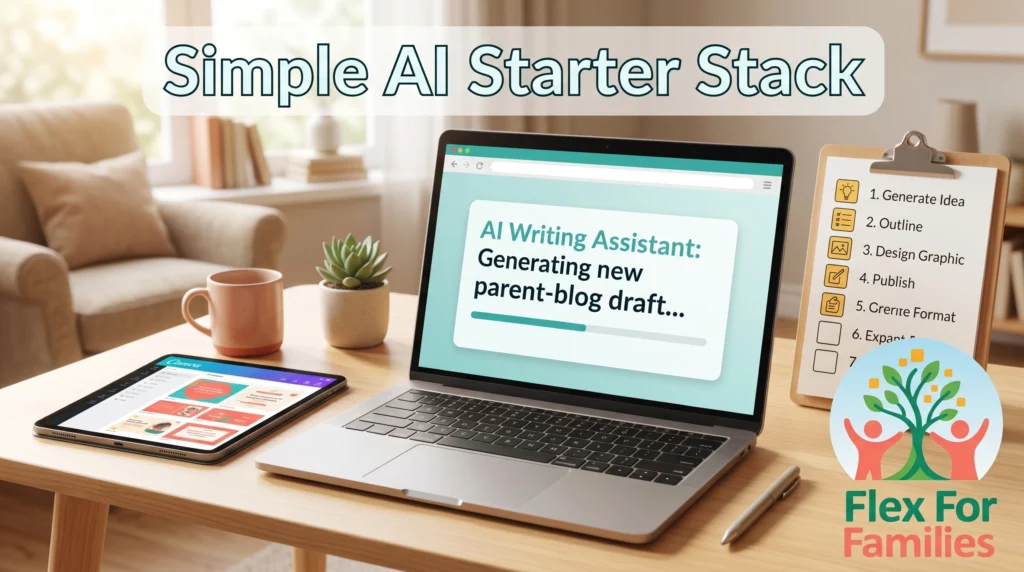
If you’re feeling overwhelmed by all the AI tools available, here’s the good news.
You do not need a huge setup to get started.
In fact, most parent bloggers can build a very effective workflow using just a few simple tools.
The goal is not to create the most advanced AI system possible.
The goal is to create a setup you can realistically stick with around family life.
A Simple AI Blogging Stack That Actually Works
For most beginners, this combination is more than enough.
ChatGPT
Best for:
- Blog ideas
- Drafting content
- Workflow support
This is the tool that handles most of the heavy lifting.
You can use it to:
- Generate blog post ideas
- Build outlines
- Draft sections
- Rewrite and simplify content
For many bloggers, this becomes the core writing assistant in their workflow.
Canva
Best for:
- Pinterest graphics
- Blog visuals
- Social media content
Canva helps you create visual content quickly without needing design experience.
It’s especially useful for:
- Pinterest pins
- Featured blog images
- Social graphics
- Lead magnets
For busy parents, the simplicity is one of the biggest advantages.
Wealthy Affiliate
Best for:
- Hosting
- Training
- AI-supported blogging workflows
This is where everything starts coming together.
Instead of trying to connect lots of different tools manually, Wealthy Affiliate combines:
- Website hosting
- Keyword tools
- AI support
- Blogging training
- Workflow guidance
Into one place.
That simplicity can save a huge amount of time and overwhelm for beginners.
If you want to see how Wealthy Affiliate fits into a realistic blogging workflow for parents, I break everything down in my full review.
Why This Starter Stack Works So Well
This setup is:
- Simple
- Affordable
- Beginner-friendly
- Easy to maintain
Most importantly, it covers the core parts of blogging:
- Writing
- Design
- Hosting and workflow
Without needing:
- 10 subscriptions
- Advanced technical skills
- Complicated setups
You Can Always Expand Later
As your blog grows, you may eventually want:
- SEO tools
- Video tools
- Repurposing tools
- Advanced automation
But you do not need all of that immediately.
A simple workflow almost always works better at the beginning.
Final Thoughts: Best AI Tools for Parent Bloggers

AI tools can absolutely make blogging easier.
But many people make the mistake of thinking they need:
- Every new AI tool
- Fully automated workflows
- Complex systems
You really do not.
The bloggers who tend to succeed long term usually focus on:
- Simple workflows
- Helpful content
- Consistency
- Human input
That matters far more than having the biggest collection of AI tools.
The Best AI Blogging Setup Is the One You’ll Actually Use
You do not need:
- 20 subscriptions
- Fully AI-generated content
- Complicated automation
You need:
- A workflow you can manage
- Tools that genuinely save time
- A process that fits around real life
That’s what makes blogging sustainable for busy parents.
And honestly, that’s where AI is most useful.
Not replacing you.
Supporting you.
AI Is Only Part of the Puzzle
The right tools can save time, but they won’t build a successful blog on their own.
If you’re looking for a realistic blogging path that works around family life, start here and I’ll show you the approach I recommend.
Start Here »FAQ Section: Best AI Tools for Parent Bloggers
What is the best AI tool for beginner bloggers?
For many beginners, ChatGPT is one of the easiest places to start because it helps with ideas, outlines, and drafting content. The best tool is usually the one that simplifies your workflow rather than adding more complexity.
Do I need paid AI tools to start blogging?
No. Many beginners can start with free versions of AI tools while learning the basics. Paid tools become more useful later when you want to save more time or improve your workflow.
What AI tools do bloggers actually use?
Many bloggers use a combination of:
- AI writing tools
- Design platforms
- SEO tools
- Content repurposing tools
But most beginners only need a small number of core tools to get started.
Is AI blogging good for parents?
Yes. AI can help parents:
- Save time
- Generate ideas faster
- Create content more consistently
This makes blogging feel more manageable around family life and busy schedules.
What is the best AI tool for creating Pinterest graphics?
Canva is one of the most popular options because it is beginner-friendly and works well for blog graphics, Pinterest pins, and social media content.
Are AI SEO tools worth paying for?
AI SEO tools can be useful later on, especially when you are publishing consistently and want to improve rankings. However, beginners usually benefit more from focusing on helpful content first.
Can AI tools replace bloggers completely?
No. AI tools can support blogging workflows, but human input is still important for creating content that feels personal, trustworthy, and genuinely helpful.
What is the best all-in-one AI blogging platform?
Platforms like Wealthy Affiliate can work well for beginners because they combine hosting, AI support, keyword tools, and training in one place.
Let’s Chat
What AI tools are you currently using for blogging or content creation?
- Are you trying to keep things simple?
- Have you found a tool that genuinely saves you time?
- Or are you still feeling overwhelmed by all the options?
Drop a comment below and let’s talk about what’s actually working for you.