

How to organize blogging tasks in 30 minutes comes down to three habits: sort every task by size, give each session one job, and keep a parking list for stray ideas. When a window opens, you pick a task from the list instead of deciding what to do, so all thirty minutes go to the work.
What Can You Actually Get Done In 30 Minutes?
In 30 minutes you can finish one small, clearly defined piece of blogging work, and that is enough to move a blog forward when you repeat it. The trouble starts when the task is vague. “Work on the blog” has no finish line, so half an hour disappears into opening tabs, rereading old posts and wondering where to begin.
Parents with short, unpredictable pockets of time have a particular problem here. You cannot count on a long block, and you cannot count on the window arriving when you planned it. A system that depends on a two-hour Saturday morning will fail the first time that morning goes to a sick kid or a missed nap.
So the goal for each window is a single task that fits inside it. Tasks that are too big for 30 minutes need to be cut into pieces that fit, and that cutting is easier to do once, in advance, than every time a window opens.
How Do You Sort Blogging Tasks So Picking One Is Easy?
You sort them by size into three groups, so that when a window opens you only have to ask how much time you have. Write every task you can think of in one list, then label each one Small, Medium or Large.
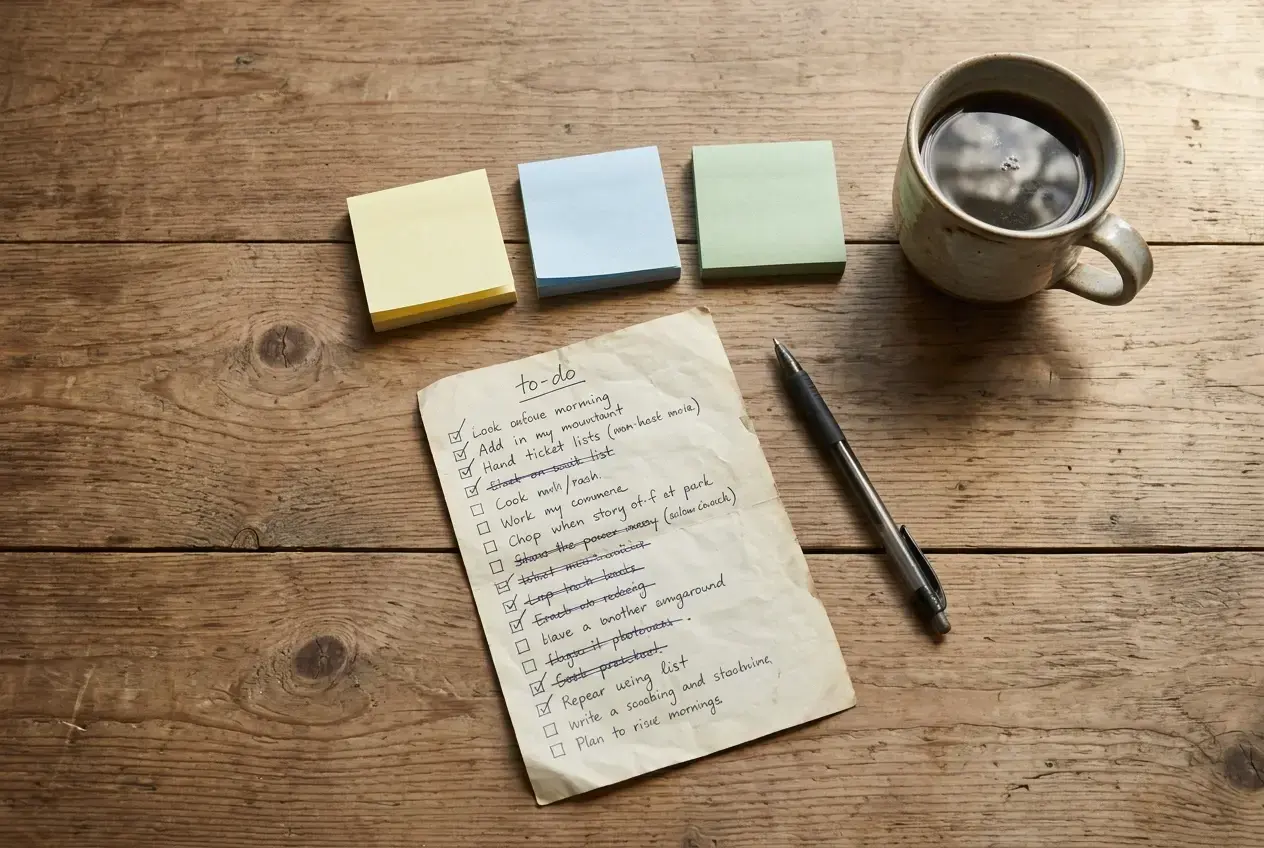
Small tasks take 5 to 15 minutes and have an obvious end:
- Rewrite a post title or meta description
- Add one internal link to an older post
- Choose or resize an image for a draft
- Write a rough outline with five or six headings
- Reply to a comment
Medium tasks fill a full session of 25 to 30 minutes:
- Write one section of a post
- Edit a finished draft once, start to finish
- Research the keyword for one post and note what readers are asking
- Format a post and prepare it for publishing
Large tasks will not fit in one window, and that is the signal to split them. “Write a post” becomes outline, write the opening, write section one, write section two, edit, format. “Set up my site’s About page” becomes decide what it says, draft it, add a photo, publish. Each piece then lands in Small or Medium.
Keep nothing in the list labeled Large. If a task is still Large, it has not been broken down far enough. Once every item is Small or Medium, picking a task takes a few seconds: a full 30 minutes gets a Medium task, and a gap of ten minutes between other jobs gets a Small one.
Write each task as a verb plus an object, such as “Draft section two of the budgeting post.” A task named that way tells you exactly what to open and what done looks like.
What Does A Simple Weekly Rhythm Look Like?
A simple weekly rhythm is a repeating order of session types, not a schedule tied to particular days. Because your windows arrive unpredictably, a fixed Monday-to-Friday plan breaks easily. A rotation does not, because you simply take whichever job is next.
One rotation that works for a single post at a time:
- Plan session: pick the next post, check its keyword, write the outline.
- Write session: draft the first half.
- Write session: draft the second half.
- Edit session: read the whole draft once and fix what is unclear.
- Publish session: add the image, format the post, set the title and description, publish.
- Tidy session: work through Small tasks such as internal links, old titles and comments.
When a window opens, look at where you stopped in the rotation and do the next job. If you get three windows in one day, you might plan, write and write again. If you get one window all week, you still moved the post one step along.
Each session has one job. Do not edit during a write session, and do not research during an edit session. Mixing jobs is what makes 30 minutes feel too short, because every switch costs time. A draft written without stopping to fix it is also easier to finish, since you are only moving forward.
Build the rotation around your life, not the reverse. If your best windows tend to fall at nap time and the evenings are chaotic, put your Medium sessions there and use scraps of time for Small ones from the Tidy list. Nobody needs to see the schedule but you.
How Do You Start A Session Without Losing The First Ten Minutes?
You start without losing time by deciding what the session is before it begins, and the easiest way is to finish each session by writing the next one. In the last two minutes of any session, write one line at the top of your task list or your draft: “Next: write the section on choosing a host, starting with the paragraph about cost.”

That line replaces the usual opening routine of rereading, scrolling and deciding. When the next window arrives, you open the document, read one line and begin.
A few other habits protect those first minutes:
- Keep the work open. Leave your draft or task list open in a browser tab or app so it is the first thing you see.
- Set a timer for 30 minutes. A visible countdown makes it harder to drift into email or social media.
- Gather what you need beforehand. If a post needs a source, a screenshot or an image, collect it during a Small task, so a writing session never stalls on a search.
- Pick before you sit down. Choose the task while you are doing something else, such as making lunch, so the window itself is for doing.
If a window is shorter than expected, drop to a Small task. A ten-minute window used on a title rewrite is a good use of ten minutes. Starting a Medium task you cannot finish usually leaves a half-formed mess that costs time to pick back up.
What Should You Do When Someone Interrupts You Mid-Task?
When someone interrupts you, take 15 seconds to write down exactly where you were, then go. With children around, interruptions are not a failure of the system. They are part of the conditions, so the system needs a way to handle them.
The note does not need to be tidy. If you are mid-draft, type a marker such as “STOP HERE” at the end of the last sentence you wrote, and add a few words about what comes next: “next: example about meal planning.” Delete the marker when you resume. If you are mid-task in something other than a draft, add the same kind of note to the task itself.
That note is what lets you return after five minutes or after five hours without rebuilding your train of thought. Without it, you spend your next window working out where you were, which is the same lost-minutes problem the system exists to prevent.
Then decide quickly whether the window is over or only paused:
- If you get a few minutes back, pick a Small task rather than trying to restart a Medium one.
- If the window is gone, do nothing more. The note is enough, and the task stays first in line for your next session.
Resist the urge to feel guilty about an unfinished session. A partly done task with a clear note is in a better state than a task you never started, and the next window picks it up from there.
Where Do Extra Ideas And Unfinished Tasks Go?
Extra ideas and unfinished tasks go on a parking list, a single note kept separate from your sorted task list. Ideas arrive at bad moments, usually in the middle of a different task, and following them is the quickest way to lose a session. Writing them down takes ten seconds and lets you go straight back to the job at hand.
Keep the parking list in one place you can reach from your phone and your computer, such as a notes app or one document. Do not spread ideas across scraps of paper, text messages and browser tabs, because you will not check them all.
Two kinds of things belong there:
- New ideas: post topics, questions a reader might have, products to look into, a design change you want to try.
- Unfinished work you are not ready to continue: a half-written paragraph, a post you started and want to rethink, a task that turned out to be bigger than expected.
Once a week, in a Plan session, read through the parking list. For each item, decide one of three things: delete it, turn it into a Small or Medium task and move it to your sorted list, or leave it parked another week. Most ideas will not survive a second look, and that is fine. The ones that do get a size and a proper task name.
This separation matters because your sorted list stays short and trustworthy. Every item on it is ready to do in a single window, while the parking list holds everything that is not.
Final Thoughts
Organizing your blogging tasks does not take a big block of time. It takes one list sorted by size, a rotation of single-job sessions, a one-line note at the end of each session, and a parking list for everything else. After that, each short window already has its work waiting.
Here is one small step: look at your list, pick a single task that fits 30 minutes, and do that in your next window. If you have no list yet, start by writing down ten tasks and labeling each Small or Medium.
Wealthy Affiliate’s training and community are where I keep my tasks and next steps in one place, so I am not hunting for what to do next when a window opens. If you want to see what the support looks like before deciding anything, the Wealthy Affiliate community review covers how the community works in practice. Take your time with it, and build the routine around your life.
Let’s Chat
What is the one blogging task you keep putting off because it feels too big for a short window? Share it in the comments, and let’s break it into pieces that fit in 30 minutes.