
Starting a blog with no tech experience sounds like the kind of thing that should stop you before you begin. You picture code, servers, some invisible machinery you’d have to understand before you’re allowed to publish a single word. For a stay-at-home parent weighing whether this is even worth attempting between everything else on the plate, that image alone can be enough to close the laptop and go fold the laundry instead.
This isn’t a tutorial. There are plenty of those already, and they’re useful once you’ve made the decision to try. This is the part before that: what “no tech experience” actually looked like, what got figured out in what order, and the small steps that happened before a single tool was owned. If you’re standing at the edge of this decision right now, this is the piece that walks you up to it.
The night I decided to start anyway
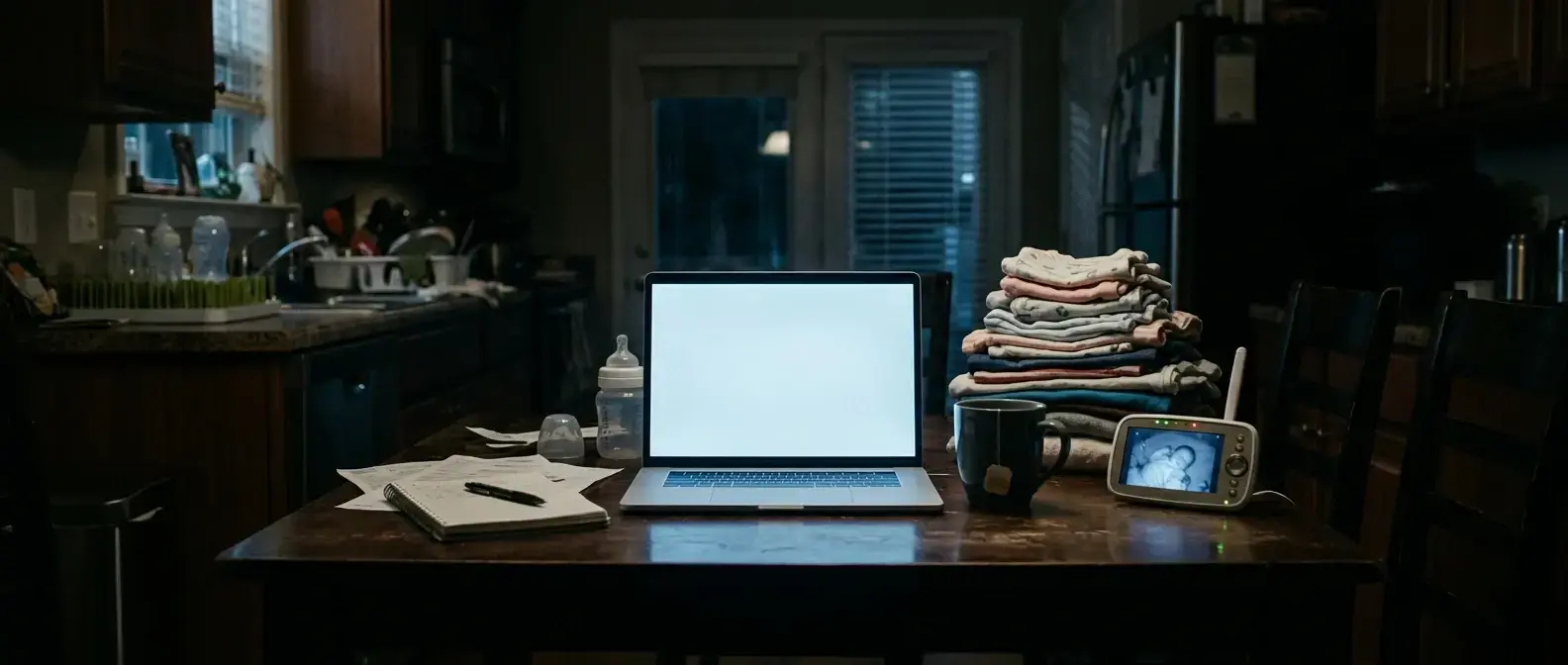
There wasn’t a business plan. There wasn’t a spreadsheet comparing platforms or a notebook full of blog post ideas. There was a question that kept circling back, the kind that shows up in the gaps of a day rather than at a desk: could someone who had never built a website actually do this?
That question doesn’t arrive with confidence attached. It arrives with doubt attached, usually in the same breath as the thought that other people’s blogs look so finished, so professional, that there’s no way to get from zero to that. If you’re sitting with that same question right now, that doubt isn’t a sign you’re not cut out for this. It’s just what the starting point feels like for almost everyone.
For a lot of stay-at-home parents, the question shows up at the edges of the day, in the ten minutes before the next thing needs doing, scrolling through other people’s sites and wondering what it would take to build one. The decision to start usually isn’t dramatic. It’s just the point where the question stops being hypothetical and becomes something you’re actually willing to find out the answer to.
What ‘No Tech Experience’ Actually Meant For Me
When people say they have no tech experience, that phrase covers a lot of different starting points. For me, it meant something specific: I did not know what hosting was. I did not know that a domain name and a blog post were two completely different things, or that a website needs somewhere to actually live on the internet before anyone besides me could see it.
Those three concepts, domain, hosting, and the blog itself, sound simple once you’ve got them. At the start, they’re just a wall of unfamiliar words that seem to require some kind of technical background to sort through. They don’t. A domain is the address people type in to find the site. Hosting is the space that address points to, where all the actual files live. The blog is what gets built inside that space. None of it required writing code or understanding how any of it worked behind the scenes.
What “no tech experience” did not mean was an inability to learn any of it. It meant starting from zero on vocabulary, not from zero on capability. That distinction matters more than it sounds like it should, because it’s the difference between thinking you need a technical background to start a blog and realizing you just need someone to explain the handful of terms that keep getting thrown around like everyone should already know them.
Picking A Topic Before I Picked A Single Tool
Before any platform got chosen, before any account got created, the first real decision was what to actually write about. That part didn’t require technical knowledge at all. It required sitting with the question of what you already know enough about, and what you’re already living through, to write about consistently without running out of things to say.

For a stay-at-home parent, that list is usually longer than it feels like in the moment. Daily routines, the way a schedule gets built around nap times and pickups, the small systems that make a chaotic day workable, these are the kinds of things other parents are actively searching for answers about. A topic doesn’t need to be unique to be worth writing about. It needs to be something you can keep returning to without the well running dry after three posts.
This part came before any tool because it didn’t depend on one. Picking a topic is a decision you can make with a pen and paper, in the fifteen minutes you’ve actually got, long before you’re ready to sign up for anything. Getting that settled first meant the tool decisions that came after had a clearer purpose, instead of choosing a platform and then trying to figure out what to fill it with.
Signing Up And Publishing My First Page (The Parts That Scared Me)
The scary part wasn’t learning what hosting meant. It was the moment right after, where understanding the words doesn’t make clicking the buttons feel any less like you might break something. Signing up for hosting, choosing a domain name, and getting a blog live for the first time involves a string of small decisions that each feel bigger than they are when you don’t yet know what’s reversible and what isn’t.
Typing in a domain name and committing to it felt permanent in a way it isn’t. Clicking through a hosting setup felt like it required more certainty than I actually had about what I was doing. And publishing that very first page, even though it was rough and not something I’d point anyone to, felt like the kind of thing that should require more confidence than I had at the time.

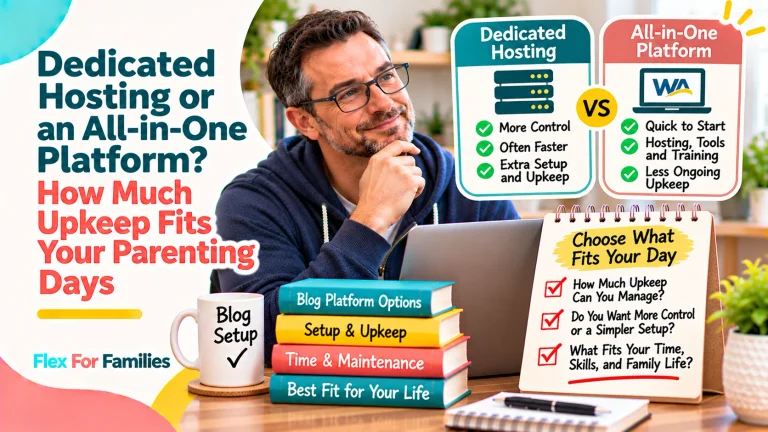
None of those moments were as fragile as they felt. Hosting accounts can be changed. Domain names can be adjusted. A first published page isn’t a final draft of anything, it’s just proof the thing works. If you’re trying to compare hosting options before you commit to one, a side-by-side look at hosting platforms built for parent bloggers is worth reading before you pick, since the differences matter less for what they can technically do and more for how much setup and maintenance they’ll ask of you later.
The Mistakes That Cost Me The Most Time
Looking back, the mistakes that cost the most time weren’t technical ones. They were decisions made out of trying to feel ready before actually starting.

A few patterns show up often enough in new blogger stories that they’re worth naming directly:
- Trying to learn everything before publishing anything. There’s a temptation to research every tool, every plugin, every setting before writing a single post. Most of that knowledge only makes sense once you’re actually using the thing, not before.
- Chasing a perfect design before there’s any content to design around. A theme can be changed later. A blank blog with a beautiful layout still has nothing in it.
- Spending money on tools or courses before knowing what’s actually needed. It’s easy to assume a paid course or premium plugin will fix the uncertainty. Often, the uncertainty gets solved by just doing the thing badly a few times first. If you’re weighing whether a paid course is worth it at this stage, this comparison of free and paid blogging courses lays out what’s actually worth paying for and what isn’t, yet.
- Comparing a brand-new blog to ones that have been running for years. That comparison isn’t useful information, it’s just discouragement dressed up as a benchmark.
Every one of those mistakes has the same root: trying to skip the part where the blog is new and a little unpolished. There isn’t a way to skip that part. There’s only getting through it faster by publishing anyway.
What I’d Tell A Parent Starting This Week
If you’re starting this week, here’s what matters more than it seems to at the start:
- Pick a topic you can write about without running dry in a month. Interest sustains a blog longer than strategy does, especially in the early stretch before anyone’s reading it.
- Get something published before it feels ready. The first post doesn’t need to be good. It needs to exist, so the next one has something to build on.
- Expect the unfamiliar words to stop being unfamiliar fast. Hosting, domains, plugins, none of it stays confusing for long once you’re actually inside it instead of reading about it from the outside.
- Build the habit around your actual schedule, not an ideal one. Fifteen minutes during a nap is still fifteen minutes. Staying consistent as a parent blogger has more on what that looks like once life inevitably gets messy, which it will.
- Don’t wait for a block of free time that isn’t coming. The blog gets built in small, interrupted pieces. That’s not a workaround, that’s just what building it around a family’s life looks like.
None of this requires a technical background. It requires a willingness to start before you feel ready, because feeling ready isn’t a stage that arrives on its own.
Where To Go Once You’ve Got Your First Page Up
Once the first page is live, a handful of decisions come next, and they’re worth taking one at a time rather than all at once.
Hosting is usually the first real choice, since everything else sits on top of it. A comparison of top hosting platforms covers what tends to matter most for a parent blogger specifically: how much ongoing maintenance each option asks for, not just which one is technically more powerful.
Email comes next, usually sooner than expected, once there’s a reason to start collecting readers who want to hear from you again. Choosing your email provider walks through the options with an eye toward which ones fit a schedule built around nap time rather than a full workday.
Beyond the tools, the thing that tends to matter most is not doing this alone. Why community support matters when you’re building a blog from scratch covers why having somewhere to ask questions, especially the small ones that feel too basic to ask, changes how far people actually get. The questions that feel embarrassing to ask out loud are usually the ones everyone had at the start.
Final Thoughts: It Doesn’t Matter How Technical You Are…
How technical you are at the start has very little to do with whether this works out. It matters whether you’re willing to publish something imperfect, learn the next word you don’t recognize, and keep going through the stretch where the blog doesn’t look like much yet.
Every unfamiliar term, every confusing setting, every scary button eventually becomes ordinary. That’s not a special outcome reserved for people with a technical background. It’s just what happens when you keep showing up to the same small set of tasks long enough for them to stop being new.
If you’re standing at that same starting point right now, wondering whether you’re technical enough to pull this off, you’re not short on capability. You’re just short on the vocabulary that gets handed to you the moment you start. Wealthy Affiliate is the platform built for exactly that stretch, one small step at a time, built around naps and school pickups rather than a rigid course schedule. Take your time with it. Small steps matter here more than speed does.
Let’s Chat
Let me know what you thought in the comments below. If you’ve got any experience of not feeling you are up to it because you’re not techy enough. I’d love to know.