

Evergreen content for bloggers is writing that answers a question people will still be asking months and years from now. Because these posts stay useful, the hours you spend on them keep helping readers, which matters when you only write in small pockets of time. Here is how I choose them.
What Does Evergreen Content Actually Mean?
Evergreen content is a post whose answer stays accurate and useful long after you publish it. A post on how to plan a week of simple dinners, how to set up a blog around a toddler’s schedule, or how to choose a first affiliate program will read the same next year as it does today.
A trend post is tied to a moment. It might cover a viral challenge, a product everyone is talking about this week, or a news story. Readers want it now, and once the moment passes, so do the readers.

A quick test sorts most ideas: would someone searching this question a year from now still be helped by the post? If yes, it is evergreen. If the post only makes sense this month, it is a trend post.
Evergreen does not mean “never touched again.” Prices change, tools get updated, and links break. An evergreen post needs a quick check now and then, which takes far less time than writing a new post from scratch.
Why Did Chasing Trends Wear Me Out?
Chasing trends used up the limited writing time I had, because trend posts have to be written quickly to be worth writing at all. Speed is the one thing a parent writing in short windows does not have.
A post that takes three short sittings to finish can be out of date before it is published. The topic moves on, and the hours you spent are gone with it. Then there is the next trend, and the next, and the list of things you feel you should be covering never gets shorter.
Trend-chasing also puts pressure on how you decide what to write. You look at what everyone else is posting and start to feel behind, even though their schedule and yours have nothing in common. Choosing topics by what is popular this week means choosing by someone else’s calendar.

For a blog built around family life, that is a poor match. Your writing time is unpredictable, and the plan has to survive a skipped nap, a sick day, or a week where nothing gets written at all.
What Changed When I Switched to Evergreen Posts?
The main change is that a post no longer has a deadline set by the news cycle. Evergreen posts can be written over as many short sessions as it takes, because the topic will still be relevant when you finish.
A few other things follow from that:
- Planning gets simpler. You keep a list of questions to answer instead of a list of things to react to.
- Each post can be reused. A finished post is something you can link to from later posts, update, and point new readers toward.
- There is less guilt about gaps. If a week goes by without writing, nothing you planned has expired.
- Your site gets more coherent. Posts on lasting questions in one niche tend to support each other, which helps readers move from one to the next.
None of this promises a particular result for traffic or income, and I am not making that claim. What it changes is how the work feels and how much of your limited time ends up in posts that remain useful.
How Do I Pick Evergreen Topics Now?
I pick topics by running each idea through a short set of rules. They are simple on purpose, because a long checklist is one more thing to skip when time is tight.
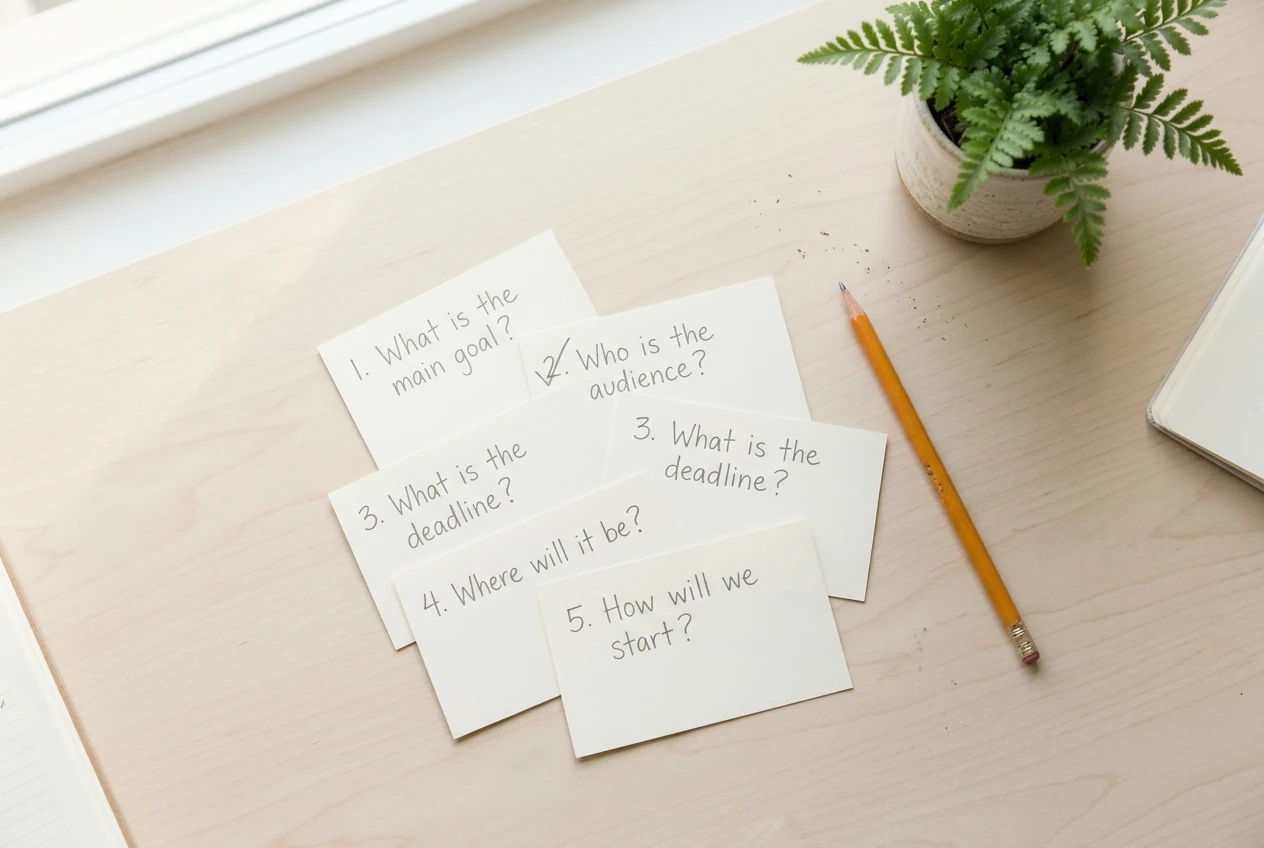
- Start with a real question. The topic should be something a reader would actually type into a search box or ask another parent. “How do I find time to write when the kids are home?” works. A clever theme with no question behind it does not.
- Ask if it will still be true in a year. If the answer depends on a current event, a release date, or a price that changes monthly, I either skip it or write only the part that lasts.
- Check that it fits the time I have. One post answers one question. If a topic needs a week of research and a full afternoon, I split it into smaller questions that can each be finished in a few short sessions.
- Make sure it belongs on this site. A post should serve the same reader as the others: a parent who wants to start a blog or is new to it. Off-topic posts, even good ones, do not help that reader.
- Look for a link to something already published. Good evergreen posts connect. A post about choosing affiliate products can point to an explanation of how affiliate marketing works on a blog, because that explanation stays useful for years and a new reader will need it.
If an idea passes all five, it goes on the list. If it fails two or more, it stays off.
Can You Still Cover a Trend Without Chasing It?
Yes, as long as you cover it on your terms and inside your normal writing time. Chasing means dropping your plan to react. Covering means a trend fits a question your readers already have.
There are a few practical ways to do that:
- Write the lasting question behind the trend. If a popular app is getting attention, the evergreen question might be “how do I choose a tool for a task I do every week?” That post stays useful after the app fades.
- Add a short section to an existing post. A paragraph with a date in your own notes is cheaper than a new post, and it keeps one strong page instead of two thin ones.
- Skip it. Most trends do not fit your niche or your schedule, and skipping them costs you nothing you were going to keep.
A good rule is to cover a trend only when it fits a post you would have written anyway and you can finish it in your usual time. If it needs you to rearrange your week, it is chasing.
What Should a New Parent Blogger Do First?
Start with a list of questions and pick one. You do not need a content calendar or a complete plan, just something small enough to begin this week.

- Write down ten questions. Think of what you searched for when you were starting out, or what other parents ask you. Keep them in your own words.
- Cross out anything that expires. Remove ideas tied to a news story, a season-only event, or a one-time release.
- Pick the one you could answer in a single sentence. If you can state the answer plainly, you already know enough to write the post.
- Put the answer in the first paragraph. Readers with a few minutes will see what they came for right away, and you will have a clear target while you write.
- Write in whatever time you have. Ten minutes on a heading outline counts. So does a paragraph typed while dinner cooks. Small steps matter, and a post finished slowly is still finished.
Take your time with the first few posts. The goal at the start is a short list of useful posts, not a large number of them.
Final Thoughts
Choosing what to write is the part of blogging that costs nothing and saves the most time. When the rule is “will this still help someone next year?”, most of the pressure to keep up with everyone else goes away, and you can build around your life instead of around the news.
If you would like steady, step-by-step support building a blog around your family’s schedule, take a look at Wealthy Affiliate. It is what worked for me, and it may or may not suit you. There is no pressure, and I am not promising any particular result. Read about it, see whether the way it teaches fits your days, and go from there.
Let’s Chat
What is one question you wish a blog had answered for you when you were starting out? Share it in the comments, and it might become a future post here.