
Payhip is a good starting point if you want to sell your first printable or ebook from your blog without committing to a monthly fee. The free plan gives you a product page, checkout and file delivery. The decision comes down to what you pay per sale and how much control you want over the buying experience.
What Is Payhip and Who Created It?
Payhip is an ecommerce platform founded in 2011 by Abs Farah and Kahin Farah. You can sell digital downloads, courses, memberships, coaching and physical products through it. For a blogger with a PDF to sell, its role is straightforward. It gives you a place to list the file, take payments and deliver the download. About Payhip · Payhip’s platform overview
Quick Note: I’m John Crossley, founder of Flex For Families. I review online business opportunities through the lens of family life, focusing on costs, time commitments, risks, and whether they genuinely help parents create more flexibility.
How Would You Set Up Your First Printable?
Let’s use a fictional £5 weekly planning pack for busy parents. It includes a weekly planner, a meal planner and a one-page shopping list. It’s a separate example from the free Parent Blogging Starter Kit.
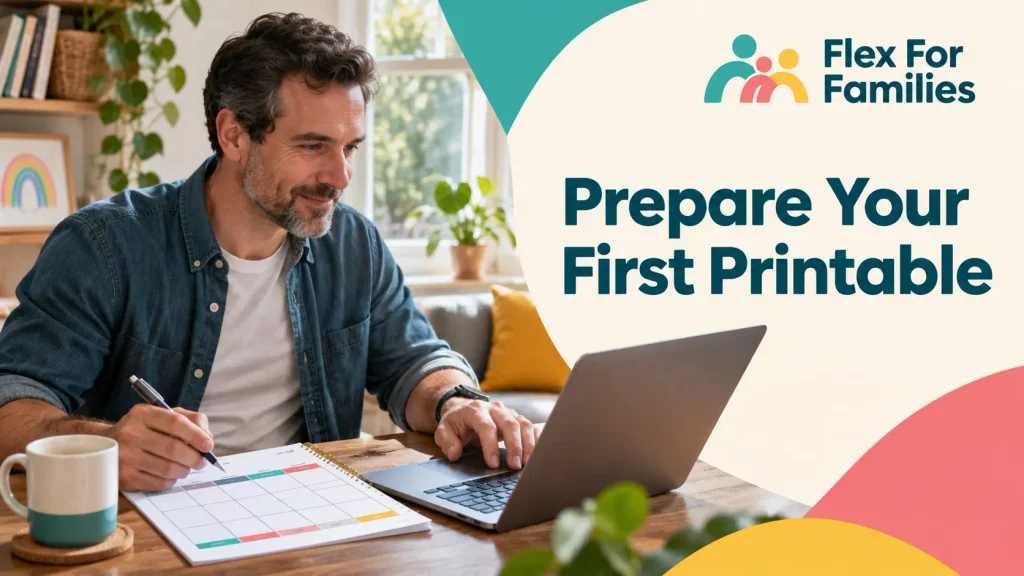
- Prepare the PDF. Give it a clear filename and print a copy yourself. Check the margins, page order and readability in black and white. If you include A4 and US Letter versions, label them clearly.
- Create a digital product in Payhip. Upload the files, set the price and add a preview image. Write a description that explains what’s inside, the paper sizes and how buyers can use it.
- Connect a supported payment provider. Check which providers are available where you live, their fees and how they pay out before you publish.
- Pick a blog post that already addresses the same problem. A post on planning meals around a busy week could show readers one useful tip and offer the pack if they want a printable version.
For an ebook, use the same steps. A contents page and sample spread help readers decide whether the guide covers what they need. Adding a digital product
How Can You Sell From Your WordPress Blog?
| Option | Where the reader goes | When it makes sense |
|---|---|---|
| Link to the Payhip product page | A Payhip page with the description, preview and buy button | Your blog mentions the pack briefly and readers need more detail before paying. |
| Use a direct checkout link | Straight to Payhip checkout | Your WordPress sales page already explains the price, format and contents. |
| Embed a Payhip button | A Payhip purchase button appears on your WordPress page | You want the button on your own page and can add the embed code in your editor. |
For a first launch, I’d link to the Payhip product page from one relevant post. You’ll have one place to update the description and previews. A direct checkout link makes sense once your own sales page answers the questions a customer is likely to have. If you embed a button in Gutenberg, use Payhip’s instructions and check the live page in a private window on your phone. Product URLs · Direct checkout links · WordPress embed instructions

What Should You Check Before You Share the Buy Link?
Payhip documents a test you can run with a 100% off coupon. Create the coupon for the planning pack, open the product page in a private browser window, enter an email you can check and apply the code. Confirm the total is £0 before completing checkout. If you plan to use a direct link or embedded button, start there too.
Open the confirmation page, look for the receipt email and use its link to download the file. Check the correct version opens on your phone and prints at the advertised size. If you’ve set a custom checkout redirect, tell buyers to check their email for the download link. Delete the test coupon when you’re done or limit its use beforehand. Testing checkout · Buying through Payhip · Checkout redirects
To check that your payment provider can take money, run a small real purchase as well. Payhip recommends a separate browser session and email address and a payment method unconnected to your own payment processor. Check the transaction in the processor’s dashboard and check the payout separately when it’s due. If you temporarily lower the price for the test, put it back to £5 before sharing the link. Testing a real payment
What Protection Do Your Downloads Get?
Payhip lets you limit the number of times a customer can download a file. You can also turn on PDF stamping. It puts the buyer’s email and purchase date in the top-left corner of each page. Stamping applies to portrait PDFs under 250 MB. If your weekly planner is landscape, it falls outside that feature. If you use stamps on a portrait version, leave room at the top left and check a downloaded copy before launch. Download limits and PDF stamping
How Much Does Payhip Cost?
Payhip lists its monthly charges in US dollars. It gives all three plans the same features, with unlimited products and revenue. Payment processing fees apply separately on every plan. Payhip pricing
| Plan | Monthly charge | Payhip fee per sale |
|---|---|---|
| Free Forever | $0 | 5% |
| Plus | $29 | 2% |
| Pro | $99 | 0% |
On the £5 example, Payhip’s 5% fee would be 25p on a £5 fee base. That leaves £4.75 before payment processing and any applicable taxes or currency costs. For a low-priced printable, check whether your payment provider charges a fixed amount as well as a percentage. Even a small fixed fee can take a noticeable share of a £5 order.
If you compare the Payhip plans using monthly sales in USD, Free and Plus cost the same at about $966.67 in sales. Plus and Pro cost the same at $3,500. Below the first figure, Free costs the least. Between the two figures, Plus costs the least. Above $3,500, Pro costs the least. These are Payhip fee comparisons. If your products sell in pounds, convert your actual sales to USD for the comparison and allow for exchange costs where they apply.
For your first product, I’d start on Free and look at the numbers again once you have a few months of sales. Paying $29 to cut the fee from 5% to 2% makes sense once the saving is consistently worth more than the subscription.
What About VAT and Sales Tax?
Payhip says it collects and remits digital EU and UK VAT on eligible sales. Its help centre says it began handling US sales tax and Canadian GST/HST and PST on 1 July 2026. Payhip’s Canadian guidance says sellers who are required to handle Québec Sales Tax still need to do so themselves. Check the guidance for your product category and where you sell, and keep records for your own business reporting. EU and UK VAT · US sales tax · Canadian sales tax
Who Is Payhip a Good Fit For?
| Your situation | What I’d consider |
|---|---|
| You have one useful printable or ebook and a blog post that reaches the right readers. | Start with Payhip Free and a link to the product page. |
| You price downloads at a few pounds each. | Work out what you keep after both Payhip and your payment provider take their fees. |
| You already make steady sales each month. | Compare the three plans using your real monthly sales and fee totals. |
| You need checkout to fit an existing shop or want to run courses alongside your downloads. | Write down what your current setup needs before choosing a platform. Test the buying experience and compare the cost of the whole setup. |
The appeal is being able to take one file from your blog to a paid download without a monthly subscription. The part Payhip leaves with you is finding the readers who would pay for it. Start with a problem people already come to your blog to solve and make it clear what the download helps them do.
If you’re still building that blog, the Parent Blogging Hub brings together the Flex For Families guides for starting and growing it.

About the Reviewer
Hi, I’m John Crossley, founder of Flex For Families.
I’m a parent, blogger, and online business owner who helps families find realistic ways to create more flexibility through blogging, affiliate marketing, and online business.
Like many people, I’ve spent years researching online opportunities, testing platforms, and learning how to separate genuine business models from expensive hype. I’ve also experienced the frustration of chasing opportunities that promised freedom but demanded more time away from family.
Today, I use that experience to review courses, side hustles, AI opportunities, and online business programmes through a simple lens:
Will this genuinely help parents create more flexibility, or will it create more pressure?
Every review on Flex For Families focuses on costs, time commitments, risks, and realistic expectations, so you can make informed decisions before investing your time or money.
Is Payhip Worth Using for Your First Printable or Ebook?
Yes, I’d shortlist Payhip Free if you already have a download ready and one relevant place to promote it. Start with one product page, check the receipt and file delivery, and make sure your payment provider can accept a real transaction. Those checks tell you more about the setup you’ll actually use than building a full shop before your first sale.
If those first sales become regular, compare plans using your own numbers. The monthly fee only earns its place when the reduction in transaction fees covers it. See Payhip’s plans
Frequently Asked Questions
Is Payhip Free to Use?
Payhip’s Free Forever plan has no monthly charge and takes a 5% transaction fee on sales. Your payment provider charges its fees separately.
Can You Sell Payhip Products From WordPress?
Yes. You can link to a Payhip product page, add a direct checkout link or embed a Payhip purchase button using the instructions for your WordPress editor.
Can You Test Payhip Checkout Without Paying?
Yes. Create a 100% off coupon and use it to place an order at £0. Use the test to check the order confirmation, receipt and download. A small real transaction is a separate check for payment processing.
Does Payhip Deliver Digital Downloads Automatically?
Yes. With the default checkout flow, customers can access the download after purchase and get a receipt email with a download link. If you set a custom checkout redirect, direct customers to the email for the file.
Can Payhip Stamp a Landscape Printable?
Payhip’s PDF stamping works on portrait PDFs under 250 MB. You can sell a landscape printable, but Payhip’s stamping feature won’t apply to it.
Let’s Chat
What would you sell first, a printable that saves your readers time or a short ebook that solves a specific problem? Tell me what you’re thinking of making and what’s holding you up.