
You’ve picked your blog name, brainstormed your first few posts, and now you’re scrolling through what feels like hundreds of WordPress themes.
Every one of them looks beautiful in its own way, but the big question is… Which one actually fits you?
Choosing the right theme for your family blog can feel a bit like decorating your home. You want something that feels warm and welcoming, but it also needs to be practical and easy to manage when life gets busy.
The good news? You don’t have to be a designer to choose a great theme. The best ones make your content shine, reflect your family’s personality, and grow with you as your blog evolves.
And if you’re just starting your blog, make sure you grab my free Nap-Time Blogging Checklist. It pairs perfectly with this guide and walks you through the setup steps to get your family blog off the ground — stress-free.
What Makes a Theme Perfect for a Family Blog
The perfect theme isn’t just about colours or fonts. It’s about how your blog feels when someone visits for the first time.

A great theme should do three things:
1. Feel Authentic
Your blog is an extension of your family’s story. Whether you’re sharing parenting tips, recipes, or homeschool adventures, your theme should feel like you.
2. Be Easy to Use
You shouldn’t need hours of tutorials just to change a headline or upload an image. The best themes are intuitive, and they help you focus on writing, not on figuring out design settings.
3. Support Growth
As your blog grows, you’ll add new categories, resources, or even products. A good theme can evolve with you without needing a full redesign.
Think of your blog theme like the foundation of your family home. You can always repaint or redecorate, but the structure should be strong enough to support whatever you build next.
Parent Tip: A blog theme isn’t just design – it’s the first impression of your brand. Choose one that feels like a natural reflection of your family and message.
Key Things to Look for When Choosing a Blog Theme
When you’re choosing a blog theme, it’s easy to get caught up in the visuals. But the truth is, the best theme isn’t necessarily the prettiest; it’s the one that works for you.
Here are a few things to keep in mind before you fall in love with a layout that looks amazing but loads slower than your toddler getting dressed in the morning.
1. Simplicity Over Flashiness
A clean, simple theme keeps the focus on your content. Fancy animations or busy layouts might look cool at first, but they can distract readers and slow down your site.
Choose something that feels calm and easy to read, especially if your audience is made up of busy parents skimming posts during nap time or between school runs.
2. Mobile Responsiveness
More than half of blog traffic comes from mobile devices. A responsive theme automatically adjusts to different screen sizes so your posts look great on phones and tablets.
Before choosing, preview your theme on your phone. It’s the easiest way to see what your readers will actually experience.
3. Speed and Performance
Fast-loading sites keep readers engaged and help your SEO. Lightweight themes like Blocksy, Astra, or Kadence are great options because they balance beautiful design with quick performance.
If you’re not sure how fast a theme loads, you can test it using free tools like Google PageSpeed Insights or GTmetrix.
4. Customisation Options
Look for a theme that’s flexible without being complicated. You should be able to easily change colours, fonts, and layouts to fit your family brand.
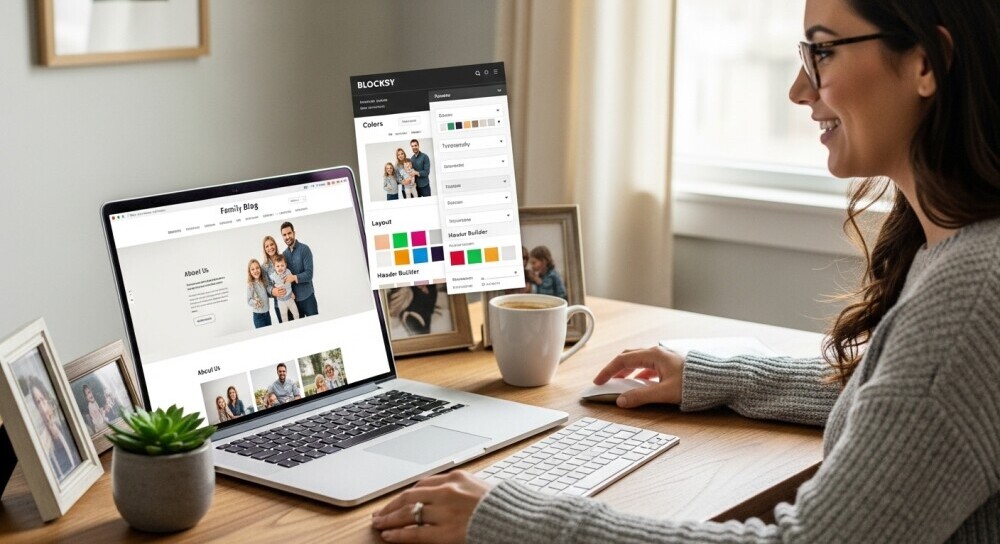
Themes like Blocksy make this super simple. You can tweak your design in real time and see changes instantly.
5. Support and Updates
Even the best themes need occasional updates to stay compatible with WordPress. Choose one with active developer support and recent updates. This saves you from broken layouts or security issues down the road.
6. Plugin Compatibility
Make sure your theme works smoothly with popular WordPress plugins. If you plan to focus on SEO, Pinterest, or affiliate marketing, check that your theme supports tools like Rank Math, Tasty Pins, or ThirstyAffiliates.
Parent Tip: A beautiful theme is nice, but a simple, fast one helps your readers actually stay and read. Focus on usability first – design details can come later.
Free vs. Premium Themes: Which Should You Choose?
When you’re starting your blog, it’s easy to wonder whether you need to invest in a premium theme right away.
The truth is, you can build a beautiful, professional-looking family blog with either. As long as you choose a theme that fits your goals.
Let’s look at the pros and cons of both, so you can decide what’s right for your stage and budget.
Free Themes
Perfect for new bloggers who want to learn the ropes without spending money up front.
Pros:
- Great for testing different layouts and styles
- Usually lightweight and easy to install
- Ideal if you’re blogging as a creative outlet or side project
Cons:
- Limited design customisation
- Support and updates can be inconsistent
- May not include advanced options like custom headers or featured post grids
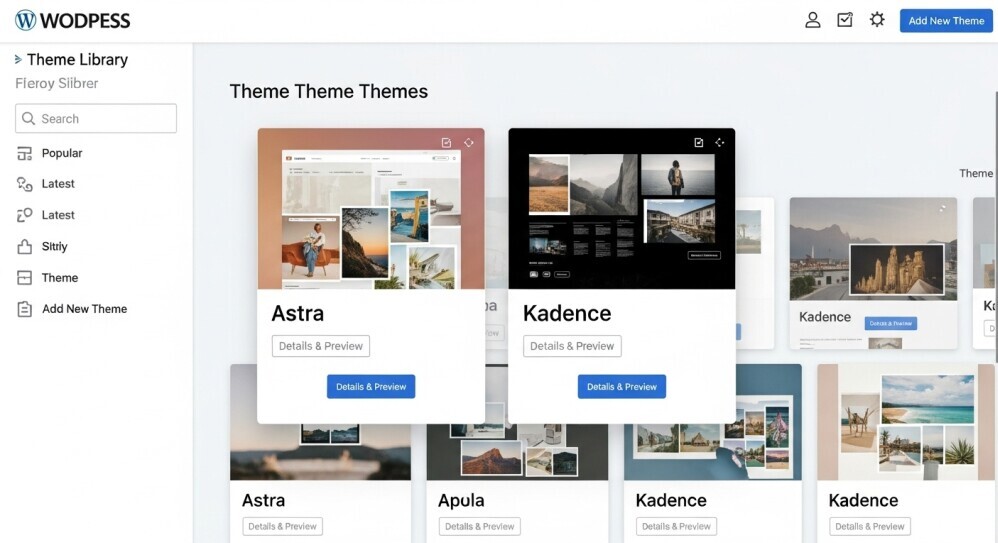
Examples: Astra (free version), Blocksy (free version), and Kadence (free version) are all reliable, modern, and beginner-friendly.
Premium Themes
Best for bloggers who are ready to build a stronger brand presence or grow their blog into a business.
Pros:
- More design control and customisation options
- Priority support and regular updates
- Often include built-in SEO or affiliate marketing features
Cons:
- Costs range from $40–$100 per theme
- Can feel overwhelming if you’re just starting out
Examples: Blocksy Pro, Divi, Restored 316, and Thrive Themes are solid premium options trusted by parent and lifestyle bloggers.
Parent Tip: Start simple. Use a free theme you can grow with—like Blocksy or Astra—then upgrade later when you’re ready to refine your brand and design.
Aligning Your Theme with Your Family Brand
Your blog theme isn’t just about looks… It’s about the feeling you want your readers to have the moment they land on your page.
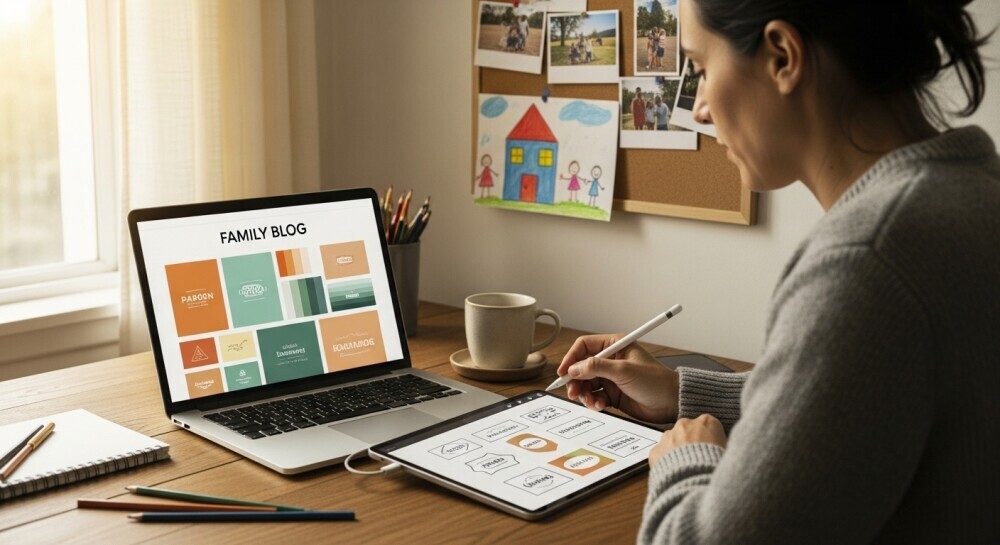
Your theme sets the tone for your brand, just like the colours and layout of your family home. Cosy, bright, calm, playful; whatever emotion you want your content to spark should be reflected in your design.
Here’s how to make sure your theme matches your family brand:
1. Start with Your Story
Every family has its own rhythm and personality. Is your blog about homeschooling? Family travel? Creative parenting? Your theme should match that energy.
Soft, neutral colours often work beautifully for lifestyle or parenting blogs, while bold, clean designs fit adventure or business-focused sites better.
Ask yourself:
“What three words do I want readers to feel when they visit my blog?”
Your answer might be warm, simple, supportive — or maybe fun, bright, adventurous. Choose a theme that helps express those feelings visually.
2. Keep Your Audience in Mind
Your readers are parents, just like you. They’re likely browsing during nap time or late at night, looking for content that feels inviting and easy to read.
A clean, uncluttered design helps them find what they need without distraction.
3. Match Your Theme to Your Long-Term Goals
If you plan to grow your blog into a business or add digital products, look for themes that include flexible layouts or eCommerce options.
Themes like Blocksy and Kadence make it simple to expand your site over time, so you won’t need to start from scratch later.
4. Stay Consistent with Branding Elements
Once you’ve chosen your theme, make sure your logo, fonts, and colour palette align with your overall style. Consistency builds trust and makes your blog instantly recognisable.
If you’re not sure where to start, try browsing Pinterest for “family blog brand boards”. They’re great for visual inspiration.
Parent Tip: Consistency builds connection. When your theme, colours, and tone all align, your readers start to feel like they “know” you—and that’s how community grows.
My Favourite Family-Friendly WordPress Themes (2025 Picks)
With so many WordPress themes to choose from, it’s easy to feel overwhelmed. The truth is, most parents just want something that’s easy to set up, looks professional, and doesn’t slow down their blog.
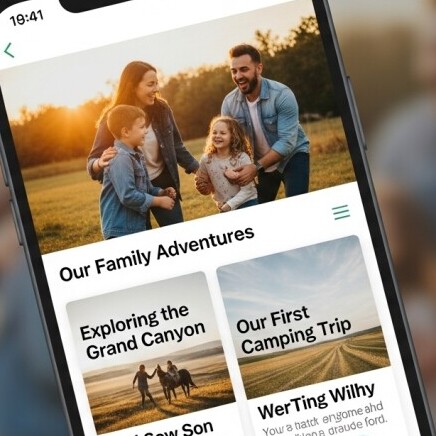
These are a few family-friendly themes that balance beauty, performance, and simplicity. Perfect for busy parent bloggers who want to focus on content instead of coding.
1. Blocksy (My Personal Pick)
This is the theme I use and recommend most often. Blocksy is lightweight, lightning-fast, and beautifully designed for WordPress. It’s easy to customise using the built-in WordPress editor, so you can adjust colours, fonts, and layouts in real time.
Blocksy’s free version is powerful enough for most new blogs, and upgrading to Blocksy Pro gives you even more design freedom without slowing things down.
Why it’s great for parents: It’s simple, fast, and flexible — ideal if you want your blog to grow with you.
2. Astra
Astra is one of the most popular themes for bloggers because it’s so lightweight and fast. It offers a clean layout and works seamlessly with builders like Elementor and Gutenberg.
Why it’s great for parents: It’s beginner-friendly, and you can import starter templates to get your blog live in minutes.
3. Kadence
Kadence offers beautiful starter templates and easy customisation options. It’s perfect for bloggers who want a polished design without needing to code.
Why it’s great for parents: The intuitive drag-and-drop builder helps you personalise your site while keeping it fast and SEO-friendly.
4. Restored 316
Designed by moms, for moms. These premium WordPress themes are built with female entrepreneurs and parent bloggers in mind. They’re elegant, responsive, and ideal for lifestyle, family, or faith-based blogs.
Why it’s great for parents: The designs feel warm and welcoming while still looking professional.
5. Divi
Divi gives you total design control through its visual drag-and-drop editor. It’s perfect if you love experimenting with layouts and want your site to stand out.
Why it’s great for parents: It’s flexible enough to grow with you if you plan to add products, courses, or more complex pages later on.
If you haven’t chosen a host yet, I recommend reading my Bluehost Review 2025. It includes free theme options and step-by-step guidance for getting your family blog online.
Parent Tip: The best theme is one that feels like home. Choose something you can easily manage and love looking at – it’ll motivate you to keep showing up.
Common Mistakes When Choosing a Blog Theme
Picking a theme can be exciting, like decorating your first home. But it’s also easy to get caught up in the fun parts and miss the things that really matter for your blog’s success.
Here are a few common mistakes to avoid when choosing your family blog theme.
1. Focusing Only on Looks
It’s easy to fall in love with a theme because it looks stunning in the demo. But remember, demos are filled with professional photos and perfect layouts. Your focus should be on usability, speed, and how easily you can make it your own.
2. Ignoring Mobile Design
Most parents will visit your blog on their phones, so if your theme looks great on desktop but clunky on mobile, that’s a problem. Always check the mobile preview before you commit.
3. Overloading with Features You Don’t Need
Some themes come packed with sliders, animations, and widgets you’ll never use. They can slow down your site and make editing confusing. Keep it simple! Your content should do the talking.
4. Forgetting About Branding
A theme that doesn’t match your tone or style can confuse readers. Make sure your colours, fonts, and visuals align with your family brand. If your posts are warm and encouraging, your design should feel the same way.
5. Not Testing Before Going Live
Many bloggers skip the preview step and end up spending hours fixing things later. Use the demo import or preview mode to test layouts and readability before publishing.
Parent Tip: Your blog theme doesn’t have to be perfect on day one. Choose something functional, make it yours, and adjust as you grow. Progress beats perfection every time.
How to Test a Theme Before You Commit
Testing your blog theme before you go live can save hours of frustration later. It’s a bit like trying on clothes before buying them. You want to make sure it fits, feels comfortable, and looks good from every angle.
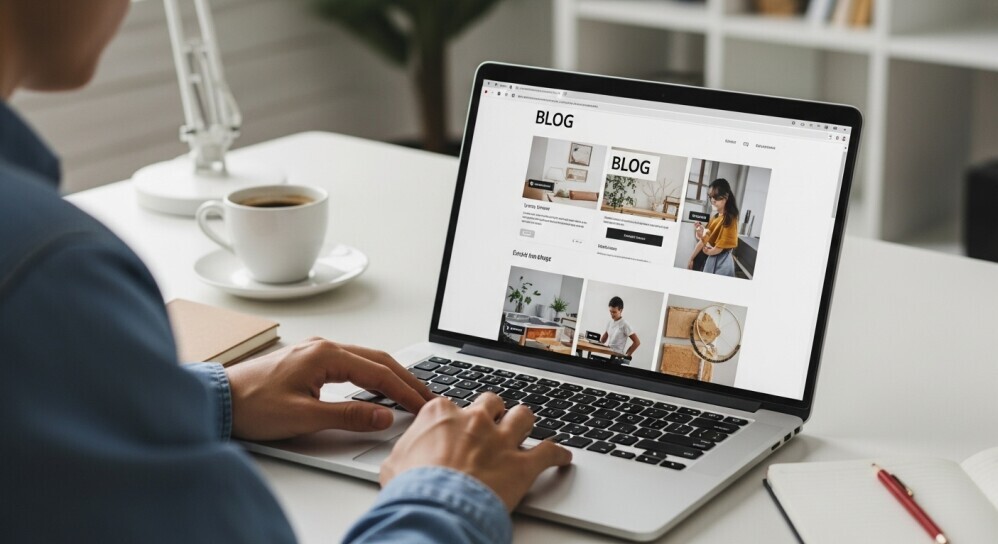
Here’s how to make sure your theme is the right match for your family brand:
1. Use the Live Preview Feature
In WordPress, you can test a theme in Live Preview before activating it. This lets you see exactly how your pages and posts will look without changing your site for visitors.
Take a few minutes to scroll, click links, and check readability.
2. Test on Multiple Devices
Check your theme on your phone, tablet, and desktop. A design that looks perfect on a big screen might feel cramped on mobile — and since most readers visit from their phones, this step matters.
💡 Quick trick: Send your preview link to yourself and open it on your phone for a true reader’s eye-view.
3. Check Loading Speed
Use a free tool like GTmetrix or Google PageSpeed Insights to see how fast your site loads with your chosen theme.
If your score drops below 80, consider switching to a lighter theme like Blocksy, Astra, or Kadence.
4. Review Plugin Compatibility
If you use tools like Rank Math, Tasty Pins, or Affiliate Link Managers, test how they display in your theme.
Make sure nothing overlaps, disappears, or breaks your layout; this can save a lot of headaches later.
5. Ask for Feedback
Sometimes a second opinion helps. Ask a friend or family member to visit your preview and share what stands out. Fresh eyes often catch things we miss.
Parent Tip: Testing your theme before launch helps you start with confidence. A few extra minutes now can save hours of edits later—and make your blog feel polished from day one.
Frequently Asked Questions About Choosing a Blog Theme
Even with all the tips and theme options out there, it’s normal to still have questions. Here are a few that come up most often when parents start setting up their blogs.
Do I need to pay for a premium theme to look professional?
Not necessarily. Many free themes like Blocksy, Astra, and Kadence look clean and modern right out of the box. A premium theme can add advanced features and support, but it’s better to start free and upgrade later when you’re ready to grow.
Can I change my blog theme later?
Yes, absolutely. Most bloggers switch themes as their brand evolves. Just be sure to preview your new theme first and back up your site before making changes to avoid layout issues.
What’s the best theme for beginners?
If you’re new to blogging, start with a lightweight, easy-to-use theme like Blocksy. It’s intuitive, customizable, and perfect for parents who want a professional look without a steep learning curve.
How do I know if a theme fits my family brand?
Think about how you want your readers to feel when they visit your blog. If your content is warm and personal, a cozy, minimalist theme might fit best. If your brand is bold and adventurous, look for bright colors and larger visuals.
Do themes affect my blog’s SEO?
Yes, they can. A poorly coded or slow theme can hurt your search rankings. That’s why lightweight themes like Blocksy or Astra are so popular — they’re optimised for speed and SEO right out of the gate.
How can I test a theme before launching?
Use WordPress’s Live Preview or a staging site to explore how your theme looks with your content. Check it on your phone and run it through Google PageSpeed Insights for a quick performance check.
Parent Tip: Your first theme doesn’t have to be forever. Start with one that’s simple, fast, and easy to personalise—you can always evolve as your brand grows.
Wrapping Up: Your Theme Should Feel Like Home
Your blog theme is the first impression of your family brand. But it doesn’t have to be perfect from day one. The most important thing is that it feels like you.
Start simple, focus on function, and choose a theme that’s easy to grow with. You can always adjust colours, layouts, and branding later. What matters most is that your readers feel welcome, supported, and connected to your story.
Whether you’re sharing parenting tips, family adventures, or creative projects, your theme should make you excited to keep showing up. Because that consistency is what builds connection and trust.
Next Step: Still setting up your family blog? Grab my free Nap-Time Blogging Checklist for a simple, step-by-step guide that helps you launch your blog the easy way.
Ready to go beyond design? Read my Wealthy Affiliate Review 2025 to see how parent bloggers are learning SEO, affiliate marketing, and brand growth—all while keeping family first.
💬 Let’s Chat!
Choosing a theme can be exciting and a little overwhelming at the same time, but you’re not alone.
I’d love to know… What’s the hardest part about choosing your blog theme? Design, speed, or just deciding where to start?
Share your thoughts in the comments below. Your experience might help another parent blogger find their perfect match, too.