
Pinterest still brings steady traffic for parent bloggers, even in 2026. The platform works well for families because people use it to find quick answers, ideas, and step-by-step tips. You do not need to be a designer. You only need clear titles, simple layouts, and a plan that fits your routine.
Pins work for you in the background while you handle school runs, nap times, and family life. A single pin can send traffic for months when you create it with search intent in mind. This post gives you simple actions you can take today without stress or long learning curves.
Start With Clear Keyword Research
Pinterest acts like a search engine. Pins perform best when you match what parents are already searching for. Start by picking one main keyword for each pin. This helps Pinterest understand your content and show it to the right people.
Here is a simple way to find strong keywords:
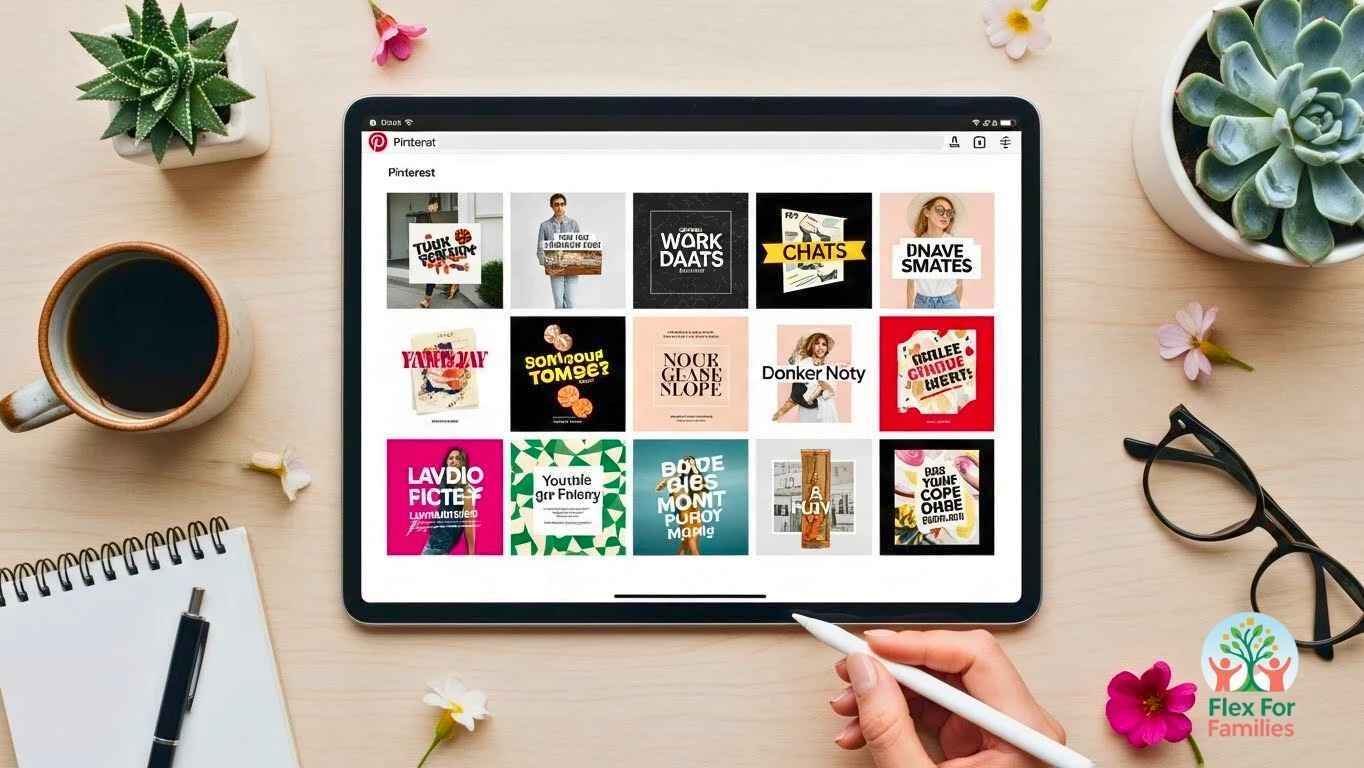
Use the Pinterest search bar
Type a topic into the search bar and check the suggestions that appear. These suggestions show real searches from real parents.
Use Pinterest Trends
Search your topic on Pinterest Trends to see when interest peaks and what terms people use.
Use Jaaxy inside Wealthy Affiliate
Jaaxy saves time by giving you search volume, topic ideas, and related keyword phrases. It helps you find simple keywords you can add to your pin title and description.
Check out the key features of Jaaxy in my full Wealthy Affiliate review.
Pick one keyword and stick to it
If your post is “DIY Sensory Play Ideas,” you might choose:
- sensory play ideas
- toddler sensory activities
- easy sensory play
Use your chosen keyword in the title, description, and file name. This gives your pin a clear target.
Use Simple, Scannable Pin Designs
You do not need advanced design skills to create strong pins. Parents scroll fast, so your design needs to be clear at a glance. Simple layouts perform better than crowded graphics.
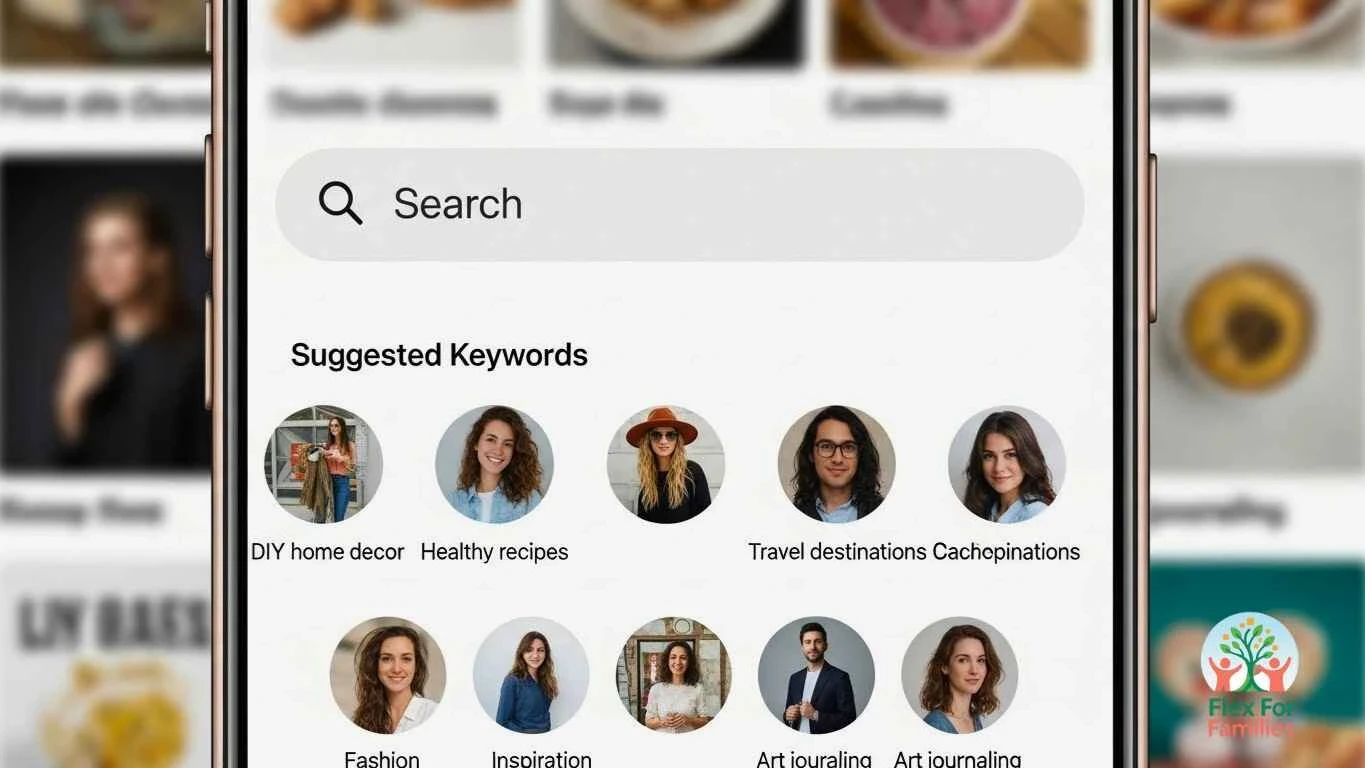
Use these basics to keep your designs clean.
Use one image that fits your topic
Pick a photo that shows the result parents want. For example, a tidy play area, a happy toddler doing an activity, or a clean workspace for blogging. Avoid dark or cluttered pictures.
Use large text that is easy to read
Your headline should be clear even on a small phone screen. Keep it short. Stick to one main point. Use your brand colours so your pins stay consistent.
Limit your fonts
Two fonts are enough. One for the headline, one for the small details. This keeps your design tidy and readable.
Add a small URL or brand name
This builds recognition over time. It also reassures readers that your content is trustworthy.
Test different formats
Try vertical pins, a split layout, or simple text on a photo. You do not need many designs. You only need a few templates that you can repeat quickly.
Write Pin Titles and Descriptions That Drive Clicks
Writing a strong title and description helps Pinterest understand your content and helps parents know what value they will get.
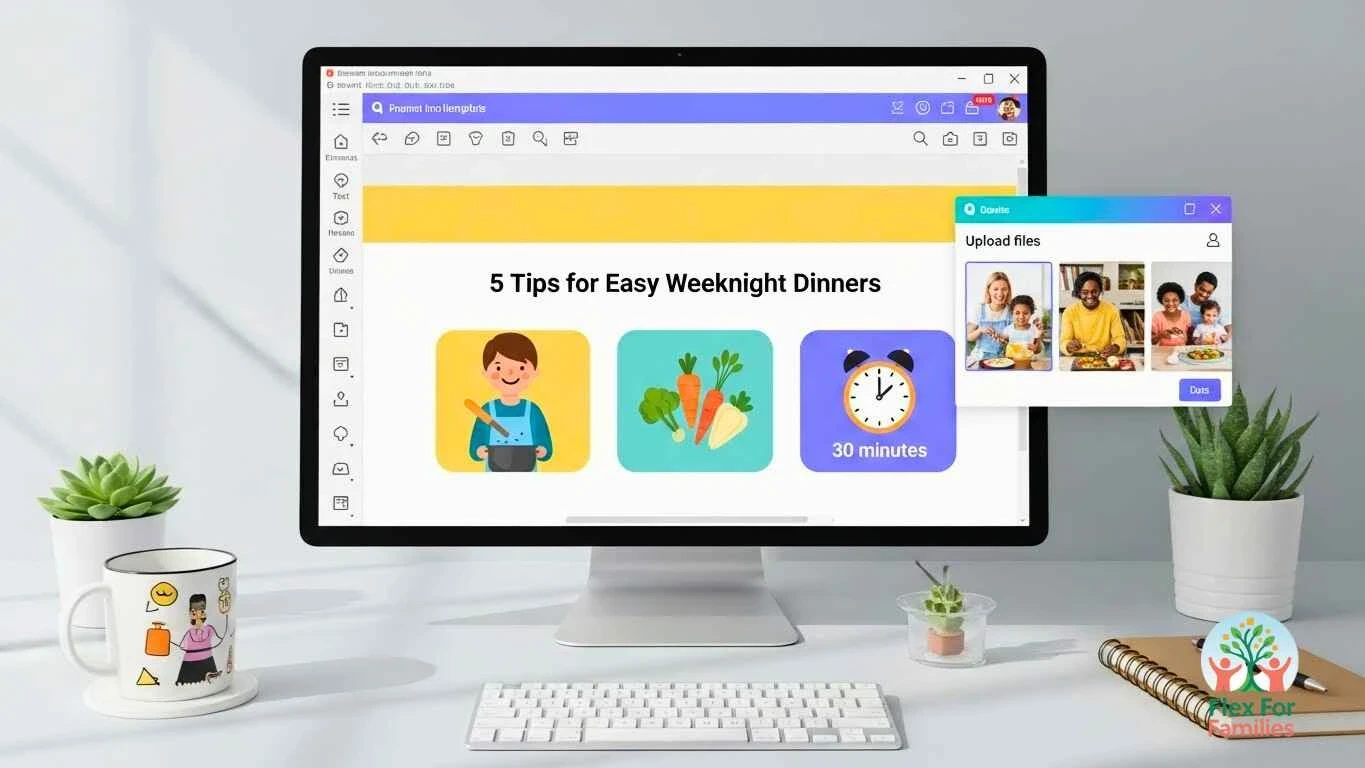
Focus on clarity. Tell parents exactly what they will learn or solve.
Keep the title direct
Your title should match the keyword you researched. Examples:
- Easy Sensory Play Ideas for Busy Parents
- Meal Planning Tips That Save Time
- Simple SEO Checklist for Parent Bloggers
Use natural wording. Avoid hype or pressure.
Use keywords naturally in the description
Write two or three short sentences that explain:
- who the pin is for
- what problem it solves
- what the reader will learn
Add related keywords, but make sure the text reads smoothly.
Add a clear outcome
Tell parents what they will gain by clicking. This increases engagement because they know the benefit up front.
Example description
“Simple sensory play ideas for toddlers that fit into short pockets of time. These activities use items you already have at home and help keep little ones busy while you get things done. Perfect for busy parents looking for flexible, low prep ideas.”
Use Keywords the Right Way on Pinterest
Pinterest works like a search engine. Your pins need the right keywords so parents can find your content when they search for help, ideas, or solutions.
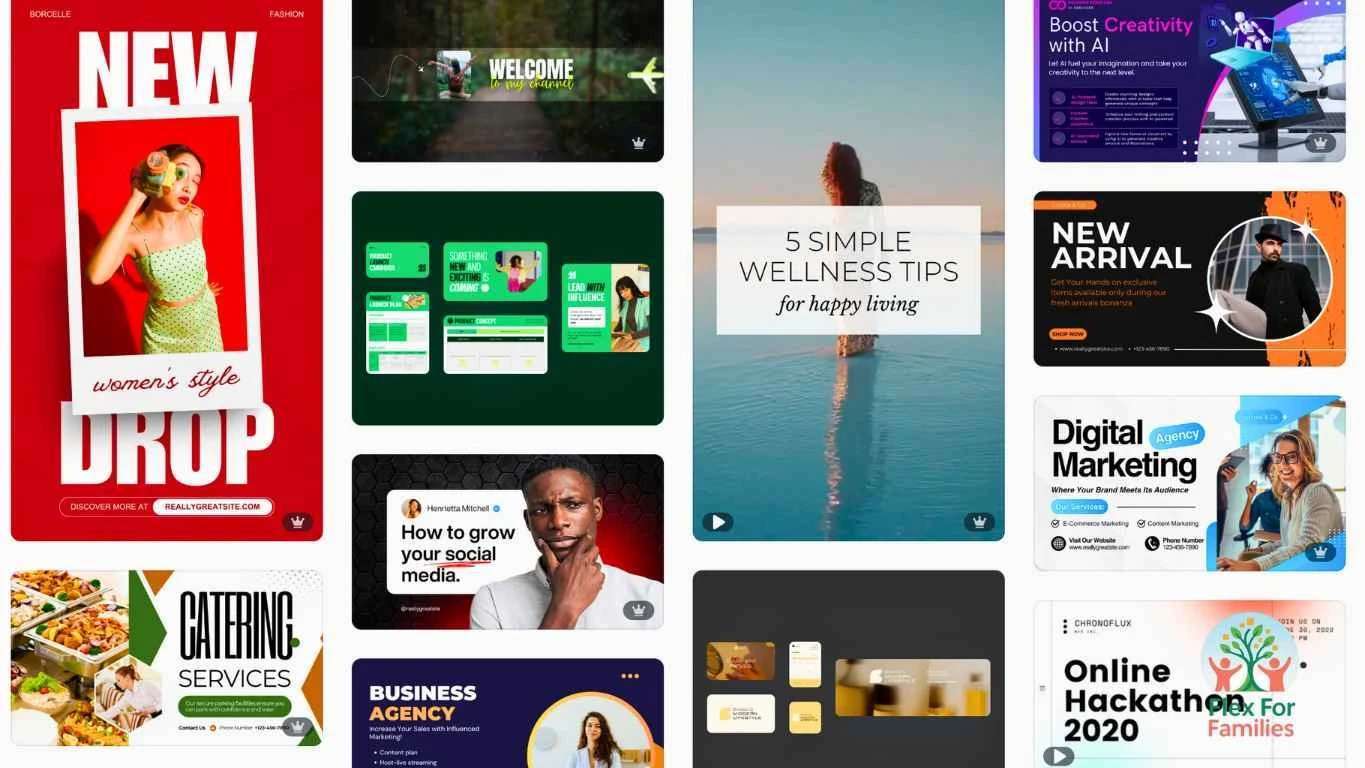
You do not need complicated SEO techniques. You only need a few simple habits.
Research keywords inside Pinterest
Type a topic into the search bar. Look at the suggested phrases. These tell you exactly what parents are searching for today. Use these phrases in your title and description.
Use keywords naturally
Work your keyword into your pin title, description, and the text on your graphic. Keep it readable. Avoid stuffing too many keywords into one place.
Create pins for different keywords
One blog post can target different searches. For example:
- “Toddler sensory play ideas”
- “Easy toddler activities at home”
- “Quiet time ideas for kids”
Each pin reaches a new group of parents and gives your blog more chances to appear in search.
Keep a simple keyword list
Create a short list of keywords for each blog post. Use them when designing new pins, so you stay consistent and save time.
Create Multiple Pins for the Same Blog Post
Most parents scroll fast, so one pin will not reach everyone. Pinterest also gives you more visibility when you publish fresh pins often.
Creating several designs for one post gives you more reach without writing new content.
Create at least three pins per post
You can reuse the same headline and image style, but change things like:
- image
- background colour
- headline angle
- layout
This sends Pinterest fresh signals while keeping your workflow simple.
Try different angles
Change the focus slightly to reach different needs. For example:
- “Budget sensory play ideas”
- “No prep sensory play for toddlers”
- “Quiet play activities when you need a break”
Each angle taps into a different search and pain point.
Space out your pins
Publish your pins over several days or weeks instead of posting all at once. Pinterest prefers steady activity, and you avoid overwhelming your followers.
Use templates to speed things up
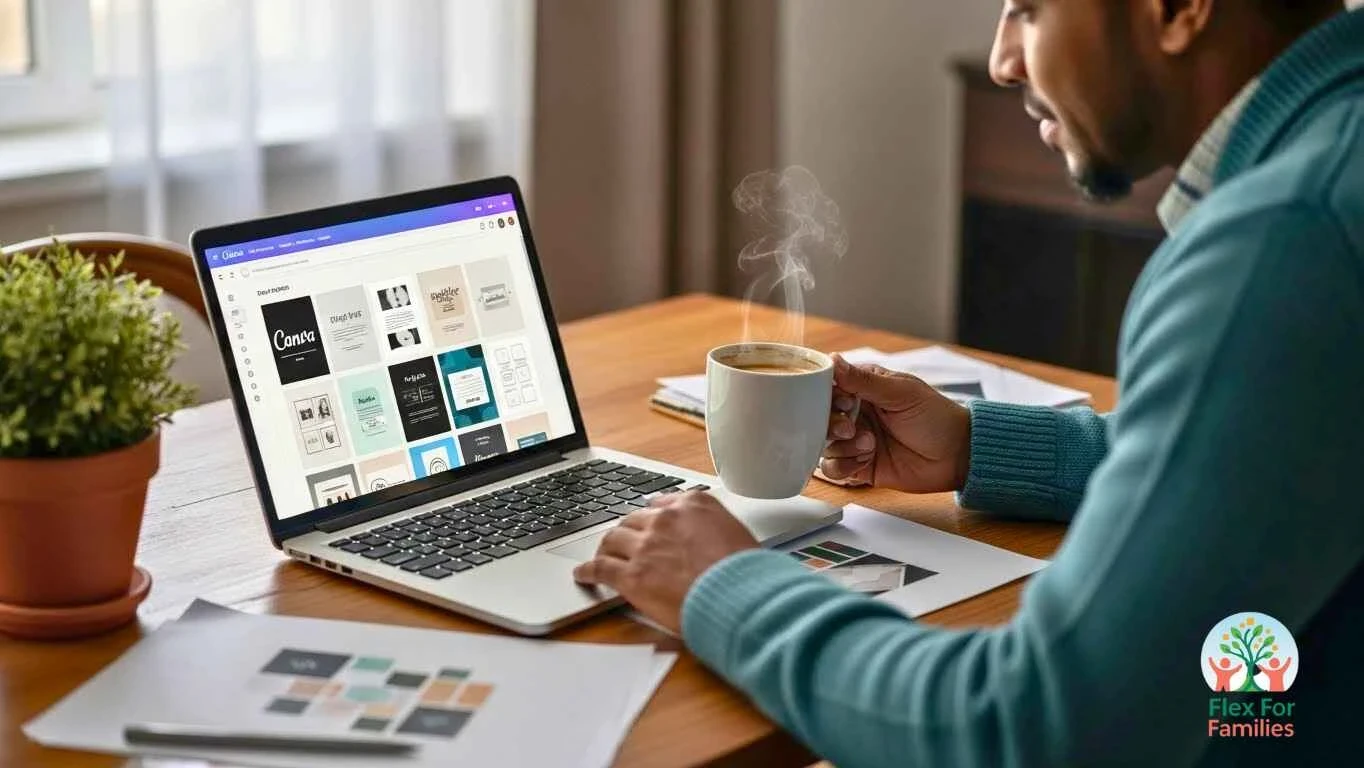
Create three or four reusable Canva templates that fit your brand colours. This keeps your pins consistent and cuts your design time in half.
Write Clear, Clickable Pin Titles and Descriptions
Your pin title and description help Pinterest understand your content and help parents decide whether to click.
Keep things simple and specific. A clear promise works better than a clever phrase.
Use action words
Start with words like “How to,” “Easy,” “Quick,” or “Simple.” Parents scan fast and want to know what they will get right away.
State the benefit
Tell parents exactly how your post helps them.
Examples:
- “Easy meal ideas for chaotic weeknights”
- “Simple SEO checklist for busy parent bloggers”
- “Toddler activities you can set up in 5 minutes”
Write a short, clear description
Use one or two keyword phrases and explain what the pin leads to. Keep it readable.
Example:
“This guide shares simple SEO steps for parent bloggers and free tools that save time.”
Avoid vague titles
Titles like “My Thoughts This Week” or “Parenting Life” do not tell Pinterest anything. Be clear, specific, and helpful.
Think about real parent searches
Parents usually type what they need, not fancy terms. Use everyday language instead of jargon.
Track What Works and Adjust Your Pin Strategy
Pinterest grows with consistency. Tracking what works helps you save time and create pins that get more clicks.
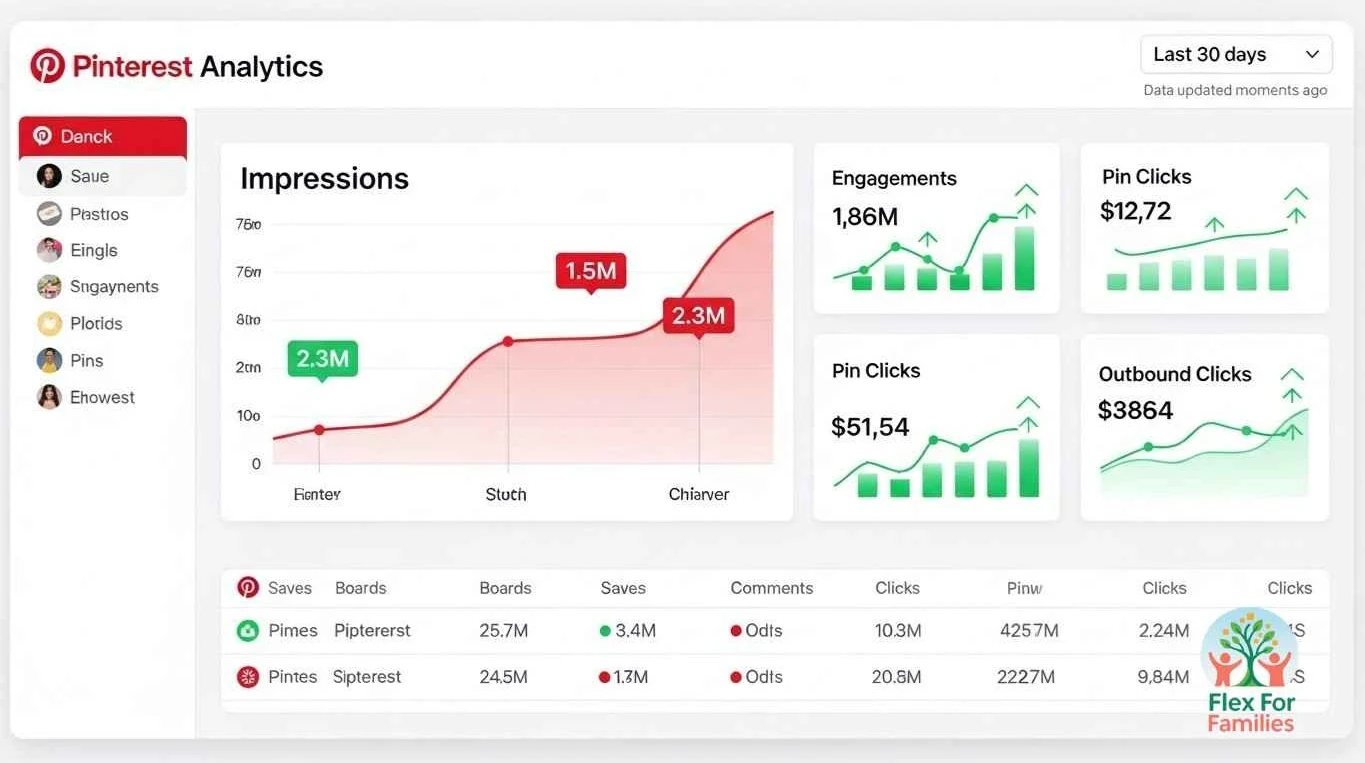
You do not need advanced analytics. A simple system works well.
Check basic analytics weekly
Look at:
- clicks
- saves
- impressions
- best-performing pin designs
This tells you which pin styles and topics parents connect with most.
Repeat what performs well
If a certain colour, layout, or headline gets more clicks, use it again for future posts. You do not need to reinvent everything.
Note what falls flat
Some pins will get low reach. It is normal. Do not delete them. Just take the lesson and move forward.
Use a simple Pinterest tracking sheet
Create a sheet with:
- blog post title
- pin versions
- publish dates
- performance notes
- keywords used
This helps you adjust quickly without feeling overwhelmed.
Be patient
Pinterest takes time to build momentum. Some pins take weeks before they gain traction. Consistent posting wins.
Use Canva Templates to Speed Up Your Workflow
Parents do not have time to design everything from scratch. Canva templates keep your pins consistent and fast to produce, even on busy days.
Pick 3 to 5 reusable templates
Choose layouts that match your brand colours and style. Stick with simple designs that are easy to edit quickly.
Swap out small elements
Change the image, headline, and background colour each time. Keep the core layout the same so you save time and stay consistent.
Keep a template folder
Store all your pin templates in one folder inside Canva. It cuts down search time and helps you stay focused during short work windows.
Match templates to pin styles you know perform well
If tall pins or bold text pins get more clicks, create more templates with that structure. Build what already works.
Bonus tip
Using the Canva brand kit lets you lock in fonts and colours so every new pin already matches your blog.
Stay Consistent With a Simple Pinning Schedule
You do not need complicated tools to keep Pinterest active. A simple weekly plan works well for parent bloggers.
Aim for three to five fresh pins per week
Consistency matters more than volume. Slow and steady growth brings long-term traffic.
Spread your pins across the week
Post one pin every day or every other day. This keeps your content active in search.
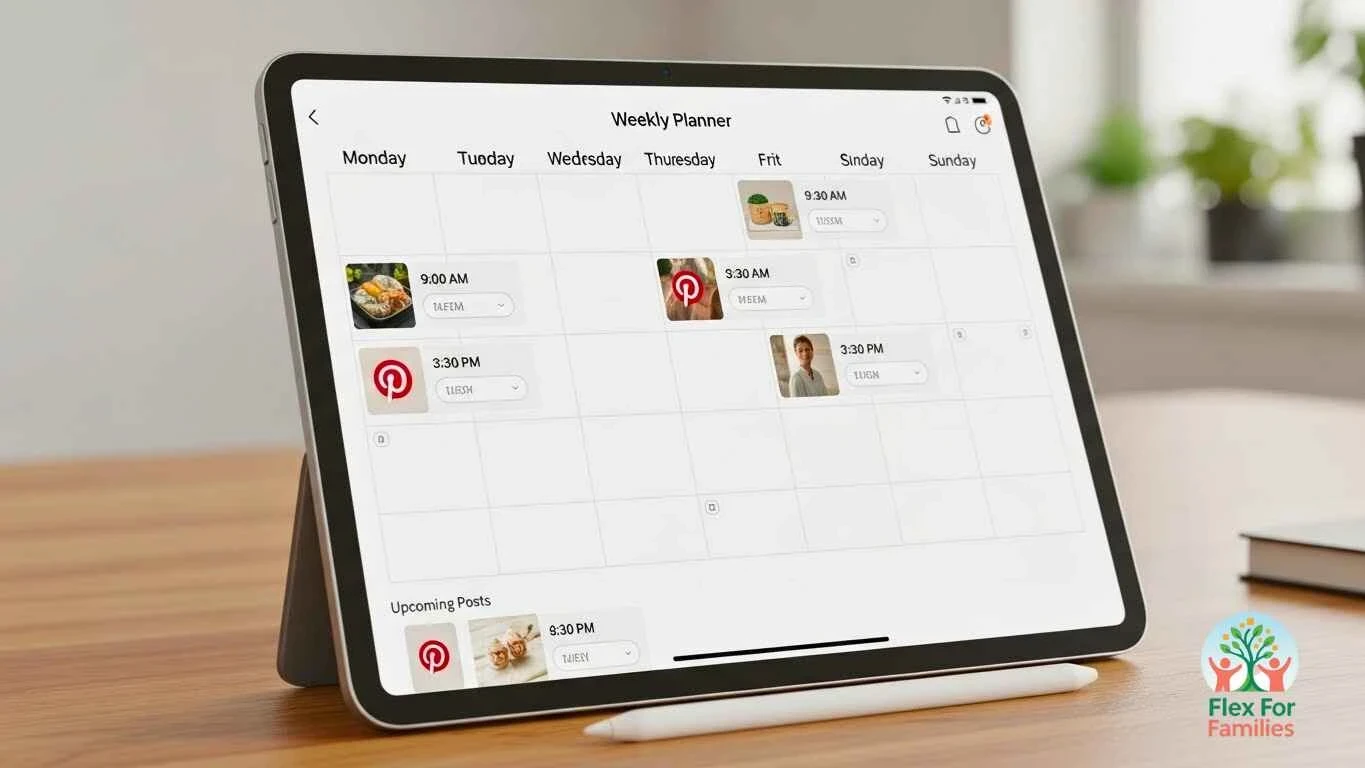
Use the Pinterest scheduler or Canva scheduler
Both tools let you batch content during nap time or after the kids are asleep, then schedule days ahead.
Set small weekly goals
Examples:
- Create two new pins
- Update one older pin
- Schedule three pins
- Research three new keywords
Tiny, repeatable steps keep you moving forward without stress.
Keep expectations realistic
Pinterest traffic grows over months, not days. Even slow-growth weeks help your blog long-term.
Frequently Asked Questions
How many pins should I create for each blog post?
Start with three pins for every post. Add more over time if the topic is popular. Fresh pins help Pinterest understand your content and reach new parents.
Do I need to use Tailwind to grow on Pinterest?
No. Tailwind is helpful, but the Pinterest scheduler and Canva scheduler work well for beginners. Consistency matters more than the tool.
How long does it take to see Pinterest traffic?
Most parent bloggers start seeing steady traffic after one to three months of consistent pinning. Some pins take longer. Patience pays off.
Should I delete underperforming pins?
No. Leave them. Pinterest may pick them up later. Instead, create fresh pins for that post and test new headlines or designs.
What kind of images work best for parent bloggers?
Bright, clear photos with everyday family life. Playrooms, coffee tables, mums working from home, and close-ups of hands doing tasks work well.
Conclusion: Pinterest Works When You Keep It Simple
Pinterest can feel overwhelming at first, but it becomes a reliable traffic source when you focus on simple, repeatable steps. Clear headlines, helpful descriptions, consistent templates, and fresh pins each week make a real difference over time. You do not need perfect designs or complicated tools. You only need a workflow that fits around family life.

The more you experiment, the more you will see what works for your audience. Keep things flexible, learn as you go, and give yourself room to grow. Parent bloggers do not have endless hours, and Pinterest rewards small, steady action that builds up month after month.
If you want more support with growing your blog, the Parent Blogging Hub is always there to help you learn new ideas, share your wins, and get encouragement when things feel slow.
Let’s Chat
What part of Pinterest feels hardest for you right now? Design, keywords, or staying consistent? Share it in the comments. Your question might help another parent blogger who feels the same way. I’m always happy to help you find a simple next step that fits your family routine.


This is a really clear breakdown, John. I appreciate how you emphasize keeping Pinterest simple and working around real-life routines, rather than overcomplicating it. I’m curious, when you’re testing different pin angles for the same post, do you usually see one type (problem-focused vs. outcome-focused) perform more consistently over time?
Eric
Thanks, Eric, I appreciate that. Keeping Pinterest simple has been key for me, especially when it has to fit around real life.
From what I’ve seen, problem-focused pins tend to perform more consistently over time, particularly for parent-focused content. Pins that clearly call out a pain point usually stop the scroll faster because people recognise themselves in the problem straight away.
That said, outcome-focused pins still have their place. They often spike earlier or work well when someone is already solution-aware. I’ve had the best results by pairing both: one pin that names the struggle, and another that highlights the result or benefit, then letting the data decide.
Pinterest really rewards clarity more than creativity. The pin that answers “Is this for me?” in two seconds usually wins.
Have you noticed any pattern yet with the pins you’ve tested, or are you still in the early experimenting phase?
John
Thank you John
I do appreciate you writing such an easy to understand article using Pinterest. I just joined this platform, so reading your article has helped me understand much clearer how it can bring traffic to a website or business.
You have broken the steps down into very simple easy to understand wording even I can understand, being new to this you have made it much simpler for me to understand how this works.
Wow, you must be an expert at using Pinterest. How long have you been using Pinterest if I might ask you?
Jeff
Thanks so much, Jeff. I really appreciate that, and I’m glad the post helped make Pinterest feel clearer and less intimidating. When you’re brand new to it, the platform can feel confusing at first, so hearing that the steps made sense is exactly what I was hoping for.
I wouldn’t call myself an expert, more someone who’s learned by testing and keeping things simple. I’ve been using Pinterest for a few years now, mainly alongside blogging, and most of what I’ve learned came from trial and error rather than doing anything fancy. The biggest lesson has been that consistency and clarity matter far more than trying to pin all day or overcomplicating the process.
Since you’ve just joined Pinterest, focusing on a small number of clear, helpful pins and letting them sit and work for you over time is a great way to start.
If you don’t mind me asking, are you planning to use Pinterest for a blog, a business, or just exploring it for now?
John