
Parenting from home while running a blog comes with some unique challenges, along with lots of meaningful rewards. Balancing nap schedules, school runs, and household chaos leaves little time or money to splurge on fancy blogging tools. That’s why finding free, quality resources can totally change the game for stay-at-home parent bloggers—helping you grow your site, connect with readers, and actually enjoy the process.
If you’ve ever sat down with a cup of cold coffee during nap-time and wondered, “Where do I even start?”—you’re not alone. I’ve been there too, and that’s exactly why I created the free Nap-Time Blogging Checklist. It’s a simple guide to help you make the most of those short bursts of time so your blog keeps moving forward, even on the busiest days.
Getting Started: Why Free Online Resources Matter for Parent Bloggers

Making the most out of blogging means squeezing value out of every tool without breaking the bank. Free resources help maximise creativity, reach wider audiences, and smooth out the rough edges of the blogging learning curve. I’ve tried and tested a lot of tools and found that the right ones give me more time to focus on my family and content, not the tech headaches or costs.
Trying to build a blog with young kids around? Accessibility and easy use jump to the top of the “must-have” list. Free platforms, stock photo sites, simple keyword research tools, and welcoming online communities help stay-at-home parents create, share, and improve their blogs in ways that fit busy home life.
Checking out these tools can help bring more consistency and creativity with less hassle and zero extra cost.
Blogging Platforms and Website Builders
Getting your blog live doesn’t have to drain the family budget. There are several free platforms designed for beginner bloggers.
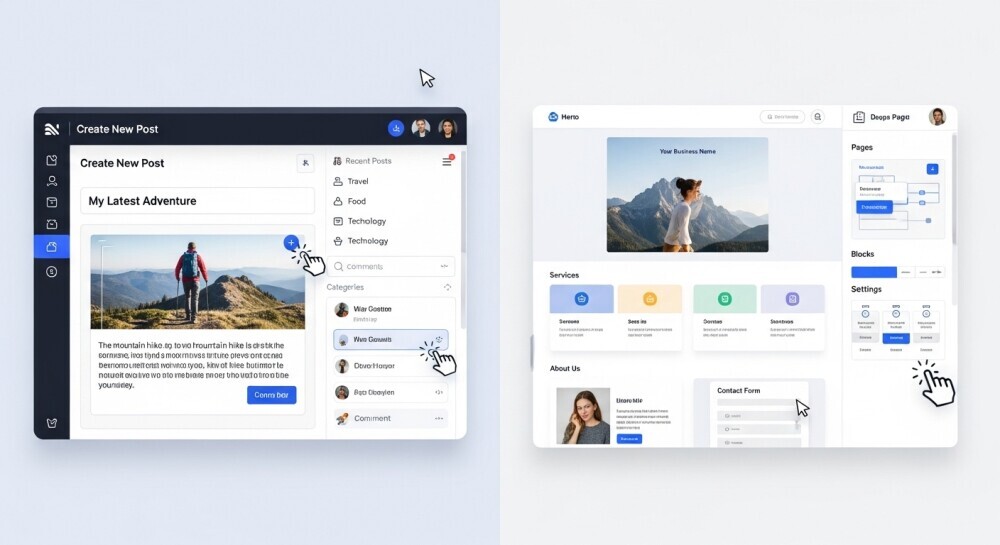
I’ve set up sites for myself and friends using these, and they deliver good results without needing to dig into web design or pay upfront.
- WordPress.com: This platform makes setup quick and has lots of helpful templates. There are limits to customisation on the free plan, but it’s really handy for a simple family or lifestyle blog and comes with built-in support.
- Blogger: Google’s free alternative works for basic blogs. There aren’t as many extra features as WordPress, but it’s easy for those who want something basic and reliable.
- Wix (free plan): Drag and drop building makes it easy to get started. Branding is visible on the site unless you pay to remove it, but their free plan lets you play around and learn the ropes.
Read more about these options on WPBeginner for tutorials and ideas.
Free Stock Photos, Graphics, and Design Tools
Photos, banners, and graphics really liven up a blog, but hiring a photographer or buying images isn’t always realistic.
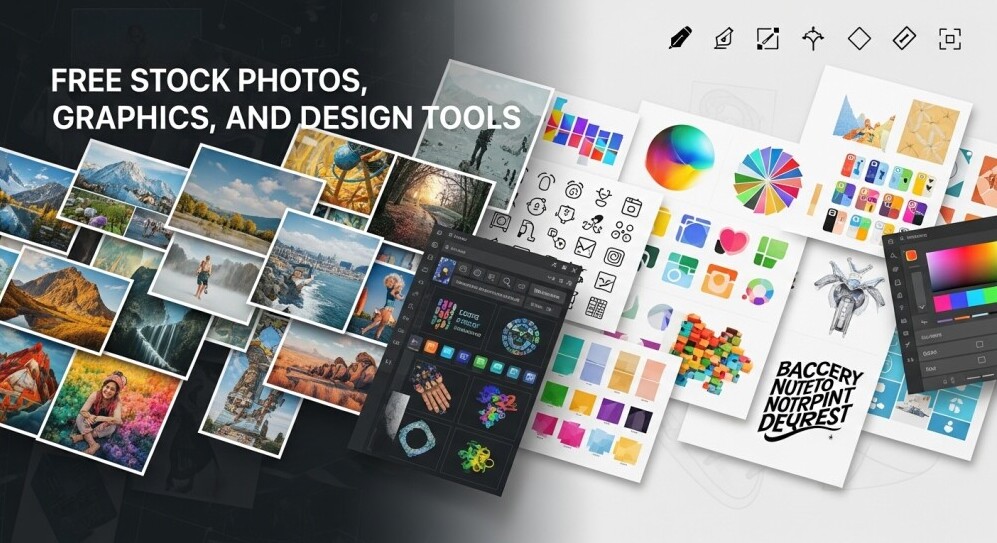
Many free image sites and design tools let you create and share professional-looking designs, even if your only creative downtime is after the kids’ bedtime.
- Pexels & Unsplash: Loads of copyright-free images perfect for blogging. I use these for everything from recipe posts to parenting inspiration.
- Pixabay: Similar to Unsplash, with a big selection of user-contributed images and vector art.
- Canva (free plan): Drag and drop tools and hundreds of templates for blog banners, social posts, and more. Canva saves me whenever I need graphics fast and don’t want to mess with anything tricky.
- Remove.bg: Instantly removes photo backgrounds, which is handy for kids’ crafts or recipe blogs.
Pay attention to licenses, as most images on these sites work fine for blogs, but reading the terms for commercial use helps avoid surprises.
Keyword Research and SEO Without Spending Money
Drawing in readers goes beyond good writing. Search engines matter, too. Paying for SEO tools isn’t always an option, but free keyword research resources help you pick better topics and phrases.

Even a quick search with these tools can show what parents are looking for or what’s trending in parenting blogs.
- Ubersuggest (free version): Offers keyword ideas, volume, and difficulty insights to help you target popular searches without overwhelm.
- Google Trends: See what’s buzzing globally or locally, and get inspiration based on rising topics in your niche.
- Answer the Public (limited free queries): Transforms searches into visualisations of questions people ask, which is really useful for blog post ideas that parents are searching for.
I often start with these tools when brainstorming, and it helps shape posts toward more active and helpful topics. For more info on SEO basics, Moz’s Beginner’s Guide to SEO is worth checking out.
These free SEO tools are perfect for getting started and spotting blog post ideas. If you ever feel ready to dive deeper into keyword research and blogging strategy, my Parent Blogging Hub has more resources, including my full review of Wealthy Affiliate, the platform I use and recommend for long-term growth.
Writing, Editing, and Proofreading Tools
Writing between snacks and story time?
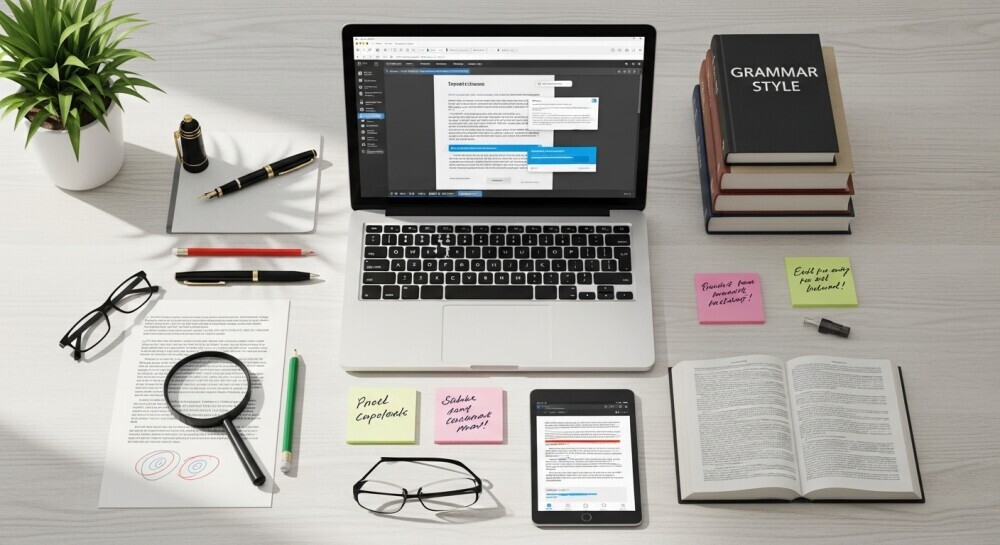
Having easy tools that catch typos or make editing faster helps polish posts even with little time.
- Grammarly (free version): Spots spelling mistakes and awkward sentences, so it’s like a second set of eyes checking your posts.
- Hemingway Editor (online): This app highlights long sentences and keeps writing punchy. It’s super helpful for busy parents who want clear, snappy posts.
- QuillBot (limited free paraphrasing): Helps rewrite sentences or fix up awkward phrasing. Really handy if you get stuck on a draft or want a fresh way to say something.
Most of these tools offer browser extensions to help streamline editing as you write directly in blog editors.
Connecting with Blogging Communities and Forums
Staying home can feel isolating, especially when combining parenting with blogging.

Online communities give support, feedback, and an instant group of people who “get it.” I’ve made real friends and learned way more about blogging by joining parent-focused groups and forums.
- Facebook Groups: Groups like “Mom Bloggers” or “Stay at Home Dad Bloggers” offer advice, free blog critique threads, and support for tricky topics.
- Reddit r/momblogs & r/daddit: Subreddits dedicated to parent blogging share tips, blog promotions, and tech support for parents at all stages.
- BlogHer Community: While BlogHer covers many women’s interests, their platform is packed with family blogging inspiration and ways to network with other at-home creators.
Jumping into conversations, asking for feedback, and sharing wins or frustrations makes blogging feel more like being part of a team, not a solo adventure.
Free communities are amazing for encouragement and quick tips. But if you ever feel like you need more step-by-step training and a parent-friendly roadmap for building income from blogging, that’s where programs like Wealthy Affiliate shine. It’s where I learned how to go from free tools to actually building a blog that earns.
Managing Time and Productivity with Free Tools
Balancing blog growth and family schedules calls for some digital help.
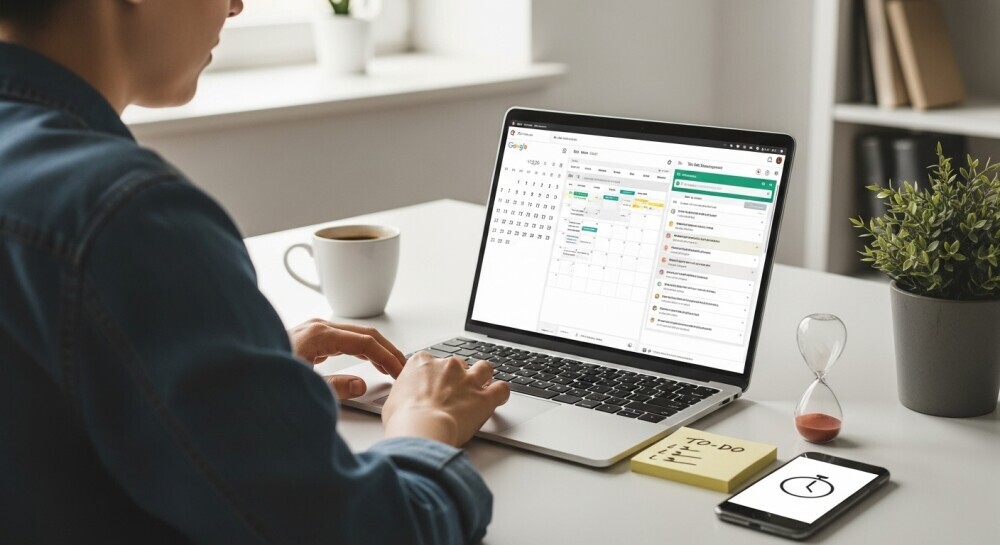
Free time managers, scheduling apps, and basic project templates help keep posts on track, making it easier to hold onto that perfect idea when chaos hits.
- Trello (free): Lets you visualise workflows, keep an editorial calendar, and share to-do lists with a partner or older kids.
- Google Calendar: Schedule writing blocks or due dates. Sync it with your phone for reminders, which is a lifesaver for “write while the baby naps” plans.
- Notion (free plan): Take notes, keep links, and organise your blogging ideas in one dashboard.
Experimenting with these tools can help you find the right fit for your routine, and using a combo often gives better results than sticking with just one.
Time feels like it slips away fast when you’re juggling parenting and blogging. That’s why I put together the Nap-Time Blogging Checklist. It gives you a step-by-step plan so you know exactly what to focus on, even if you only have 20 minutes while the kids nap.
Answers to Common Questions About Free Blogging Resources
These are some of the things I wondered about when starting, so here’s what I found helpful over time.
Question: Will using free resources make my blog look less professional?
Answer: Not at all. Plenty of successful blogs use free themes, stock photos, and templates. Consistency, clear writing, and simple design matter more than spending big money.
Question: Are there hidden costs or risks to free tools?
Answer: Most popular free tools just limit premium features rather than locking you into contracts. Checking privacy settings and reading a few reviews first helps make sure you’re not handing over too much personal info.
Question: How do I know if a resource is safe or up-to-date?
Answer: Search for recent reviews, check their website for updates, and peek at help forums. Resources that are often listed in big online blogging communities are usually trustworthy.
Final Thoughts: Building Your Parent Blog with Confidence
Pulling together a toolkit that fits your schedule, style, and budget can make blogging feel so much less stressful. These free resources let you focus on your message, your story, and your family—without draining extra money or energy.
And remember, you don’t need long stretches of quiet to make progress. With the right plan, even nap time is enough. That’s exactly why I created the free Nap-Time Blogging Checklist—a step-by-step guide to help you stay consistent and grow your blog in the little pockets of time you already have.
Keep exploring new tools, experiment with what works for you, and connect with other parent bloggers for encouragement along the way. Growth takes time, but with persistence (and a little nap-time strategy), you’ll be building confidence and momentum before you know it. Here’s to sharing your stories, growing your blog, and making this online adventure work for your family life!
…Growth takes time, but steady persistence (and a little nap-time strategy) goes a long way. And if you ever feel ready to go beyond free tools and start turning your blog into a real income stream, check out my Parent Blogging Hub or my honest review of Wealthy Affiliate. They’re the resources I wish I had when I was starting out.
💬 Let’s Chat!
Blogging on a family budget doesn’t have to mean going it alone – there are so many amazing free tools out there to help. I’d love to know: what’s your favourite free resource or go-to hack that makes blogging easier for you? Drop it in the comments below – your idea might be the exact thing another parent blogger needs to hear today!

This post is a goldmine for parent bloggers looking to kickstart their journey without breaking the bank. I especially love the emphasis on using free tools like Canva, WordPress, and Ubersuggest—they’re game-changers when you’re juggling family life and blogging. The Nap-Time Blogging Checklist is a brilliant idea to make the most of those precious quiet moments. It’s refreshing to see a resource that understands the unique challenges parents face in the blogging world. For those just starting out, what has been your most helpful free resource so far? I’m curious to hear which tools others find indispensable!
Hi Hanna! ???? Thank you so much for your kind words—I’m so glad this post resonated with you. You’re absolutely right, tools like Canva, WordPress, and Ubersuggest can feel like lifesavers when you’re trying to squeeze blogging into the cracks of family life.
I love that you brought up the checklist too—it was born out of my own “nap-time hustle” moments, so it makes me happy to know it feels useful to other parents juggling the same challenges.
As for my own favourite free resource, Canva has been a total game-changer. I can create graphics quickly (usually with a cup of cold coffee nearby ????) without needing design skills. But honestly, I think the real magic comes from finding the mix of tools that fits your rhythm as a parent and blogger.
And I’d love to hear from others, too—what’s that one free tool you couldn’t imagine blogging without?
John
I really appreciate how this post centers on practical, no-cost tools for bloggers who also have parenting duties; so often the suggestions out there assume you have lots of free time or money to spend on premium tools. It’s refreshing to see a more realistic toolkit (Canva, Ubersuggest, Trello, etc.) framed through the lens of “what fits between diaper changes and nap times.”
One thing I’m wondering: how do you recommend prioritizing which free tools to adopt first when a new parent blogger is overwhelmed by so many options? Do you suggest starting with website setup, then SEO, then design, or is there another order that tends to work best in your experience?
From my side, I’ve found that starting with a simple blog setup (WordPress or similar) + a lightweight editorial calendar (even with Google Sheets or Notion) gives the structure that lets everything else layer on later. Once that’s in place, I slowly add tools like keyword planners or design help. I’d love to hear how you pace out adding tools so someone doesn’t burn out or feel like they “chased off the rails” by tech overload.
Hey Slavias,
I really appreciate your thoughtful insight! You’ve nailed the challenge so many parent bloggers face — it’s not about finding more tools, it’s about finding the right ones that actually fit between nap times and snack breaks.
I completely agree with your approach. Starting with a simple blog setup (like WordPress) and a lightweight planner gives you the foundation to build on without overwhelm. From my experience, I usually suggest this order for new parent bloggers:
Start with your home base: Set up your blog and a place to capture ideas (Google Sheets, Notion, or even a paper notebook).
Add one helper for planning: A tool like Trello or Asana helps you track posts and stay consistent, even if you’re working in 20-minute bursts.
Bring in SEO basics next: Once you’re publishing regularly, tools like Ubersuggest or Google Keyword Planner help you write posts that reach the right audience.
Then add design tools last: Canva or similar apps make your visuals shine, but they’re easier to manage once your content rhythm feels solid.
The biggest key? Add tools only when they solve a problem you’re already facing. That mindset keeps things simple, flexible, and sustainable — which is what we’re all aiming for.
I love how you framed it as “layering.” That’s such a smart way to think about building your toolkit over time.
Thanks again for sharing your experience; it’s exactly the kind of perspective that makes this community so valuable to other parent bloggers finding their rhythm.
— John